Flames Tattoo Stencil
Fire is motion frozen: tongues of flame that taper, split, and curl back on themselves, brightest at the core and darkest at the smoking tips. A bad flame stencil kills the movement — tongues become identical scallops and the fire looks like a fence. Stencil AI varies every tongue's height, lean and curl, and inverts the values correctly so the hottest core stays the lightest area.
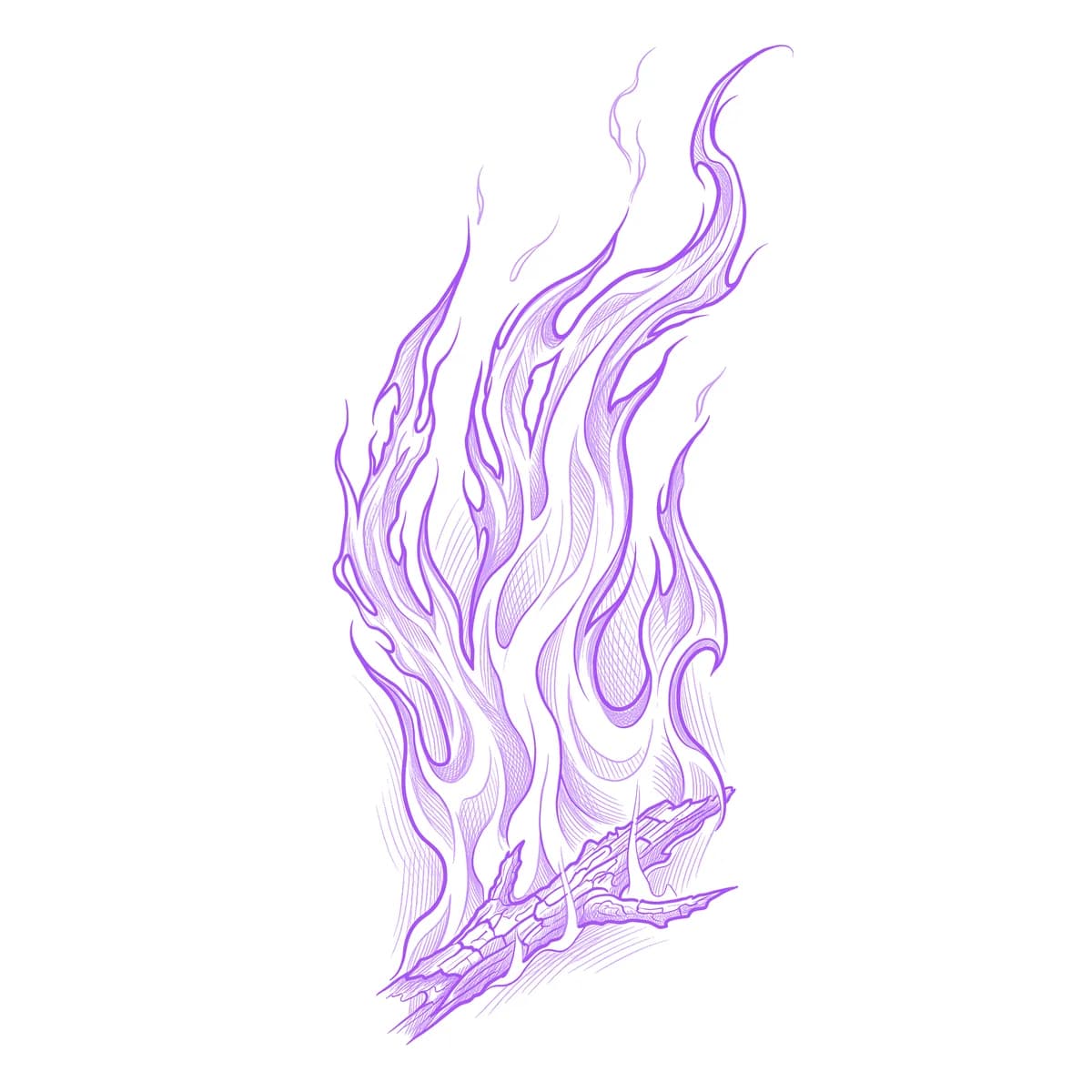
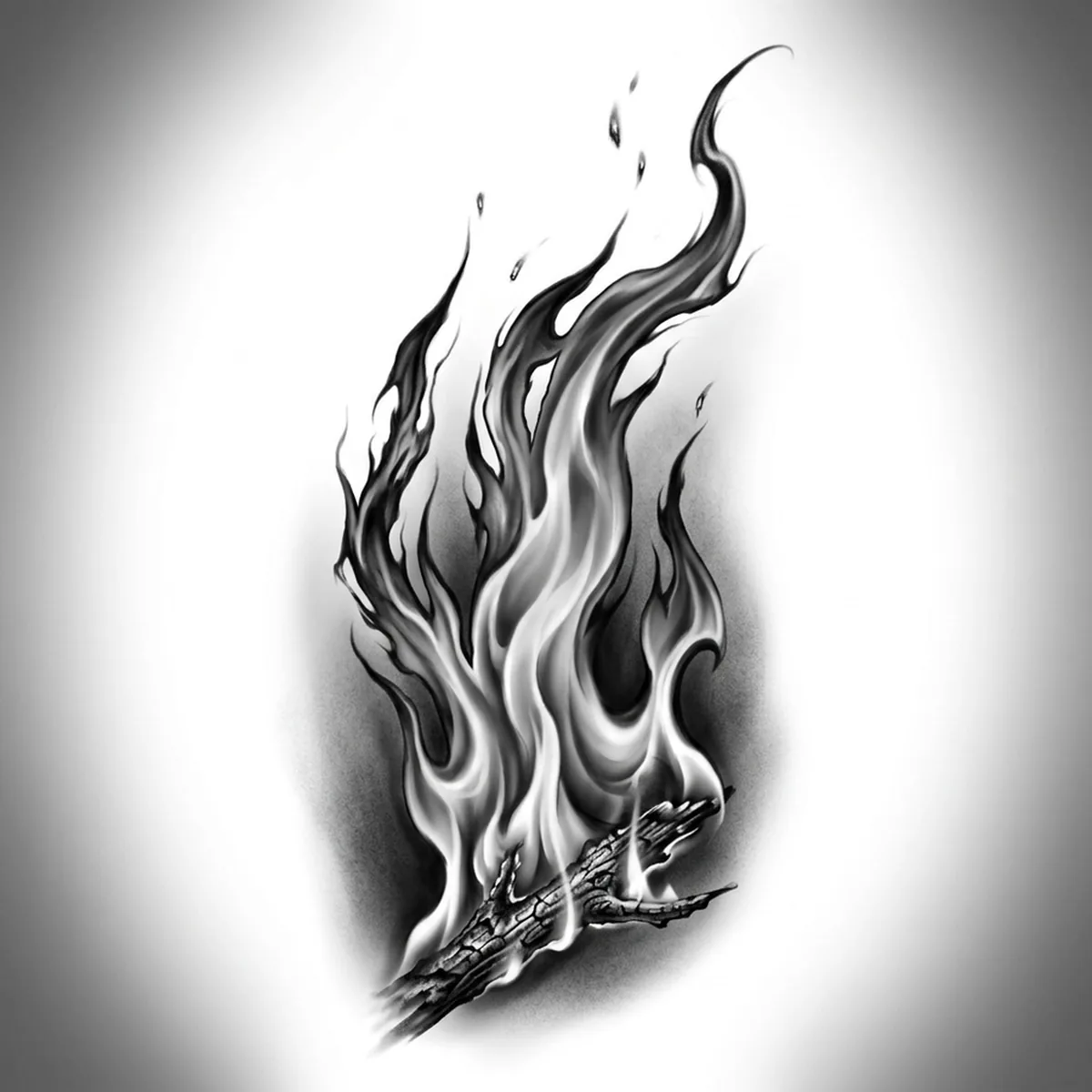
Why Flames works as a realism tattoo
- Each flame tongue tapers to a whipping point, and those varied sharp tips give the silhouette a jagged energy no other subject has.
- Fire's values are inverted — light core, dark edges — which produces a striking stencil where the negative space does the glowing.
- The gaps where flames split and rejoin create pockets of untouched skin inside the design, keeping a large burn from reading as a solid mass.
How to make a flames tattoo stencil
Upload your reference
Choose a realism style
Export & transfer
Placement & sizing
Flames are directional — they climb. Wrap them rising around the forearm or calf, lick them up from the wrist, or run a fire line along the collarbone.
Tips for the best result
- Pick a reference where individual tongues separate cleanly against the dark — a full blaze with no gaps stencils as one bright wall.
- Use Outline for classic traditional-style flames with bold repeated licks; Standard for realistic fire with a glowing tonal core.
- Mind the direction before printing — flames must point away from gravity on the body, and a sideways-mounted flame reads instantly wrong.
Frequently asked questions
What is the best style for a flames tattoo stencil?
Outline for the bold traditional hot-rod flame look; Standard for realistic fire where the core glows through tonal gradients. Hatching suits engraved, woodcut-style fire.
Where should a flames tattoo be placed?
Anywhere the flames can rise along the limb — wrapping up the forearm and climbing the calf are classics. Keep the tips pointing toward the shoulder or knee so the fire burns upward.
Made with the photo-to-stencil tool — turn any photo into a clean, tattoo-ready stencil in seconds.
Make your stencil now
Upload a reference and get a clean, tattoo-ready stencil in seconds.
Try Stencil AITrusted by 5,000+ tattoo artists · ★ 4.7 on the App Store