Photo to Tattoo Stencil
Turn any photo into a clean, tattoo-ready stencil in seconds. Stencil AI is a photo-to-tattoo-stencil converter that enhances contrast, isolates the subject and produces crisp, transferable line work — no design skills needed.
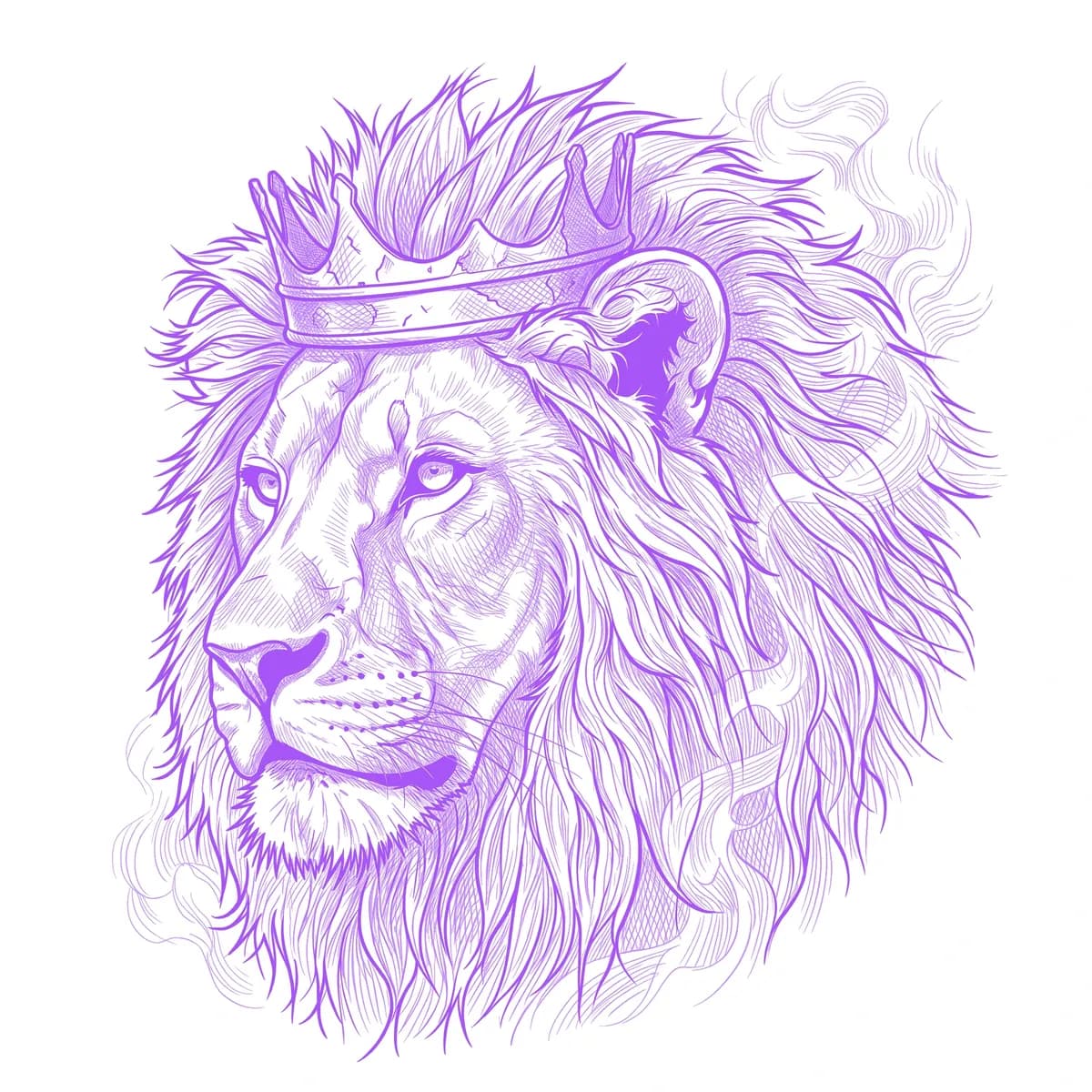
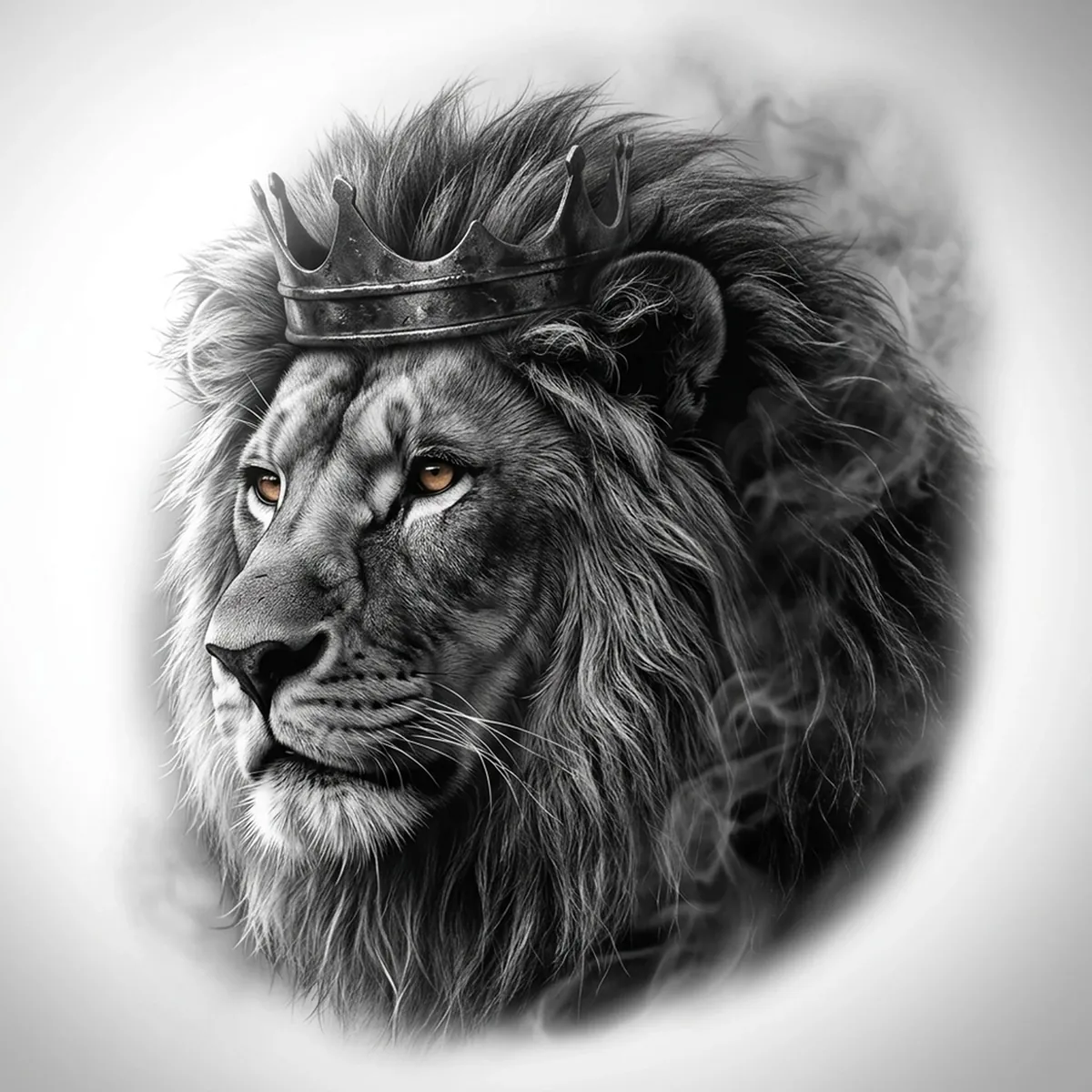
How to turn a photo into a tattoo stencil
Upload your photo
Choose a style
Export & transfer
What photos work best
- High-contrast images with a clear highlight and shadow side.
- A sharp, in-focus subject — portraits, animals, objects and lettering all work.
- A simple or clean background so the subject stands out.
- Good lighting — avoid dark, blurry or heavily filtered photos.
Frequently asked questions
How do I turn a photo into a tattoo stencil?
Upload your photo to Stencil AI, choose a style (Outline, Standard or Hatching), and it converts the photo into a clean, tattoo-ready stencil in seconds. Then download and print it for transfer paper or a thermal printer.
What photos work best for a tattoo stencil?
High-contrast, well-lit photos with a clear subject give the cleanest stencil. Sharp detail and a simple background convert better than dark, blurry or busy images.
Is the photo-to-stencil converter free?
It isn't free, but you don't need a subscription to start — new users get a one-time starter pack of 5 credits for $0.99 to try every style. Credits never expire.
Can I use the stencil commercially?
Yes — all paid plans include full commercial licensing, so you can use the stencils for client work.
Convert your photo now
Upload a photo and get a clean, tattoo-ready stencil in seconds.
Try Stencil AIBrowse tattoo stencils by subject
Looking for ideas? Explore 300+ tattoo stencils by subject — lions, skulls, roses, dragons and more.