Galaxy Tattoo Stencil
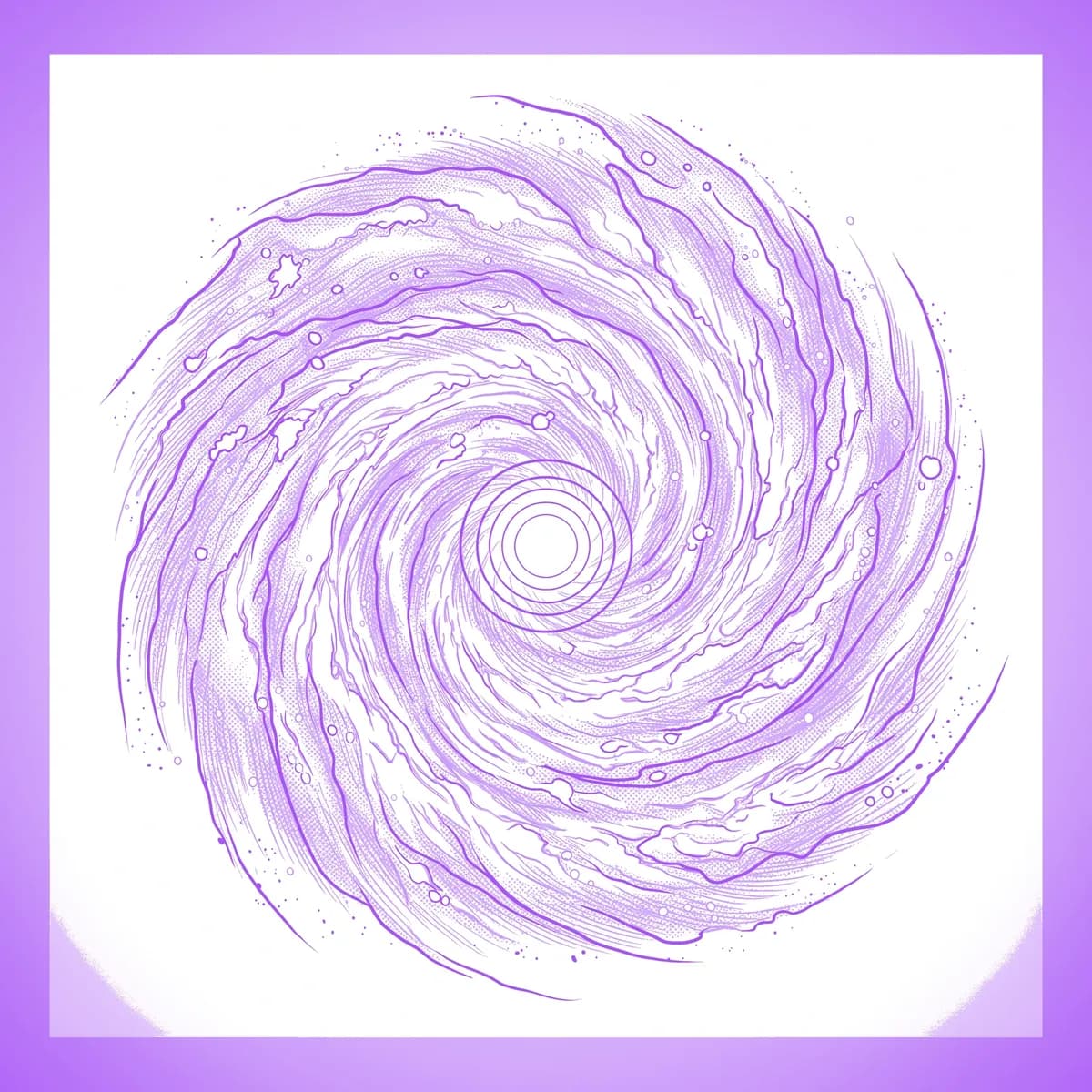
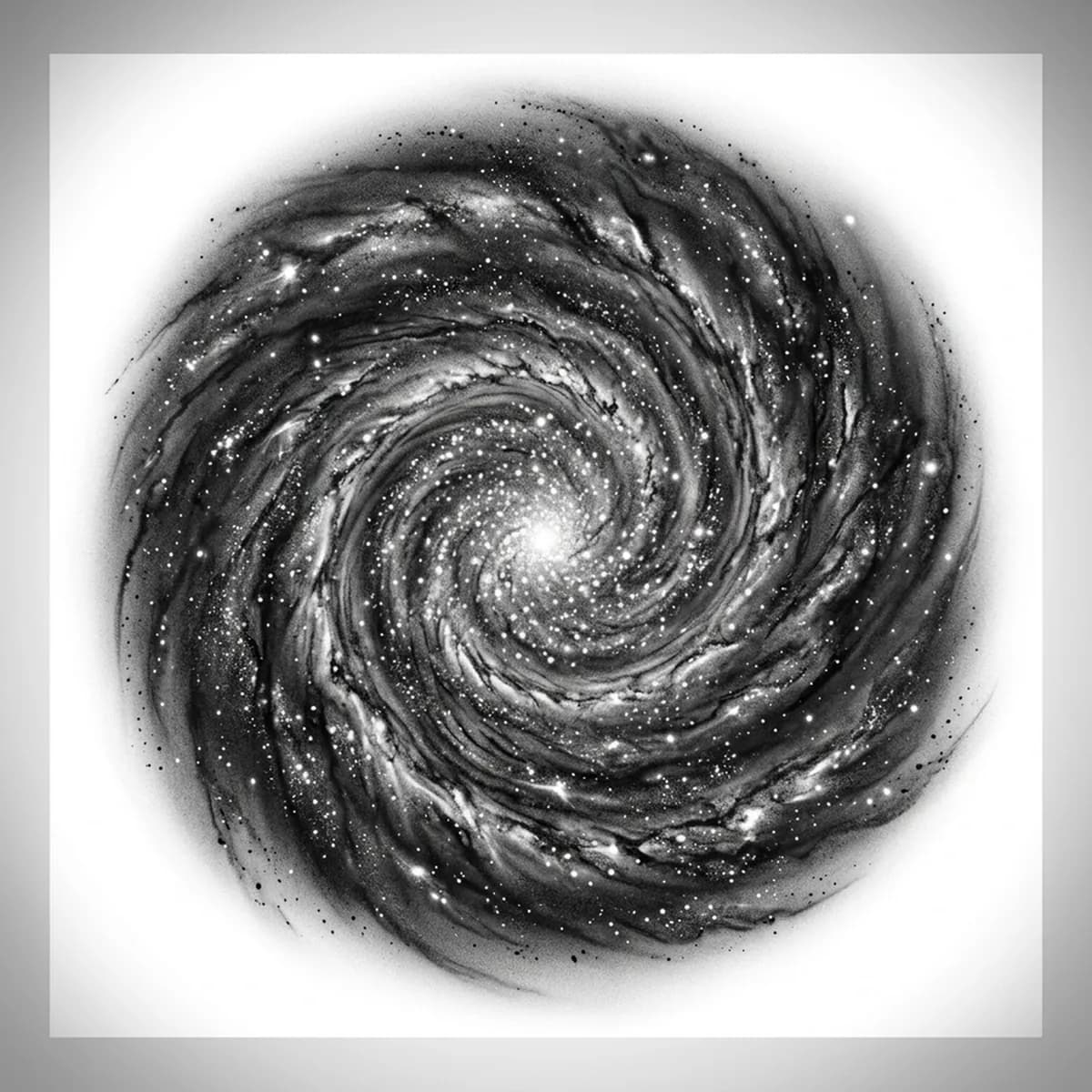
A galaxy is a swirl of light — spiral arms sweeping out from a bright core, scattered with thousands of stars and clouds of nebula haze. The challenge is the gradation: the whole image is soft, with no hard edges, so it depends almost entirely on dotwork, stippling, and smooth tonal blends. Stencil AI keeps the spiral arm flow and the dense stippled star fields when it converts your galaxy reference into transferable line work.
Why Galaxy works as a realism tattoo
- The sweeping spiral arms give the design natural movement that flows beautifully across a curved limb.
- Dense star fields are ideal for dotwork and stippling, which the Standard and Hatching styles use to build depth without hard lines.
- Nebula haze relies on smooth tonal gradation rather than flat black, so the clouds glow softly and recede into deep space.
- A bright concentrated core gives black-and-gray realism a strong focal point against the darker outer reaches.
How to make a galaxy tattoo stencil
Upload your reference
Choose a realism style
Export & transfer
Placement & sizing
A galaxy suits large, flowing placements — the upper arm, thigh, or back, where the spiral can sprawl and the star field has room to fade outward.
Tips for the best result
- Choose a reference where the spiral arms and core are clearly defined so the swirl stays readable rather than turning into noise.
- Use Hatching and stippling for the star fields and nebula gradients; Outline for a cleaner, more graphic spiral.
- Make sure the dark space carries subtle tone in your reference so the stencil grades it rather than dropping to flat black.
Frequently asked questions
What is the best style for a galaxy tattoo stencil?
For a realistic galaxy, Hatching and stippling build the star fields and nebula haze; Standard keeps the spiral smooth. Outline gives a cleaner, more graphic swirl.
How do I render nebula haze in a galaxy stencil?
Use a reference where the haze shows soft tonal shifts. The stencil grades those clouds with dotwork and smooth blends rather than filling them with flat black.
Made with the AI tattoo stencil generator — turn any photo into a clean, tattoo-ready stencil in seconds.
Make your stencil now
Upload a reference and get a clean, tattoo-ready stencil in seconds.
Try Stencil AI