Forest Tattoo Stencil
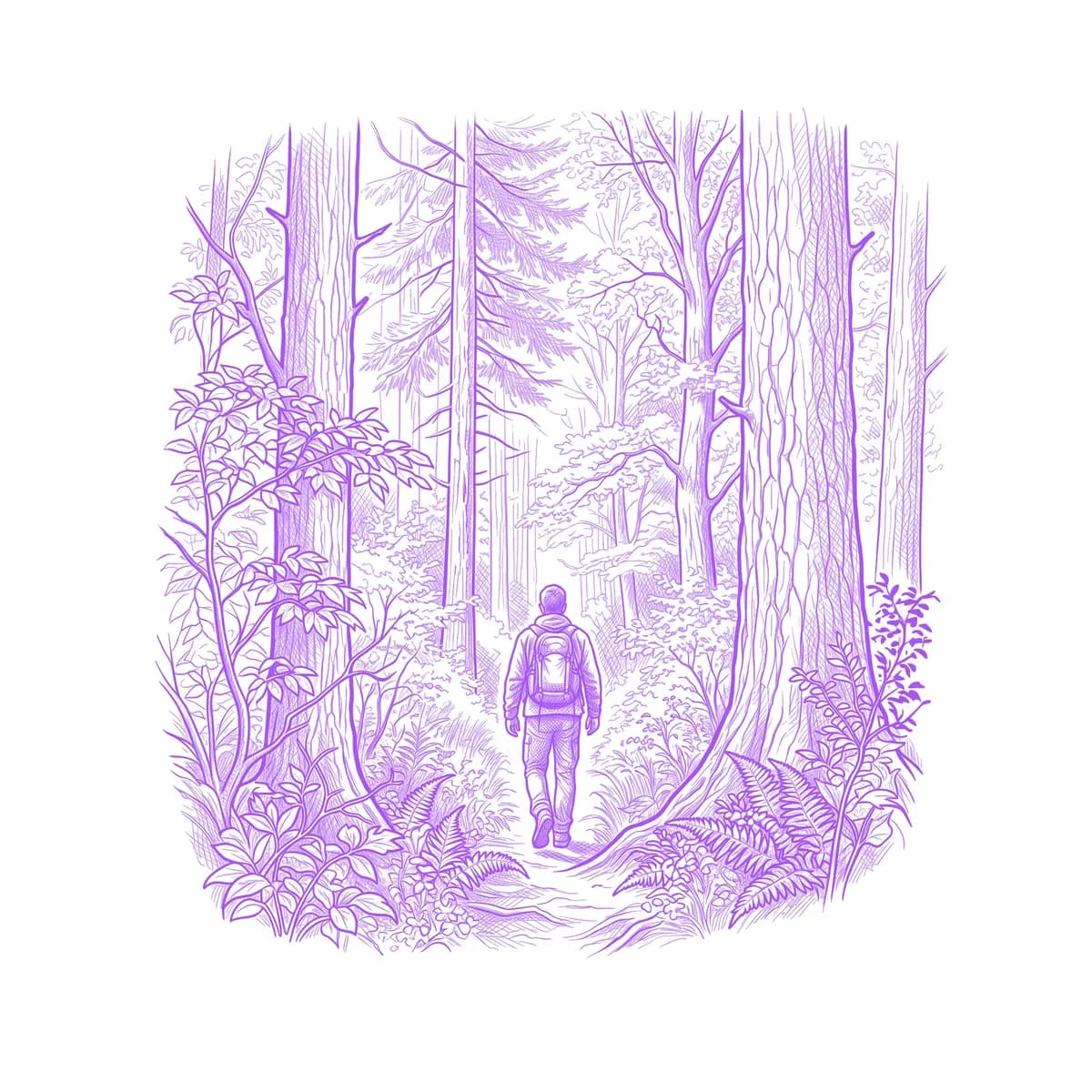
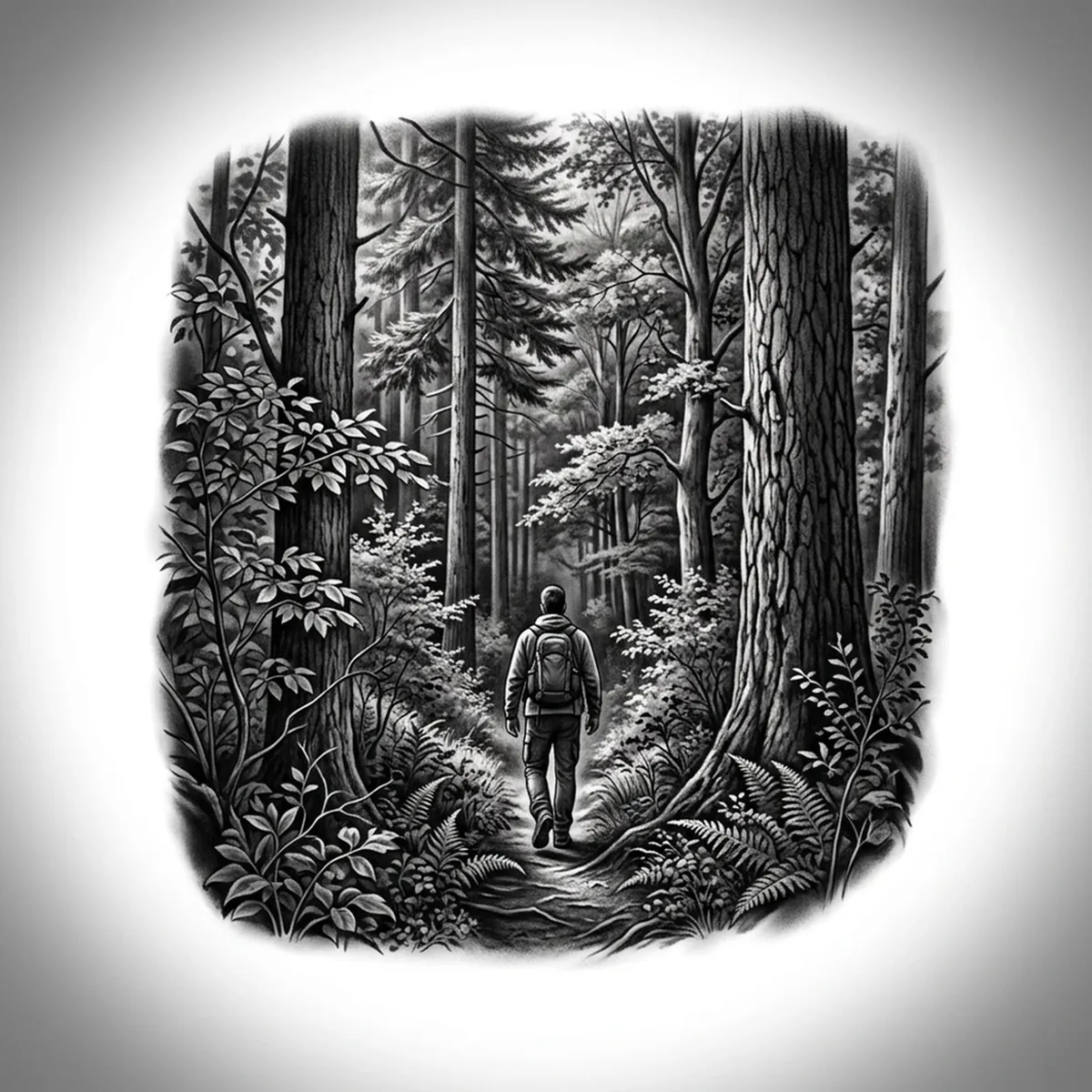
A forest scene lives or dies on depth — rows of trees receding into fog, the near trunks sharp and dark while the far ones fade to soft gray. The challenge is layering: too much detail in the distance kills the sense of space, and flat black flattens the whole tree line into a silhouette. Stencil AI preserves the layered value falloff and the crisp foreground trunks when it turns your forest reference into transferable line work.
Why Forest works as a realism tattoo
- Receding tree lines give the Standard and Hatching styles a natural depth ladder, with dark near trunks fading to pale, misty distance.
- Tall vertical trunks create a strong rhythm of lines that reads cleanly and follows the shape of a limb.
- Misty atmosphere between the layers calls for soft tonal gradation rather than flat black, keeping the scene airy and deep.
- Detailed foreground undergrowth contrasts with the simplified background, anchoring the eye and selling the perspective.
How to make a forest tattoo stencil
Upload your reference
Choose a realism style
Export & transfer
Placement & sizing
A forest scene suits long vertical placements — wrapping the forearm, climbing the calf, or running down the spine, where the tree line can recede along the limb.
Tips for the best result
- Choose a reference with visible fog or haze between the tree layers so the stencil can build depth instead of one flat wall of trees.
- Use Hatching for the layered tonal depth and misty distance; Outline for a cleaner, more graphic stand of trees.
- Pick a shot with a few sharp, dark foreground trunks to anchor the scene against the softer background.
Frequently asked questions
What is the best style for a forest tattoo stencil?
For a realistic forest, Hatching or Standard build the layered depth and misty falloff. Outline gives a cleaner, more graphic tree line with crisp trunks.
How do I keep depth in a forest tattoo stencil?
Use a reference with haze between the tree layers so the far trees read paler than the near ones. The stencil preserves that value falloff so the scene feels deep rather than flat.
Made with the photo-to-stencil tool — turn any photo into a clean, tattoo-ready stencil in seconds.
Make your stencil now
Upload a reference and get a clean, tattoo-ready stencil in seconds.
Try Stencil AI