Lion Tattoo Stencil
The lion is the classic statement of strength, and it's one of the most rewarding subjects for black-and-gray realism. The hard part is the mane — hundreds of overlapping strands and deep shadow that have to stay readable once transferred to skin. Stencil AI turns a high-detail lion reference into clean, tattoo-ready line work without flattening the fur into a solid black mass.
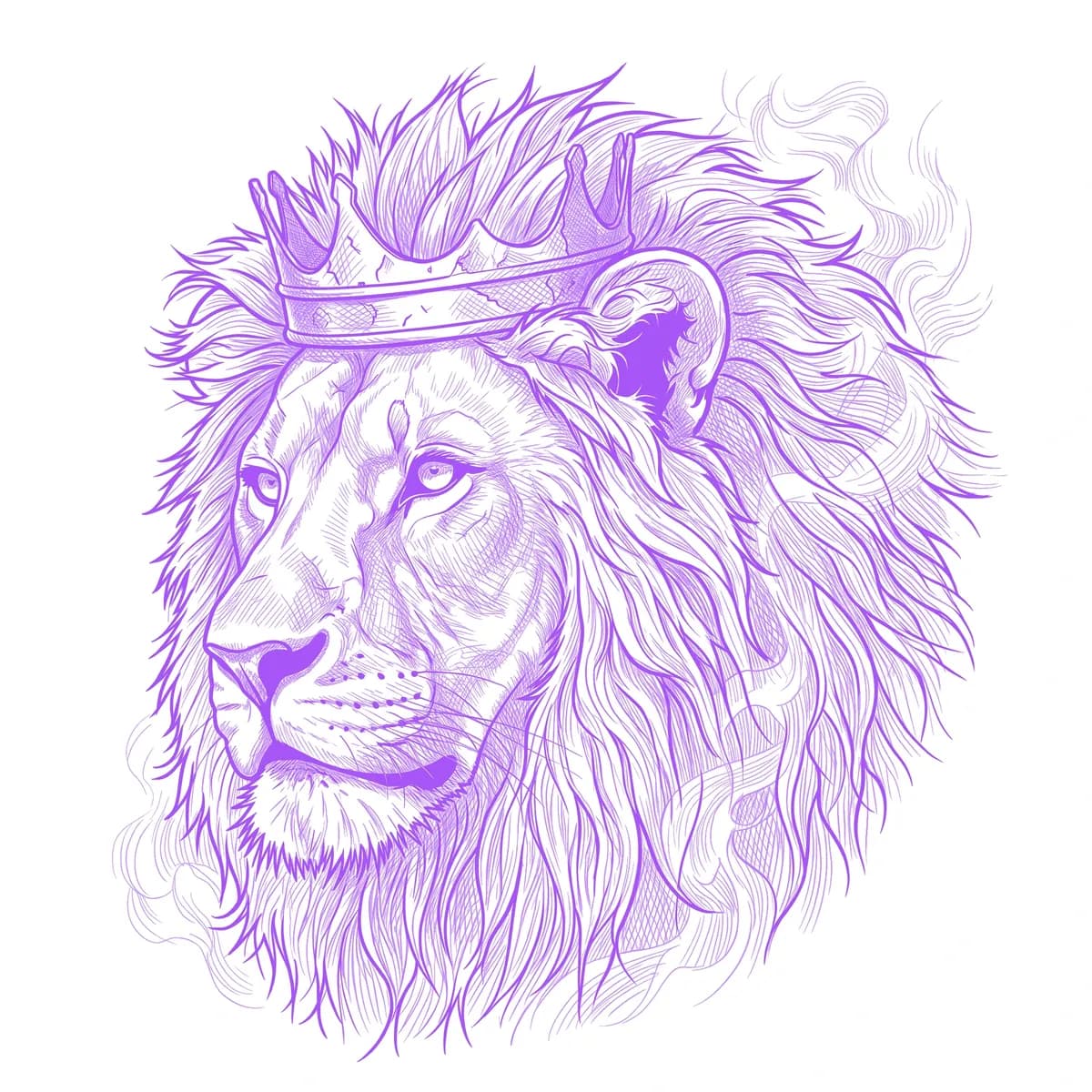
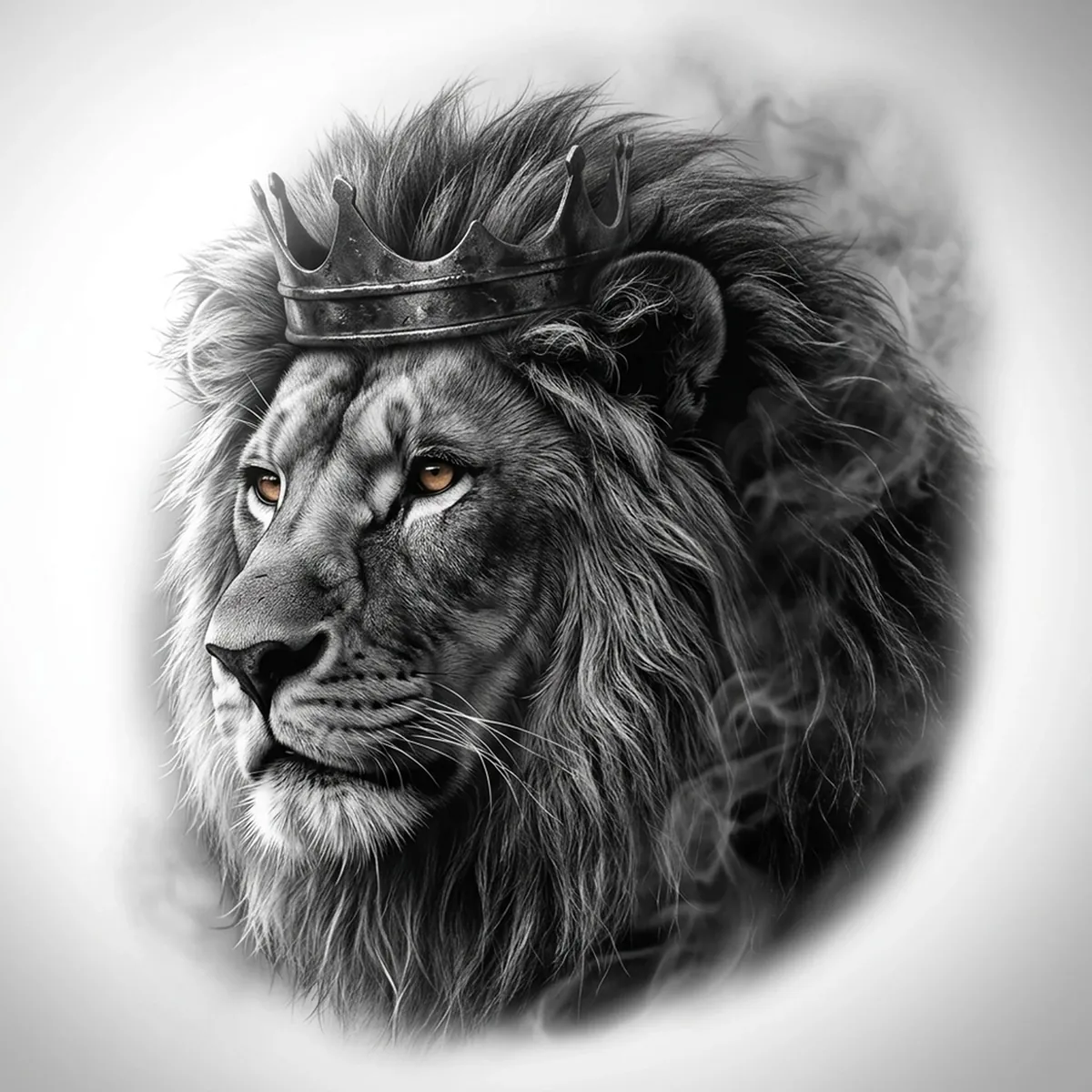
Why Lion works as a realism tattoo
- A lion's mane gives the realism styles (Standard and Hatching) plenty of flowing texture, so the stencil keeps depth instead of collapsing into a dark blob.
- Strong directional light on the face reads clearly at tattoo scale — the eyes and muzzle stay sharp.
- It scales cleanly from a forearm piece up to a full back or chest panel.
How to make a lion tattoo stencil
Upload your reference
Choose a realism style
Export & transfer
Placement & sizing
Lions look best where the mane has room to breathe — outer forearm, upper arm, chest, or as a centerpiece on the back.
Tips for the best result
- Pick a reference where the light hits one side of the face so the stencil has clear highlight and shadow zones.
- Use Hatching for a portrait-grade mane; Outline if you want a bolder, simpler graphic lion.
- Avoid references where the mane disappears into pure black — visible texture in the darks is what keeps a lion stencil from muddying.
Frequently asked questions
What is the best style for a lion tattoo stencil?
For a realistic lion, Hatching or Standard preserve the mane depth and facial detail. Outline gives a cleaner, bolder look for a simpler graphic piece.
Will a lion stencil keep the mane detail?
Yes — as long as your reference has visible texture and light variation in the fur rather than a flat black mane, the stencil keeps strand detail and highlights.
Made with the photo-to-stencil tool — turn any photo into a clean, tattoo-ready stencil in seconds.
Make your stencil now
Upload a reference and get a clean, tattoo-ready stencil in seconds.
Try Stencil AI