Anaconda Tattoo Stencil
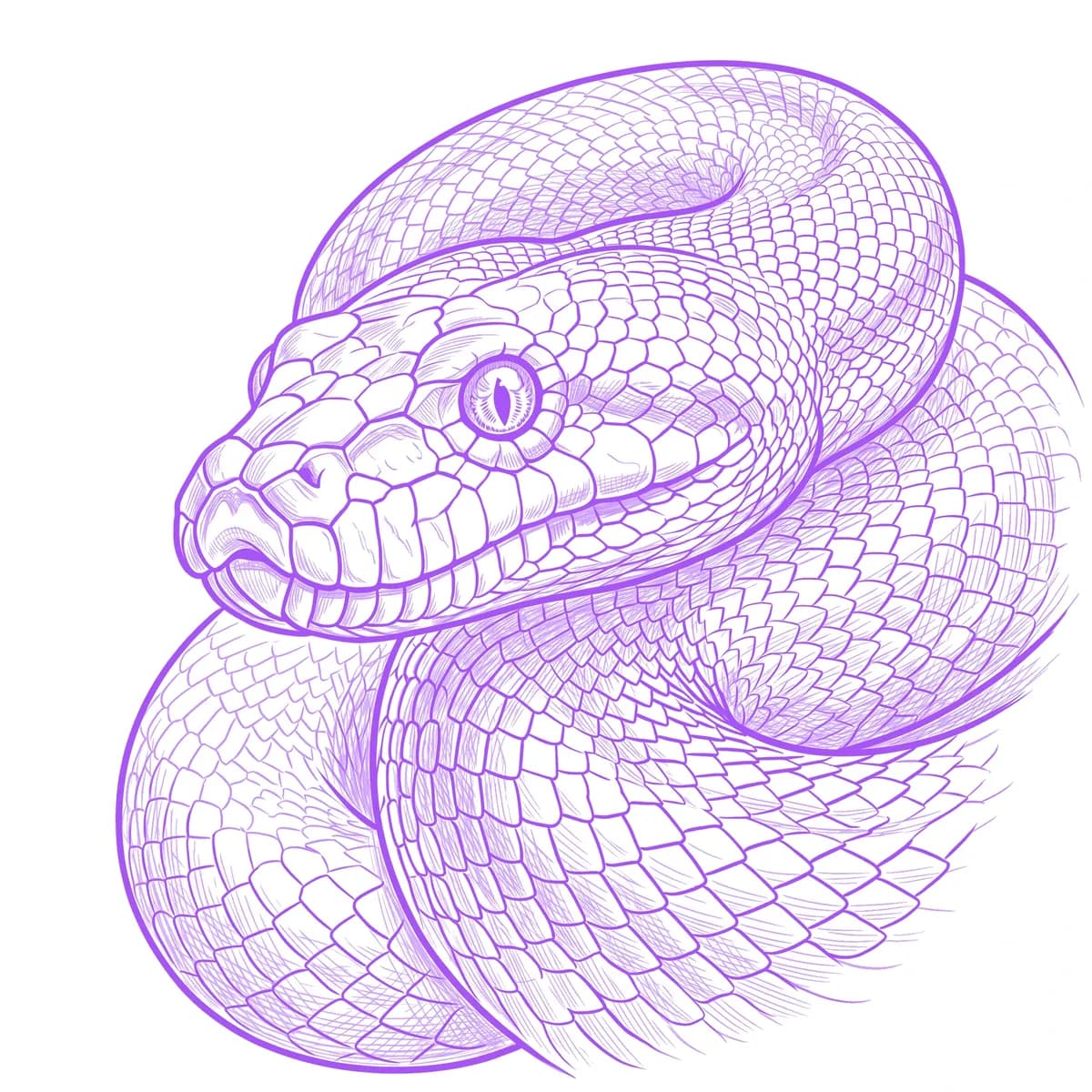
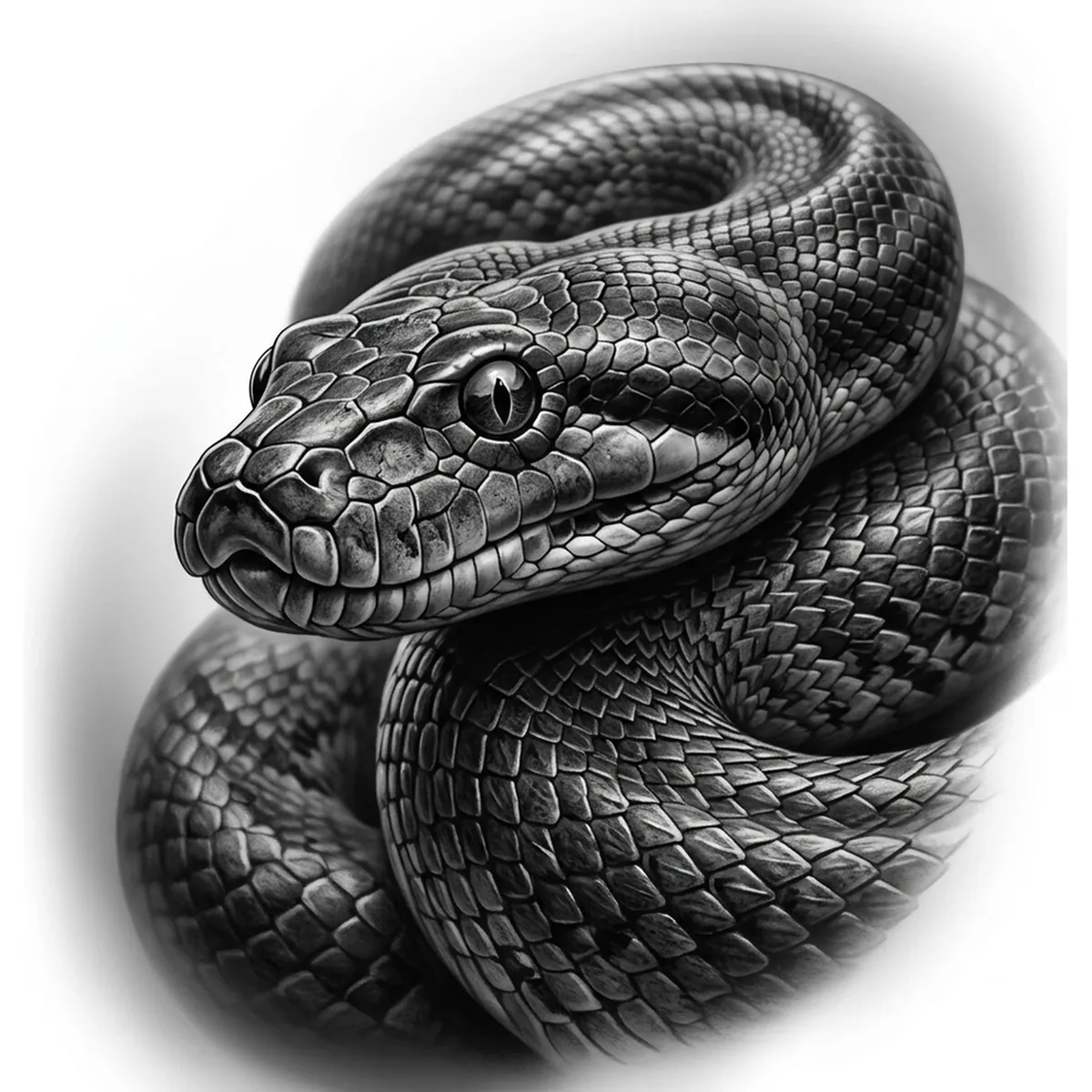
An anaconda is sheer bulk: the heaviest of snakes, with a thick low body marked by rows of dark oval blotches and high-set eyes for lurking in water. The smooth scales often glisten with a wet, muddy sheen. The challenge is conveying that enormous girth and the slick, water-darkened skin while each scale and blotch stays defined across the coils, which Stencil AI maps from your reference.
Why Anaconda works as a realism tattoo
- The massive girth gives the stencil an overwhelming sense of mass that dominates a large limb.
- The rows of dark oval blotches read boldly in black-and-gray and flow along the heavy body.
- The wet, glistening scales catch broad highlights that Standard and Hatching turn into a slick, aquatic sheen.
- An anaconda scales from a forearm wrap up to a full thigh, back or sleeve composition.
How to make a anaconda tattoo stencil
Upload your reference
Choose a realism style
Export & transfer
Placement & sizing
An anaconda suits a large wrapping canvas where its heavy coils can wind — calf, thigh, back, or a full sleeve.
Tips for the best result
- Pick a reference where light glints off the wet scales so the skin reads as slick and water-darkened.
- Use Standard for the oval blotch pattern and Hatching to deepen the coils and give them mass.
- Choose a shot with the high-set eyes and blunt head clearly lit so the face stays detailed.
Frequently asked questions
What is the best style for an anaconda tattoo stencil?
Standard suits the glistening scales and oval pattern, while Hatching adds depth and mass to the heavy coils. Outline gives a bolder, more graphic snake.
Will an anaconda stencil keep the wet, scaled look?
Yes — if your reference shows light glinting off the scales, the stencil preserves that slick sheen along with the oval blotches across the heavy body.
Made with the photo-to-stencil tool — turn any photo into a clean, tattoo-ready stencil in seconds.
Make your stencil now
Upload a reference and get a clean, tattoo-ready stencil in seconds.
Try Stencil AI