Bear Tattoo Stencil
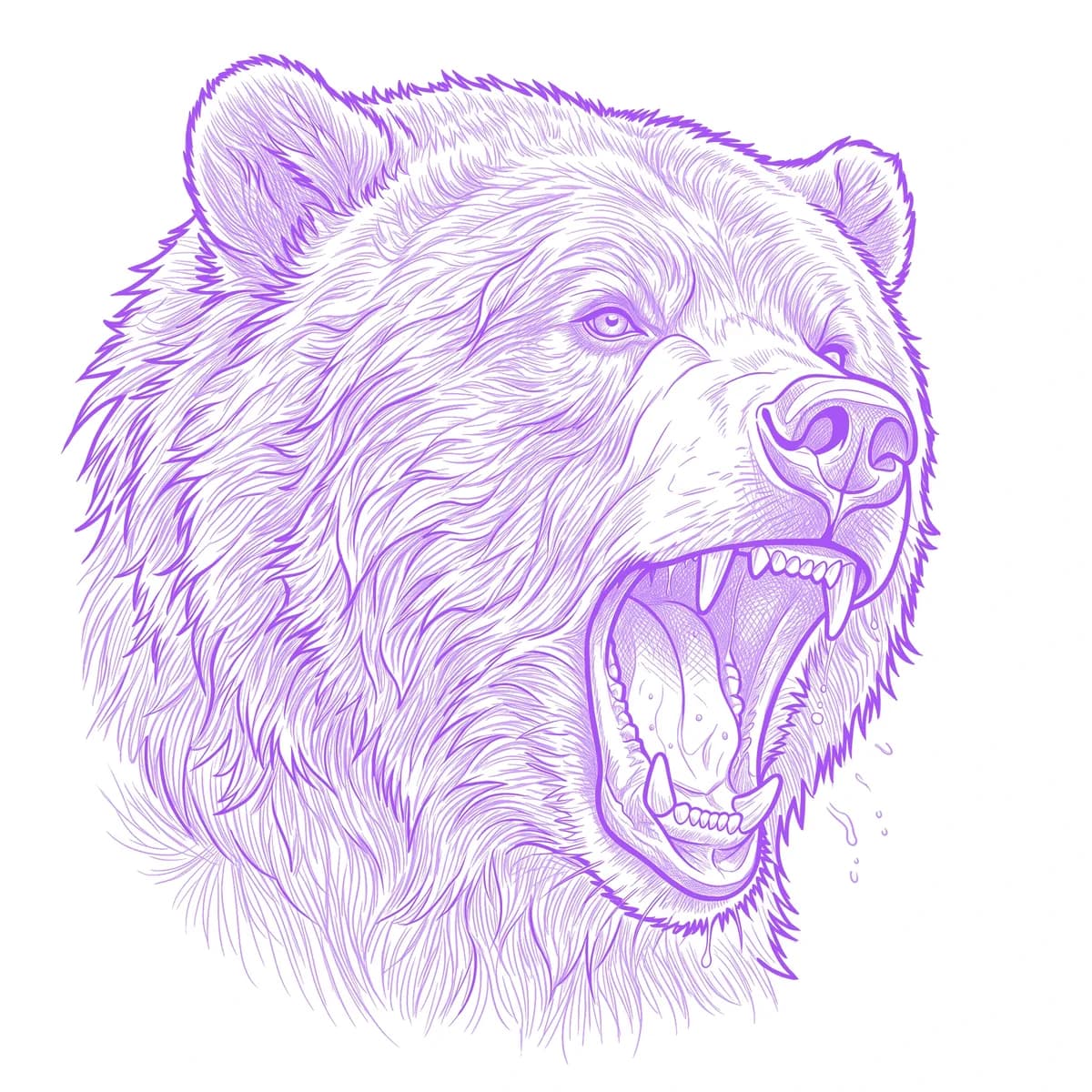
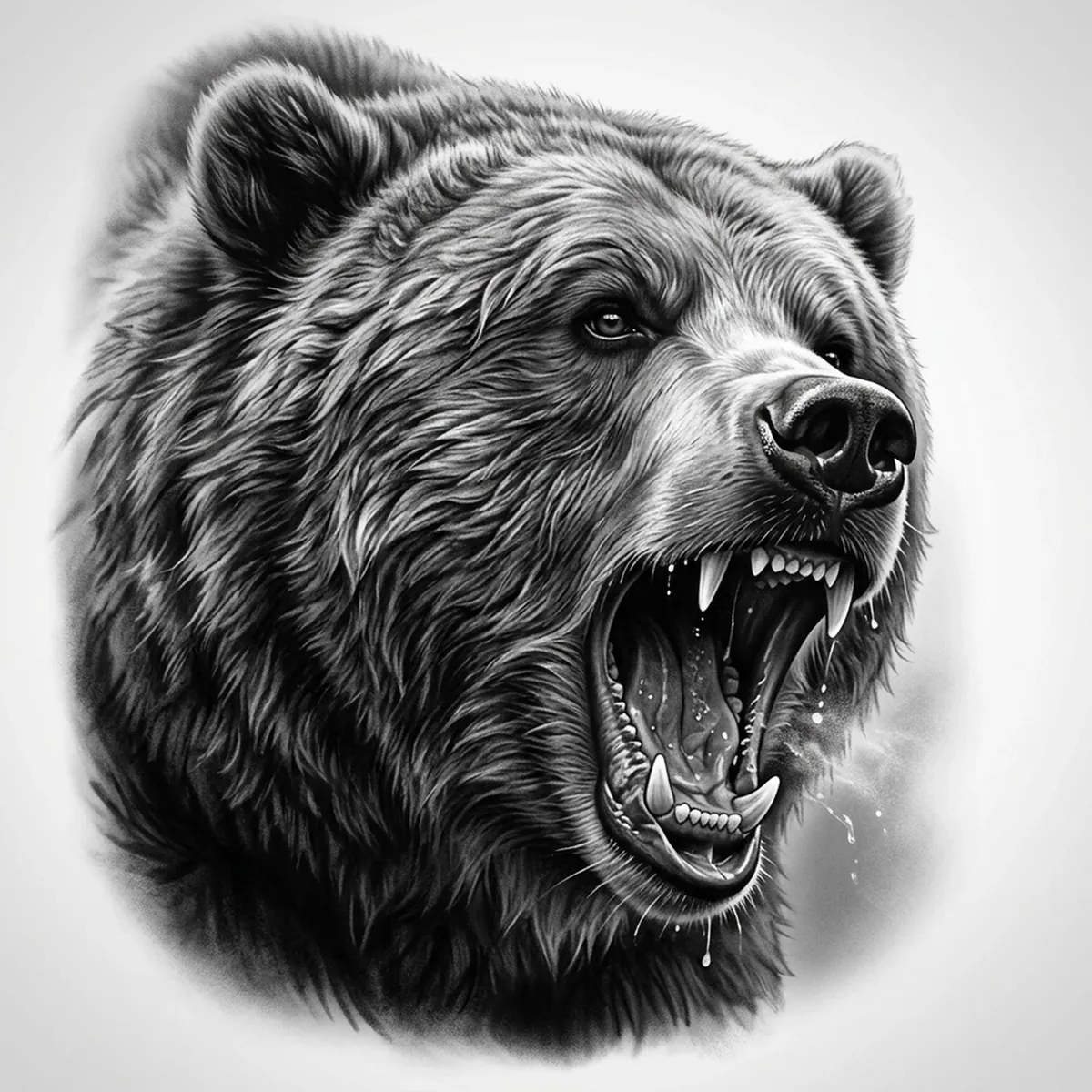
A bear reads as raw power, but it's a tricky subject for a stencil because most of the animal is dense, dark fur. Get it wrong and the whole shoulder turns into a black blob. The trick is keeping the coat broken into clumps and strands while the bared teeth and wet nose hold the brightest highlights. Stencil AI converts a high-detail grizzly reference into transferable line work that keeps that fur texture intact.
Why Bear works as a realism tattoo
- A grizzly coat is thick and clumped rather than flowing, so the realism styles (Standard and Hatching) translate it into layered tonal texture instead of one solid dark mass.
- The open roaring jaw gives you a strong focal point — bared teeth, gums and tongue read clearly at tattoo scale.
- The wet nose and eye catch crisp highlights that anchor the face and keep the bear from looking flat.
- A bear scales well from a calf or outer arm piece up to a large shoulder or back panel.
How to make a bear tattoo stencil
Upload your reference
Choose a realism style
Export & transfer
Placement & sizing
Bears work best where the bulk of the shoulders and head have room — outer upper arm, shoulder cap, calf, or a large back or chest piece.
Tips for the best result
- Choose a reference where the light rakes across the fur so each clump casts its own small shadow, giving the stencil texture to grab.
- Use Hatching for a portrait-grade matted coat; Outline for a bolder, simpler graphic bear.
- Avoid references where the body sinks into pure black shadow — visible streaks and clumps in the darks are what stop a bear stencil from muddying.
Frequently asked questions
What is the best style for a bear tattoo stencil?
For a realistic grizzly, Hatching or Standard hold the matted fur depth and the detail in the open jaw. Outline gives a cleaner, bolder bear for a simpler graphic piece.
Will a bear stencil keep the fur and teeth detail?
Yes — if your reference shows the coat as distinct clumps with light variation and the teeth and nose catching highlights, the stencil preserves that texture rather than flattening the body into black.
Made with the photo-to-stencil tool — turn any photo into a clean, tattoo-ready stencil in seconds.
Make your stencil now
Upload a reference and get a clean, tattoo-ready stencil in seconds.
Try Stencil AI