Griffin Tattoo Stencil
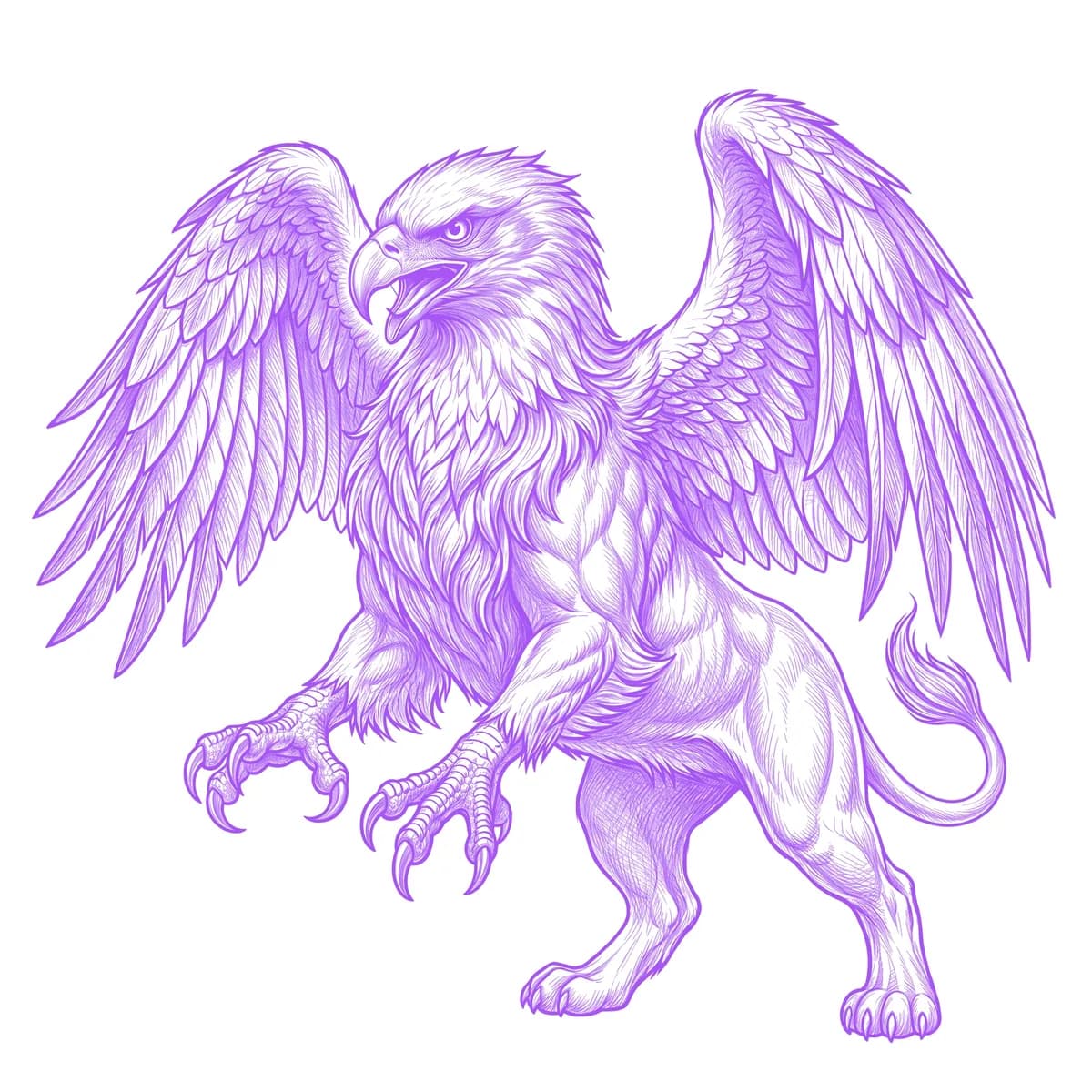
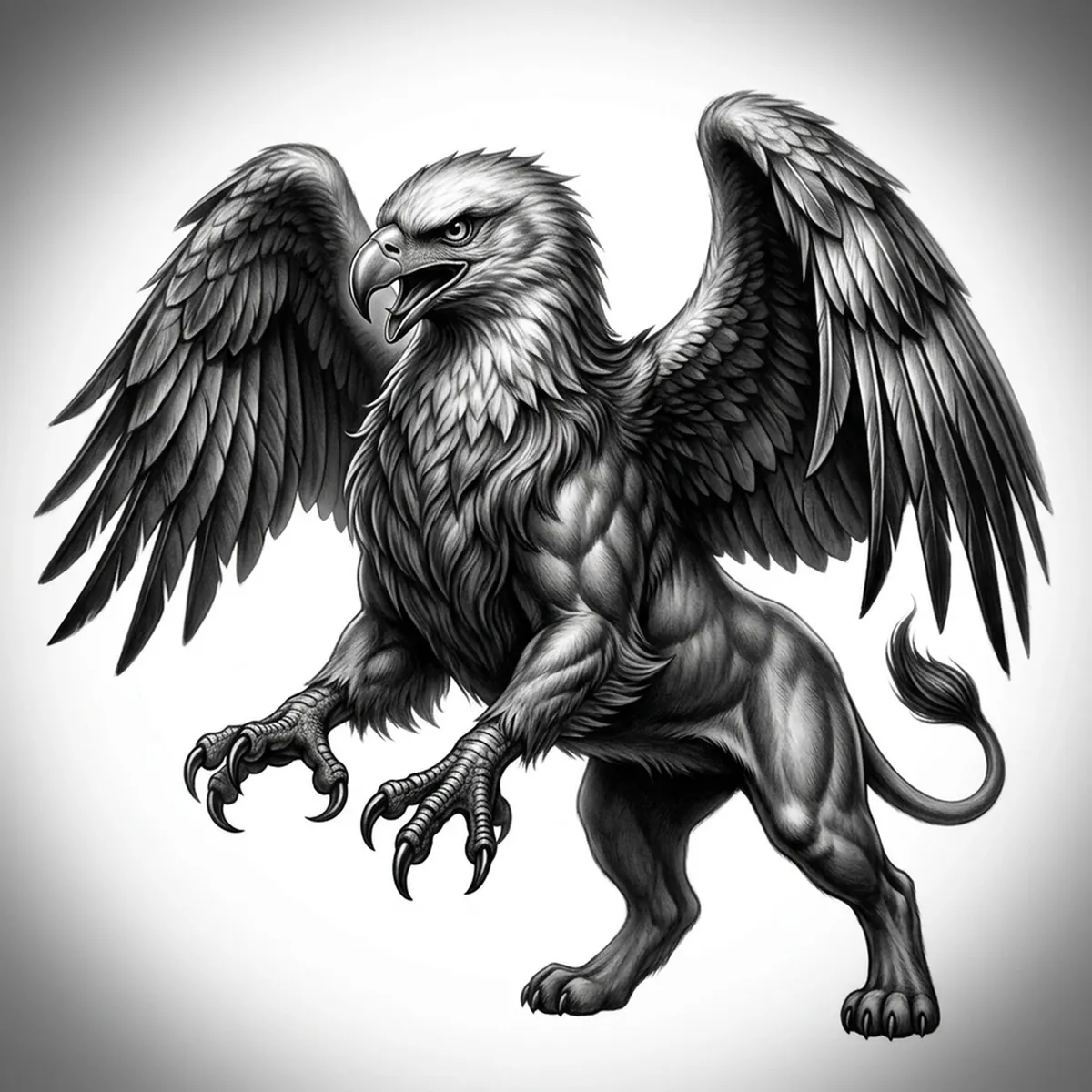
A griffin is a deliberate clash of two animals: the feathered head, wings, and talons of an eagle joined to the furred, muscular hindquarters of a lion. The stencil has to switch textures at the midsection — crisp overlapping feathers up front, soft directional fur behind — without the seam turning to mush. Stencil AI keeps the feather edges sharp and the lion coat flowing so both halves of the beast stay legible.
Why Griffin works as a realism tattoo
- The eagle feathers give the realism styles (Standard and Hatching) crisp overlapping edges, so the wings and chest read as plumage rather than a flat shape.
- The lion hindquarters bring soft directional fur, providing a satisfying texture contrast against the feathers.
- The hooked beak and sharp eye create a strong focal point at the head that holds up well at tattoo scale.
- Curved talons and a tufted tail give crisp graphic accents that frame the softer fur and feather fields.
How to make a griffin tattoo stencil
Upload your reference
Choose a realism style
Export & transfer
Placement & sizing
A griffin suits long flowing space where the wings and body can stretch — a full sleeve, a calf, or a back panel with the wings spread toward the shoulders.
Tips for the best result
- Choose a reference with one clear light source so both the feather edges and the lion fur get crisp highlight-and-shadow definition.
- Use Hatching for the feather and fur depth; Outline for a bolder, more graphic Griffin.
- Make sure the feathers and fur stay separated where they meet so the stencil keeps the eagle-lion seam instead of blending it.
Frequently asked questions
What is the best style for a Griffin tattoo stencil?
Hatching or Standard preserve the crisp feathers and the soft lion fur together. Outline gives a cleaner, bolder graphic Griffin for a simpler piece.
Will the feathers and fur stay defined in the stencil?
Yes — as long as your reference lights both textures clearly and keeps them separated, the stencil holds the eagle plumage and the lion coat without merging them.
Made with the tattoo stencil maker — turn any photo into a clean, tattoo-ready stencil in seconds.
Make your stencil now
Upload a reference and get a clean, tattoo-ready stencil in seconds.
Try Stencil AI