Grim Reaper Tattoo Stencil
The grim reaper is a trap for stencils because the obvious move — a solid black hood — is exactly what kills the tattoo. The whole piece depends on the dark cloak still reading as draped cloth, with folds, frays and highlight ridges, against the pale skull inside. Stencil AI keeps tonal variation in the darks so the hood looks like fabric instead of a featureless silhouette once it transfers to skin.
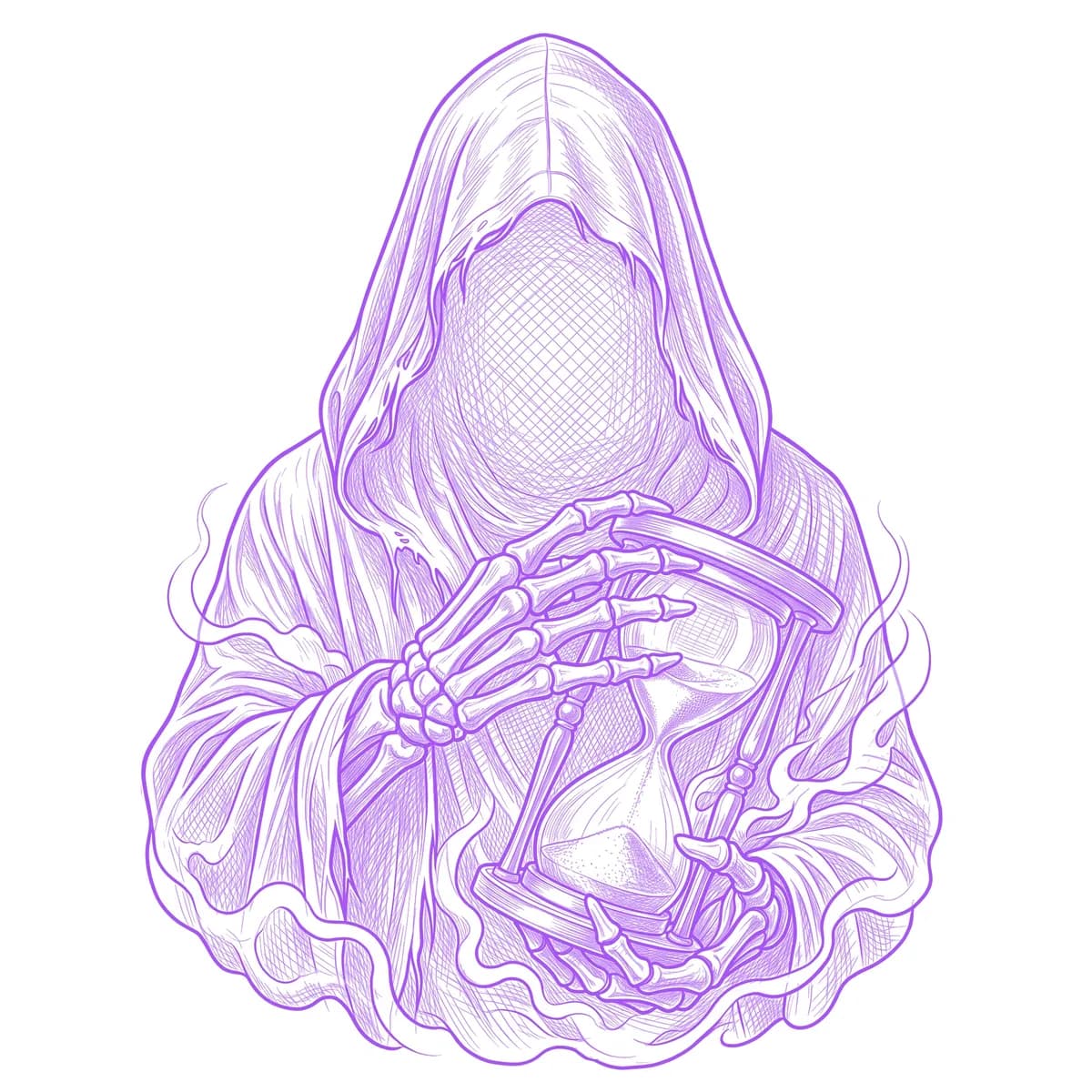
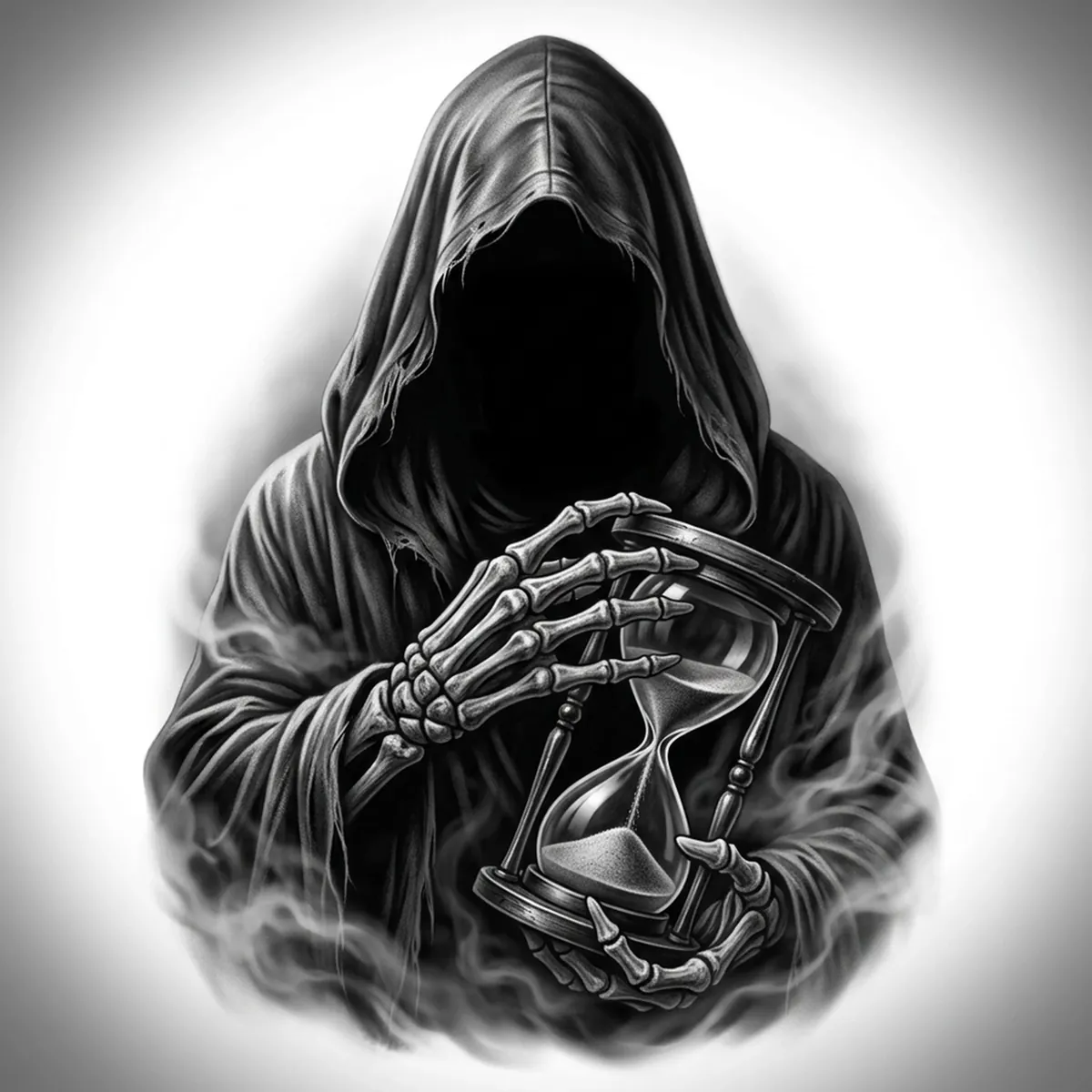
Why Grim Reaper works as a realism tattoo
- The folds and frayed edges of the cloak give the realism styles (Standard and Hatching) texture to grab, so the hood keeps its draped shape instead of becoming a flat black blob.
- The pale skull and hourglass give a built-in bright focal point against the dark robe — high contrast that survives at tattoo scale.
- Low fog around the base creates soft negative space that grounds the figure and frames the cloak.
How to make a grim reaper tattoo stencil
Upload your reference
Choose a realism style
Export & transfer
Placement & sizing
The reaper suits tall, narrow space — the outer forearm, the calf, or a vertical upper-arm panel where the hood and falling cloak can run the length of the limb.
Tips for the best result
- Choose a reference where light rakes across the hood so the fabric folds catch highlights — that is what stops the cloak going flat black.
- Use Hatching for full cloth-and-bone realism; Outline for a bolder, more graphic reaper.
- Check the deepest hood shadows in your reference — if they crush to pure black there, the stencil loses the fold detail that makes the cloak believable.
Frequently asked questions
What is the best style for a grim reaper tattoo stencil?
Hatching or Standard keep the cloak folds and skull detail alive. Outline gives a cleaner, bolder reaper for a simpler graphic piece.
Will the black hood keep its detail in the stencil?
Yes — as long as your reference shows fold texture and highlight ridges in the hood rather than a flat black mass, the stencil preserves the draped-cloth look instead of a solid silhouette.
Made with the photo-to-stencil tool — turn any photo into a clean, tattoo-ready stencil in seconds.
Make your stencil now
Upload a reference and get a clean, tattoo-ready stencil in seconds.
Try Stencil AI