Geisha Tattoo Stencil
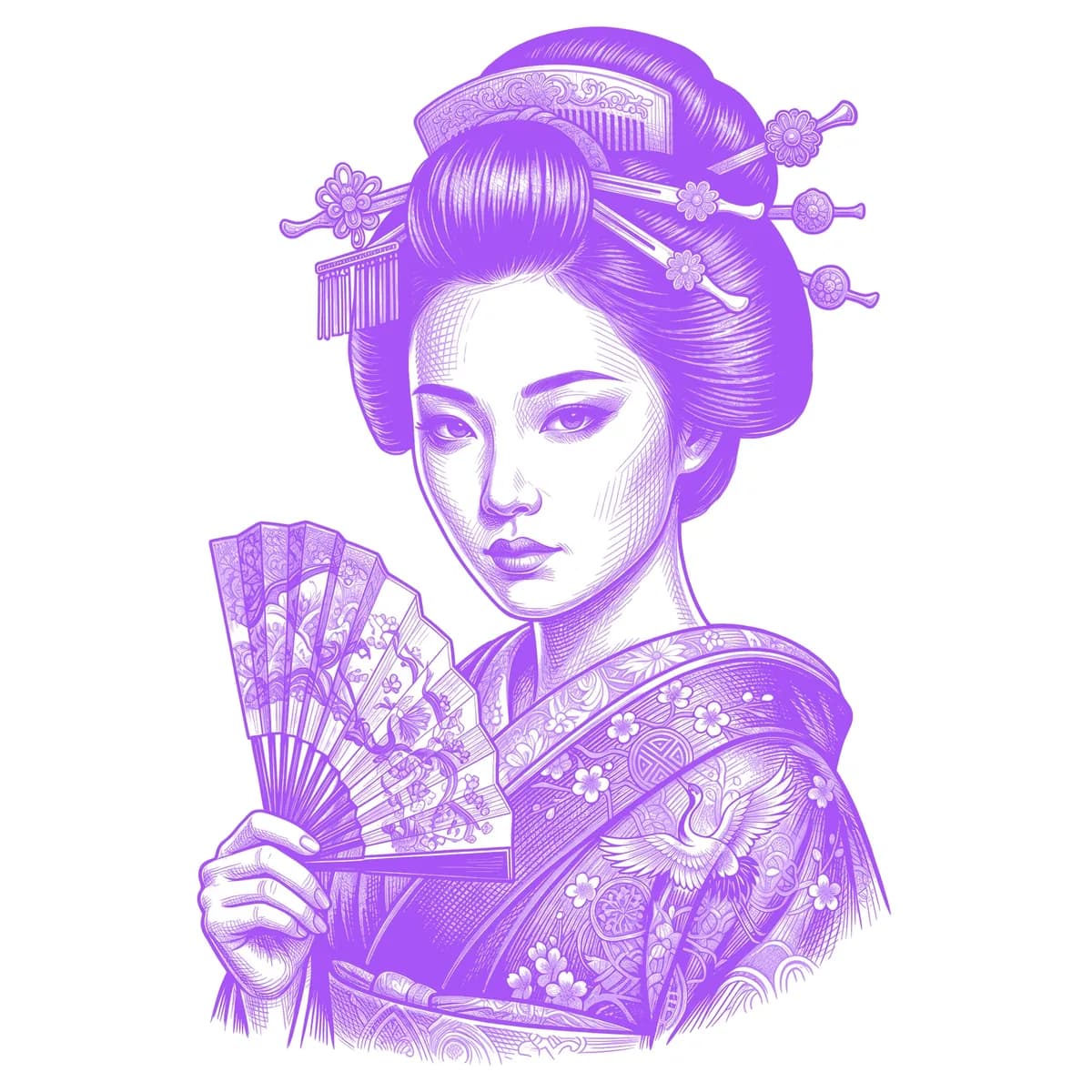
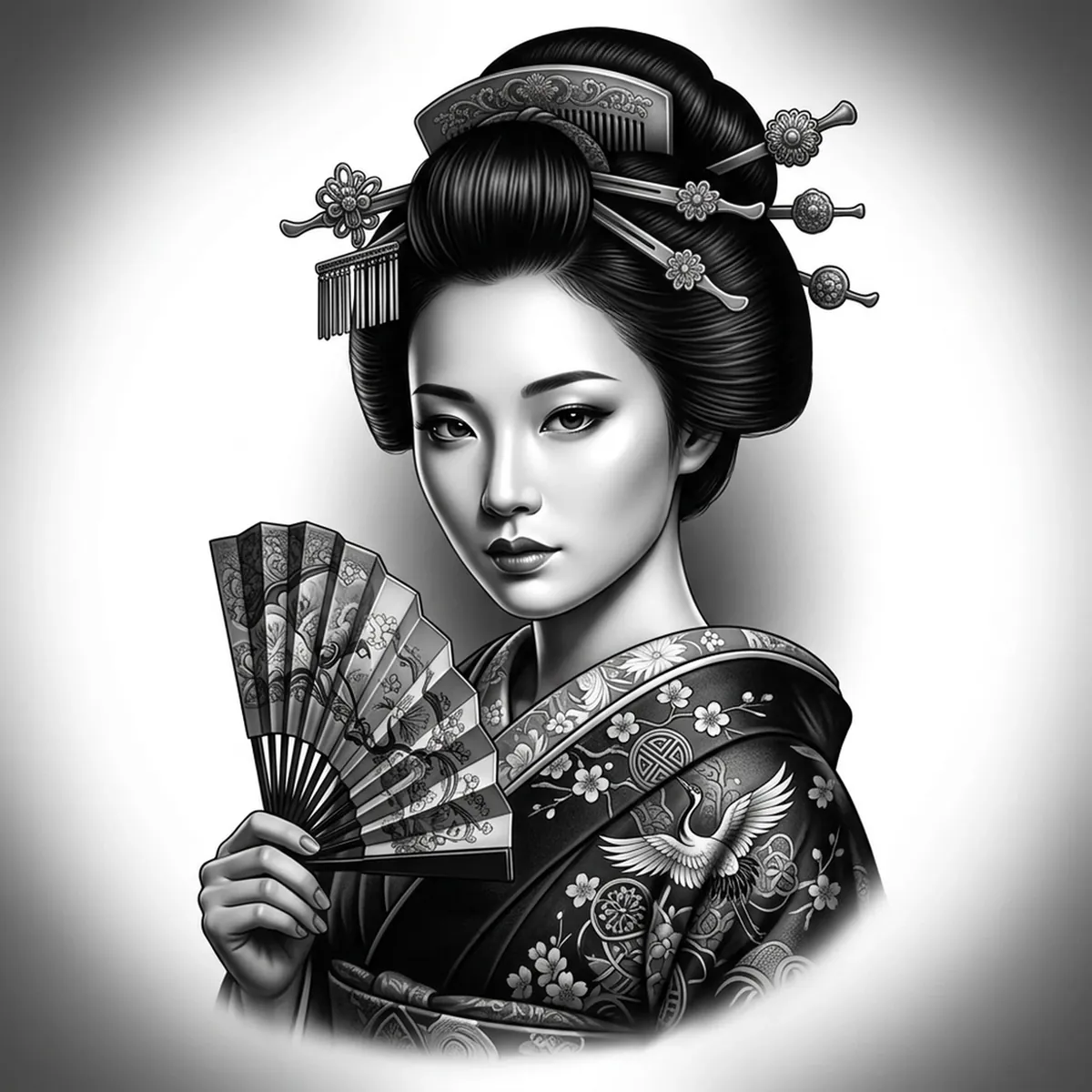
A geisha tattoo lives or dies on the face — porcelain-smooth skin that has to read as a likeness without any harsh lines, surrounded by busy detail in the hair pins, fan, and patterned kimono. That contrast between soft and intricate is exactly what trips up a hand-traced stencil. Stencil AI keeps the gentle facial gradients clean while preserving the fine ornament around them.
Why Geisha works as a realism tattoo
- Realism styles (Standard and Hatching) hold the subtle tonal shifts of smooth skin, so the face reads as a portrait rather than a flat mask.
- The ornate kanzashi pins, beaded ornaments and kimono pattern give the stencil crisp detail zones that frame the soft face beautifully.
- A single soft light source keeps clear highlight and shadow regions on the cheekbones and jaw, which transfer cleanly to skin.
How to make a geisha tattoo stencil
Upload your reference
Choose a realism style
Export & transfer
Placement & sizing
A geisha portrait suits a vertical canvas — outer forearm, upper arm, calf, or running down the thigh where the hair ornaments and kimono have length to unfold.
Tips for the best result
- Choose a reference with soft, even light on the face — clean highlight and shadow zones are what keep a realistic portrait from looking muddy or off-likeness.
- Use Standard or Hatching for the skin; the patterned kimono and hairpins benefit from the extra tonal range.
- Avoid references where the hair collapses into pure black — visible strand and pin detail in the darks keeps the ornament from blurring together.
Frequently asked questions
What is the best style for a geisha tattoo stencil?
For a realistic geisha portrait, Standard or Hatching preserve the soft skin gradients and the fine detail in the hairpins and kimono. Outline gives a cleaner, more graphic interpretation.
Will the face still look like a real portrait?
Yes — as long as your reference has gentle, even light and smooth tonal transitions on the skin, the stencil keeps the face's likeness instead of flattening it into harsh lines.
Made with the AI tattoo stencil generator — turn any photo into a clean, tattoo-ready stencil in seconds.
Make your stencil now
Upload a reference and get a clean, tattoo-ready stencil in seconds.
Try Stencil AI