Ghost Tattoo Stencil
A ghost is the hardest kind of portrait — it has to look like it is half there, with a sorrowful face dissolving into a translucent veil and edges that trail off into nothing. The whole mood depends on the most delicate gray gradients, where pale skin and gauzy fabric melt into the background rather than ending on a hard line. Stencil AI preserves those soft falloffs so the figure keeps its ethereal, weightless presence on skin.
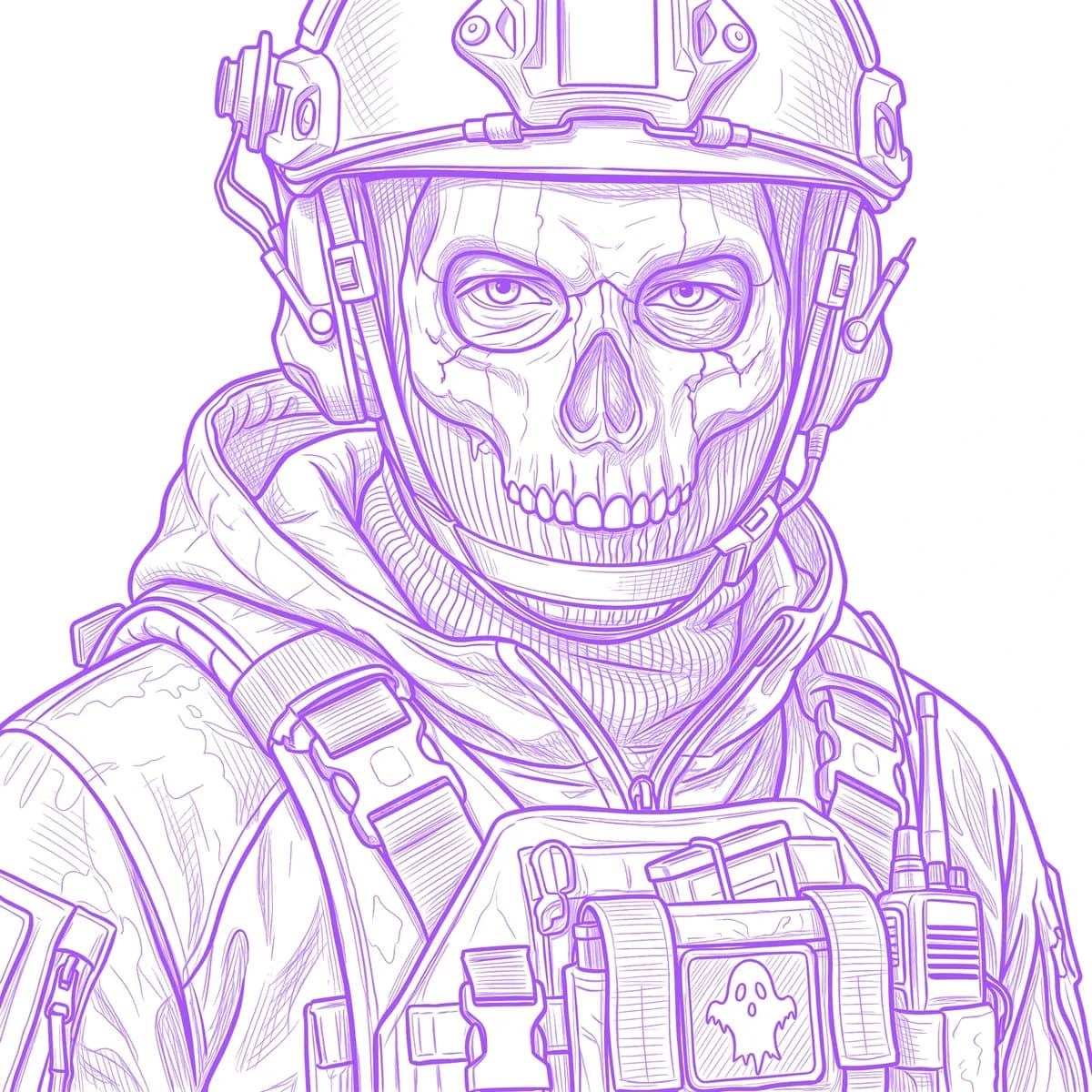
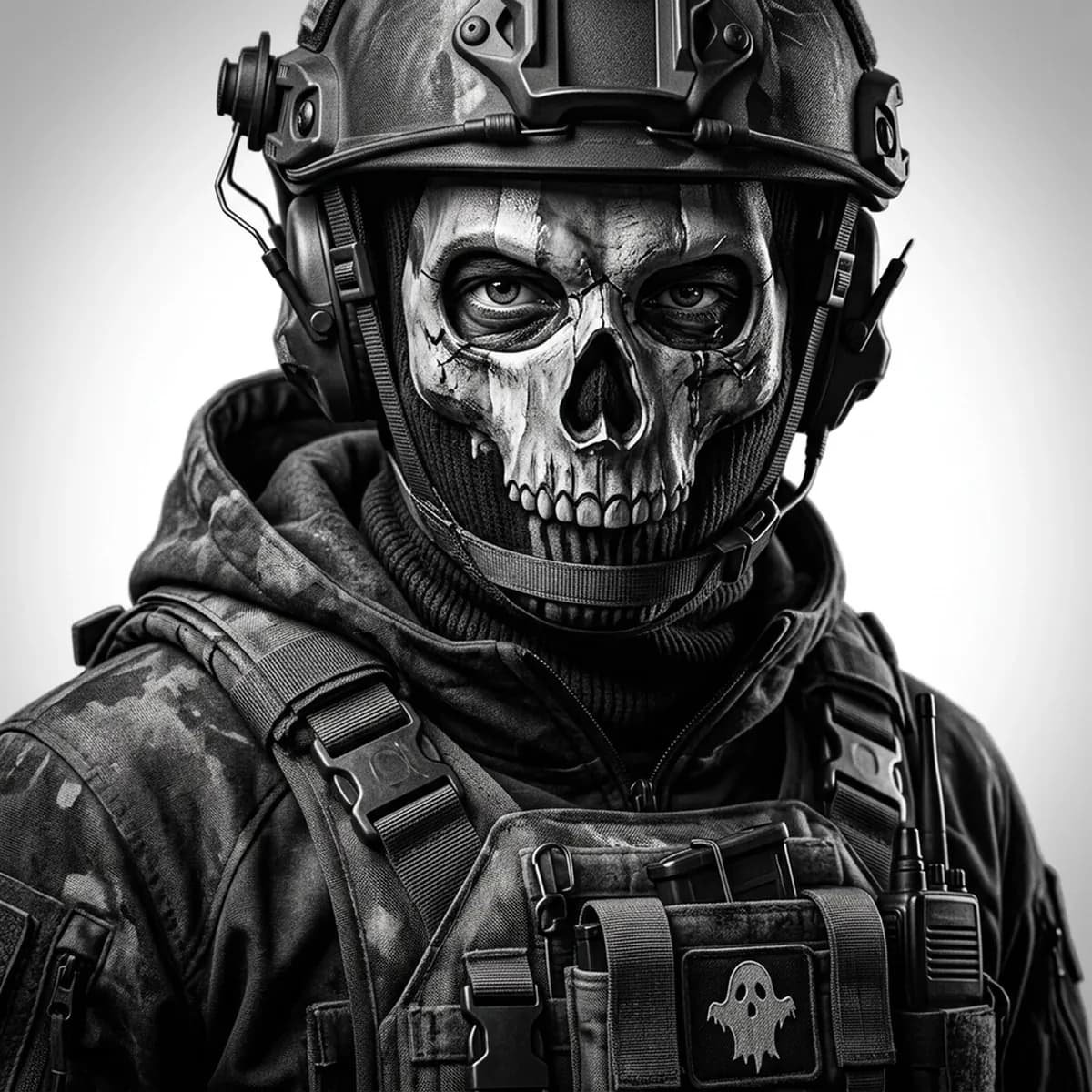
Why Ghost works as a realism tattoo
- The faint, drifting edges give the realism styles (Standard and Hatching) a chance to render true translucency, so the figure looks like it is fading rather than cut out.
- A pale, mournful face built on subtle gradation becomes the emotional focal point that a smooth, well-lit reference keeps intact in the stencil.
- Flowing, semi-transparent drapery adds long directional folds the stencil can carry for a haunting, weightless flow.
- The whisper-soft contrast suits black-and-gray perfectly, conveying mood without a single hard outline.
How to make a ghost tattoo stencil
Upload your reference
Choose a realism style
Export & transfer
Placement & sizing
A ghost drifts well across a softly shaded space like the inner forearm, the ribs, or the shoulder, where its trailing veil can fade gently into bare skin.
Tips for the best result
- Choose a reference with gentle, even lighting so the face and veil gradate smoothly — harsh shadows break the translucent effect.
- Use Standard or Hatching for the soft, fading realism; Outline gives a more graphic, defined spirit if you want clearer edges.
- Avoid heavy dark fabric in the reference — flat black anchors the figure and kills the floating, half-there look.
Frequently asked questions
What is the best style for a ghost tattoo stencil?
Standard or Hatching capture the translucent veil and soft facial gradients best. Outline works if you want a bolder, more clearly defined spirit.
How do I keep the ghost looking translucent in the stencil?
Pick a reference with gentle lighting and faint, fading edges so the stencil can hold the delicate gray falloff instead of giving the figure hard, solid borders.
Made with the tattoo stencil maker — turn any photo into a clean, tattoo-ready stencil in seconds.
Make your stencil now
Upload a reference and get a clean, tattoo-ready stencil in seconds.
Try Stencil AI