Feather Tattoo Stencil
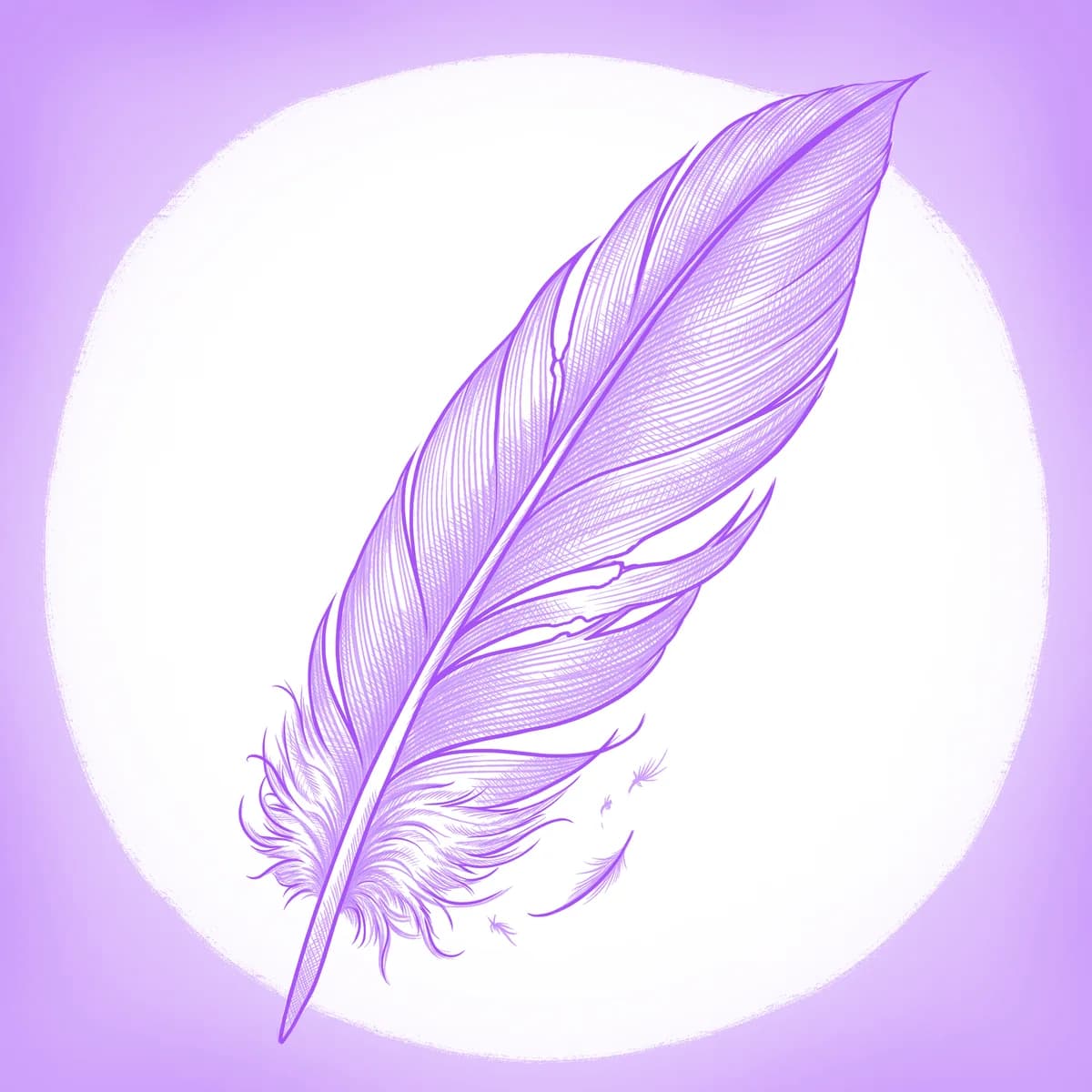
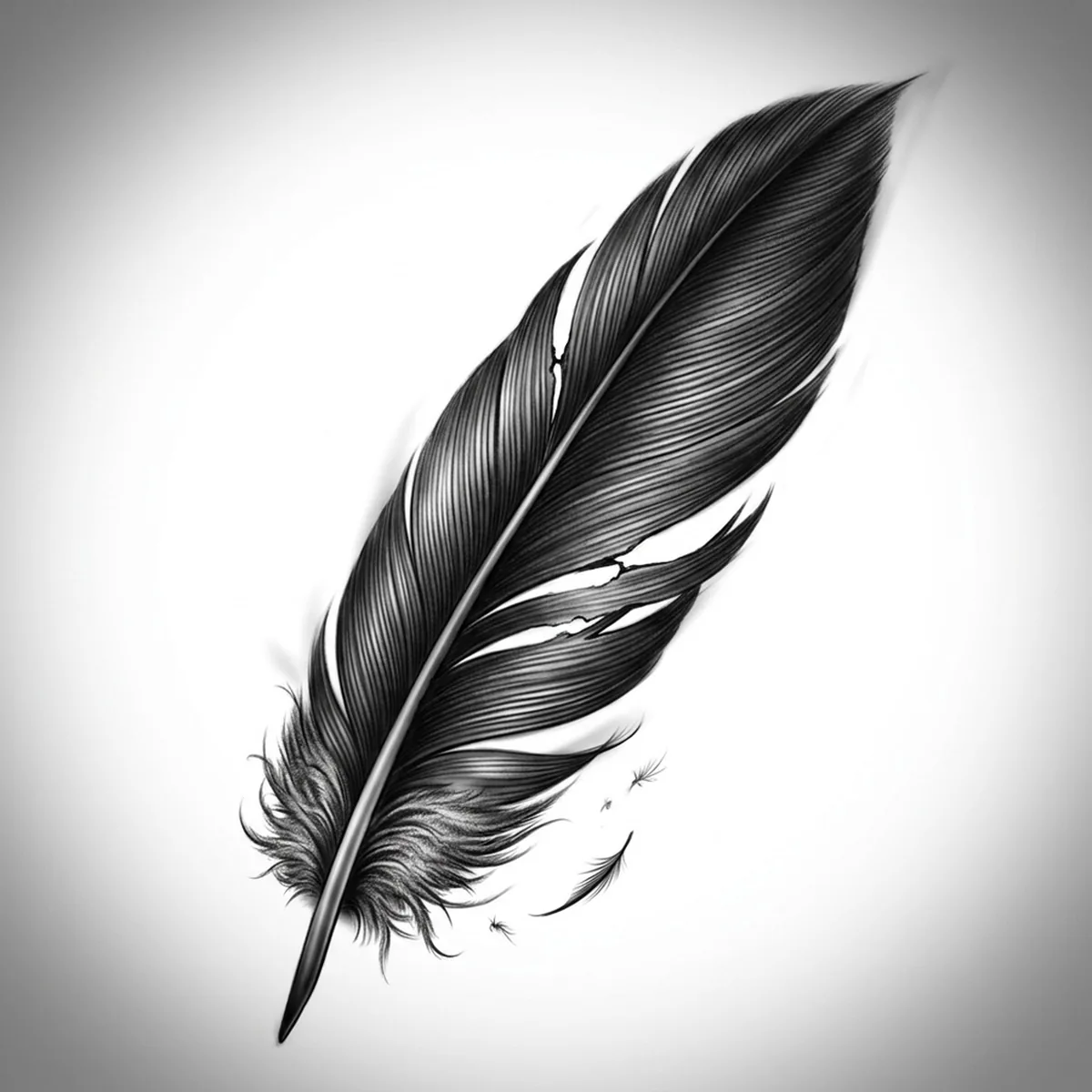
A single feather is deceptively hard to stencil: hundreds of parallel barbs branch off one curved shaft, and a few of them separate into ragged splits that give the feather its life. Flatten those barbs into a solid grey and you get a leaf, not a feather. Stencil AI keeps the barb direction, the splits in the vane and the fluffy afterfeather at the base as distinct marks you can actually follow with a needle.
Why Feather works as a realism tattoo
- The rachis (central shaft) gives the design one strong continuous line that anchors everything, so the stencil never loses its spine even at small sizes.
- Barbs run in a predictable diagonal flow off the shaft — perfect material for Hatching, which turns them into clean directional strokes instead of mush.
- The soft downy base against the sharp vane tip creates a natural texture gradient, giving the stencil a light end and a detailed end to balance.
How to make a feather tattoo stencil
Upload your reference
Choose a realism style
Export & transfer
Placement & sizing
The long, gently curved shape follows the forearm, the side of the calf, or the line of the collarbone, where the shaft can trace the body's own contour.
Tips for the best result
- Pick a reference with two or three visible splits in the vane — a perfectly closed feather looks artificial and reads as a flat blade once stenciled.
- Side light matters: you want the shaft casting a thin shadow line along one edge so the stencil keeps the feather's subtle 3D curl.
- Use Hatching for a realistic barb-by-barb feather; Outline works if you're going for a minimal single-line feather with just the shaft and silhouette.
Frequently asked questions
What is the best style for a feather tattoo stencil?
Hatching preserves the individual barbs and the ragged splits best. Standard gives a softer tonal feather, and Outline suits a minimal silhouette-only design.
Will the fine barbs blur together in the stencil?
Not if your reference has clear side light and visible gaps between barb groups. The stencil keeps them as separate directional strokes, and you can clean up any dense areas in the Retouch editor.
Made with the tattoo stencil maker — turn any photo into a clean, tattoo-ready stencil in seconds.
Make your stencil now
Upload a reference and get a clean, tattoo-ready stencil in seconds.
Try Stencil AITrusted by 5,000+ tattoo artists · ★ 4.7 on the App Store