Gears Tattoo Stencil
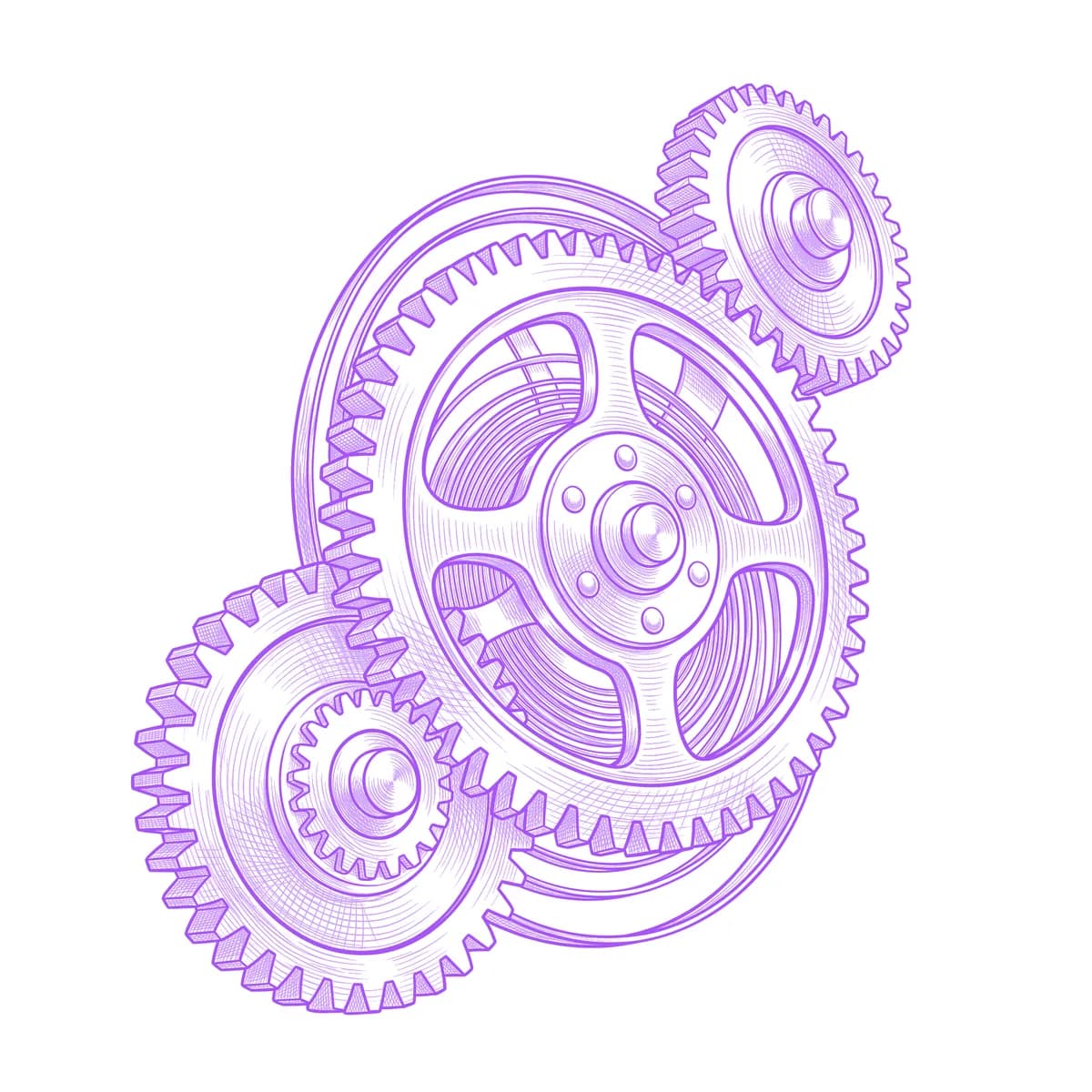
Gears are geometry you can't fake: every tooth must be the same size, the spacing must be even around the full circle, and where two wheels mesh, the teeth have to actually interlock. One irregular tooth and the whole machine looks broken. Stencil AI keeps the tooth pitch consistent and the mesh points honest, plus the spoke cutouts and bevels that give each wheel its machined depth.

Why Gears works as a realism tattoo
- Gear teeth are a hard repeating pattern with crisp shadows between them — high-frequency detail that transfers as clean dark-light alternation instead of a fuzzy rim.
- Overlapping wheels at different scales create natural depth layers, with each gear partially eclipsing the one behind it.
- Machined steel surfaces mix flat brushed areas with sharp edge highlights, giving Standard obvious tonal breaks between faces, bevels and recesses.
How to make a gears tattoo stencil
Upload your reference
Choose a realism style
Export & transfer
Placement & sizing
Gears excel where the body already suggests a joint — the elbow, the shoulder, or the knee — where a torn-skin biomechanical reveal makes the machinery look functional rather than decorative.
Tips for the best result
- Pick a reference where meshing gears genuinely interlock tooth-to-groove; floating gears that merely overlap are the most common giveaway of a lazy design.
- Vary the gear sizes — one large wheel with two or three smaller ones composes better than equal wheels, and gives you a clear focal center.
- Use Outline for a clean steampunk blueprint look; Hatching if you want the etched mechanical-drawing texture with shadowed recesses.
Frequently asked questions
What is the best style for a gears tattoo stencil?
Hatching gives gears an engraved technical-drawing depth that suits steampunk and biomechanical pieces. Outline is ideal if you want flat, crisp blueprint-style wheels.
Where should a gears tattoo be placed?
Over a joint — elbow, knee, or shoulder — is the classic biomechanical placement, since the gears visually stand in for the joint's own mechanics. Flat panels like the forearm suit standalone gear clusters.
Made with the photo-to-stencil tool — turn any photo into a clean, tattoo-ready stencil in seconds.
Make your stencil now
Upload a reference and get a clean, tattoo-ready stencil in seconds.
Try Stencil AITrusted by 5,000+ tattoo artists · ★ 4.7 on the App Store