Cherry Blossom Tattoo Stencil
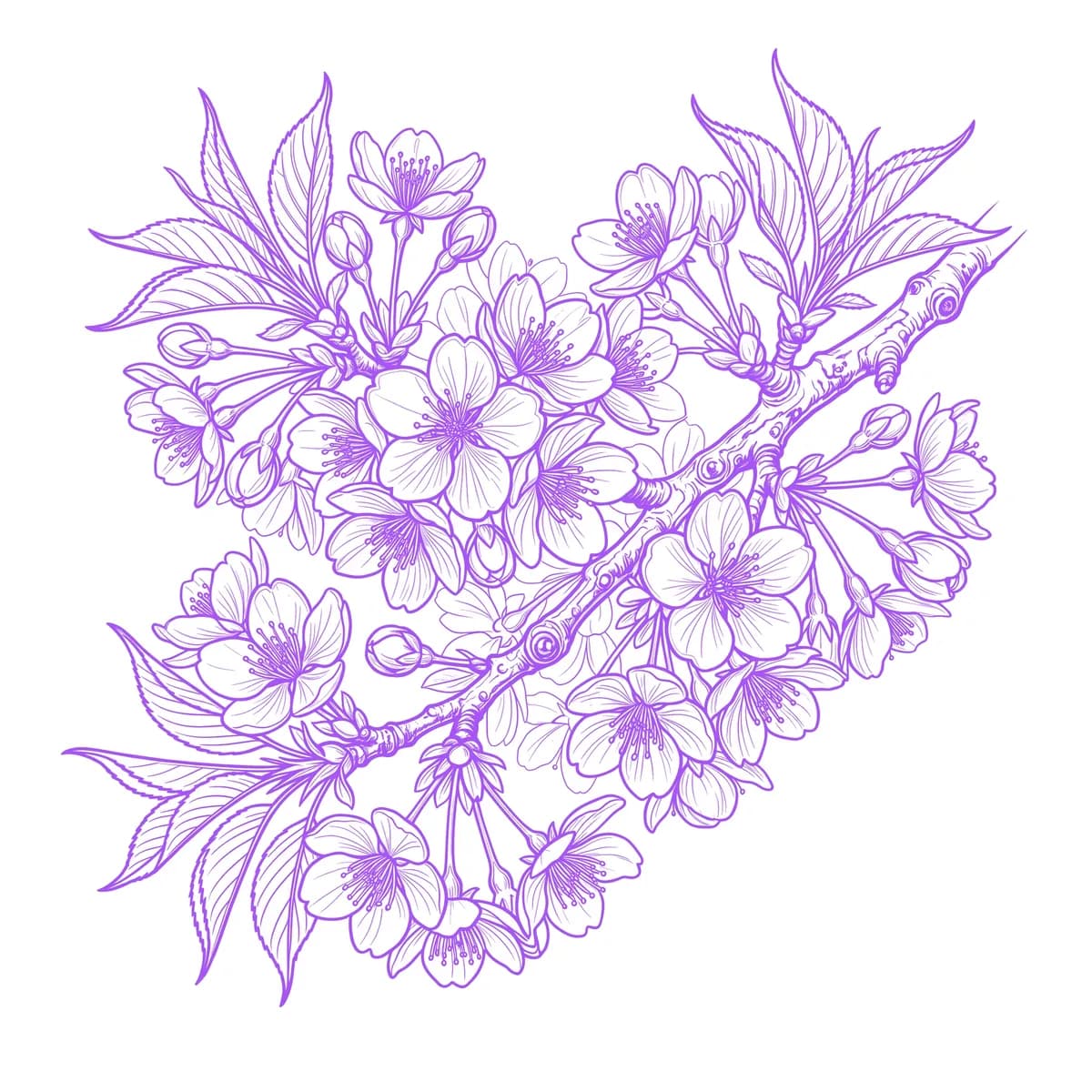
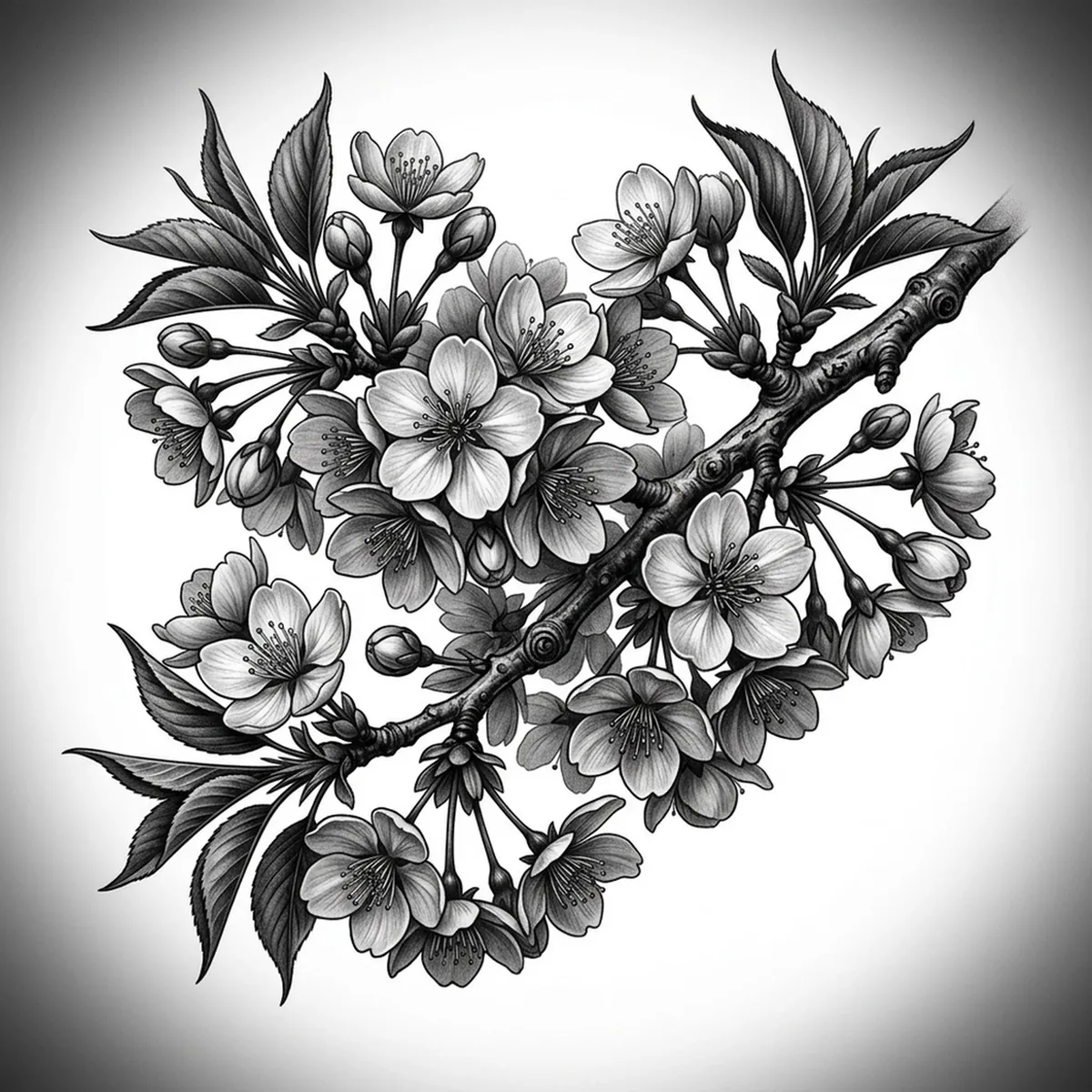
A cherry blossom branch is a study in contrast — clusters of tiny, fragile five-petal flowers scattered along a dark, gnarled limb. The challenge is scale: each blossom is small, with notched petal tips and fine stamens, and a few drifting petals usually float free of the branch. What sells a realistic cherry blossom is keeping those individual flowers crisp without crowding them into a blur. Stencil AI holds the notched petals and the rough branch texture when it converts your cherry blossom reference into transferable line work.
Why Cherry Blossom works as a realism tattoo
- The contrast between the pale, delicate blossoms and the dark, textured branch gives the realism styles (Standard and Hatching) a built-in tonal range that reads beautifully.
- Each blossom's five notched petals and tiny stamen cluster create fine, repeating detail that the stencil keeps distinct flower to flower.
- Drifting, falling petals add negative-space movement and let the design flow across the body rather than sitting in one block.
- The gnarled branch supplies bold, organic line work that anchors the scattered blossoms and extends naturally along a limb.
How to make a cherry blossom tattoo stencil
Upload your reference
Choose a realism style
Export & transfer
Placement & sizing
A cherry blossom branch suits long, flowing placements — tracing the forearm, collarbone, spine, or wrapping around the calf with petals drifting outward.
Tips for the best result
- Choose a reference where the blossoms are spaced with a little breathing room so each flower stays crisp instead of merging into its neighbors.
- Use Hatching for soft petal shading and the rough bark texture; Outline for a cleaner, more graphic branch with delicate flower edges.
- Pick a shot with a few falling petals — that drift is what gives a cherry blossom its sense of motion and keeps the layout from feeling static.
Frequently asked questions
What is the best style for a cherry blossom tattoo stencil?
For a realistic cherry blossom, Hatching or Standard preserve the delicate petal shading and the bark texture. Outline gives a cleaner, more graphic branch with crisp flower edges.
How do I keep small cherry blossoms detailed in a stencil?
Use a reference where the blossoms have some space between them and the petal notches are clear. The stencil keeps each flower distinct rather than blurring the cluster together.
Made with the AI tattoo stencil generator — turn any photo into a clean, tattoo-ready stencil in seconds.
Make your stencil now
Upload a reference and get a clean, tattoo-ready stencil in seconds.
Try Stencil AI