Atlas Moth Tattoo Stencil
The atlas moth hides two illusions in one insect: each forewing tip is shaped and patterned like a cobra's head in profile, and each wing carries a translucent triangular window with no scales at all. A stencil that misses either one has missed the moth. Stencil AI keeps the snake-head tips as deliberate shapes rather than random wing edges, and renders the windows as pale bordered openings instead of filling them with tone.
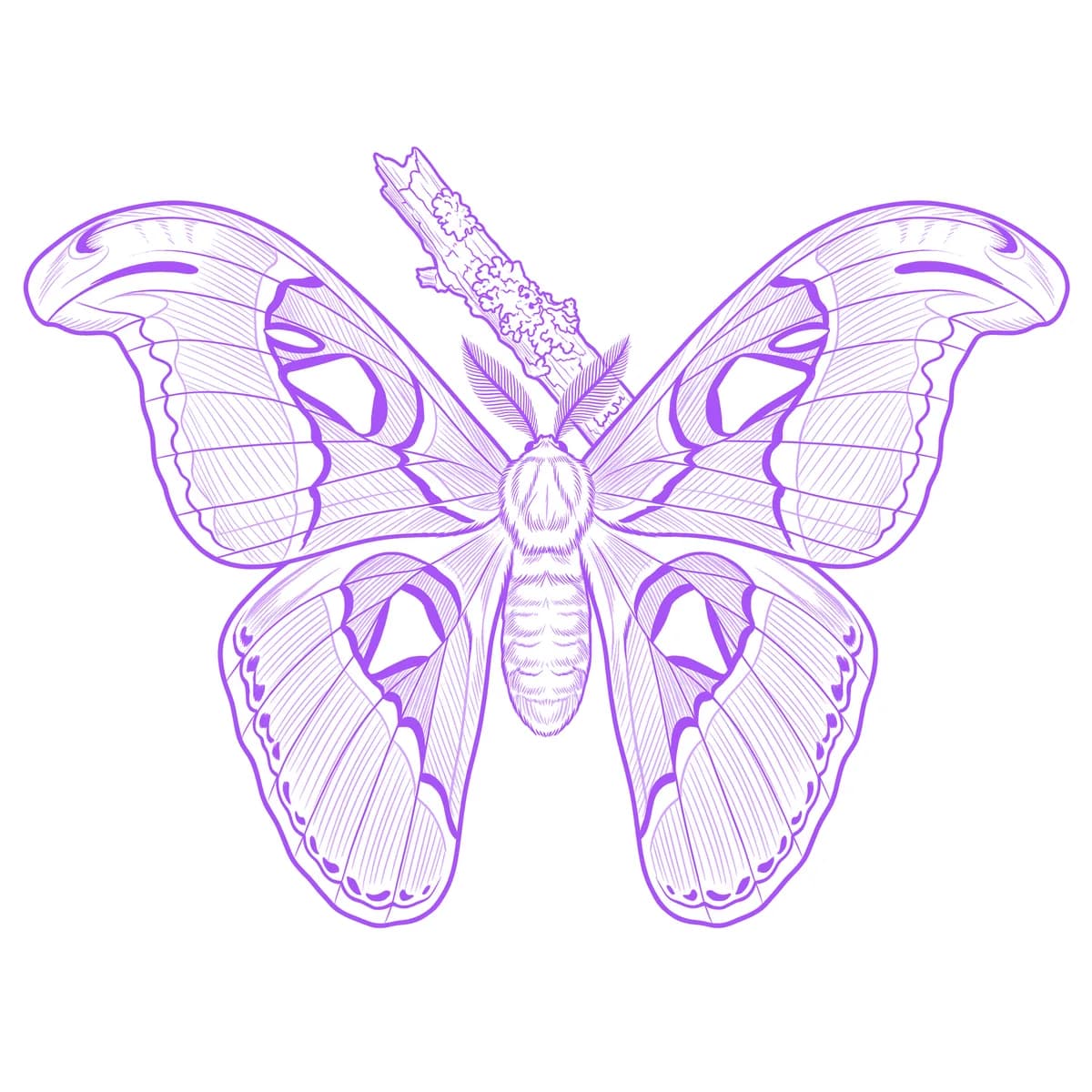
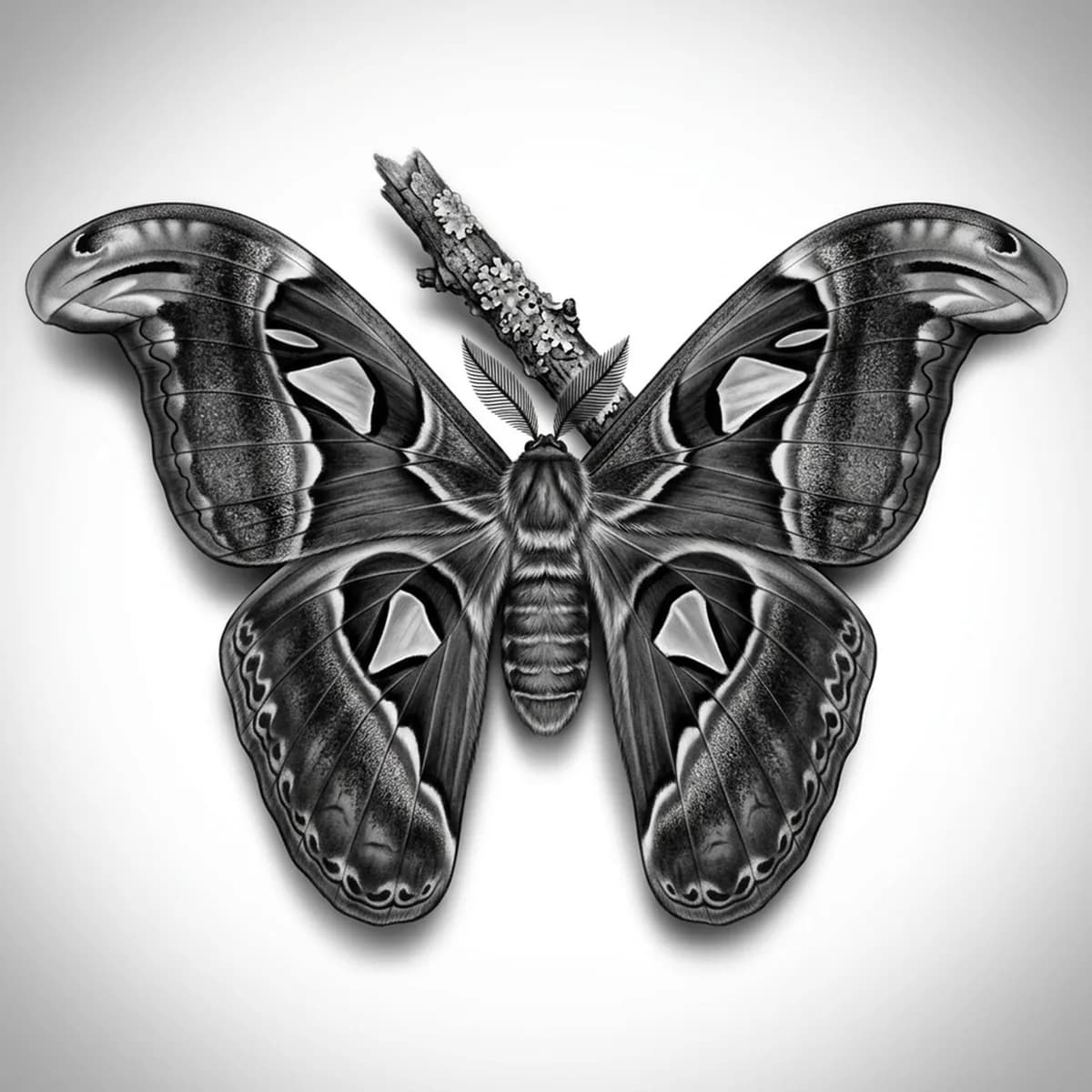
Why Atlas Moth works as a realism tattoo
- The mirror symmetry of the spread wings gives a stable, mandala-like composition — the eye reads the whole design at once, which suits centered placements.
- The wing pattern is built from bold bordered zones — dark bands, pale margins, triangular windows — a map of hard edges the stencil can trace faithfully.
- The furred body and wide feathered antennae add soft, fine texture at the center, a delicate contrast to the graphic wings around them.
How to make a atlas moth tattoo stencil
Upload your reference
Choose a realism style
Export & transfer
Placement & sizing
Spread wings crave symmetry — the sternum, the spine between the shoulder blades, or the back of the neck let both snake-head tips face outward evenly.
Tips for the best result
- Use a fully spread, top-down reference — any wing folding hides the snake-head tips and breaks the symmetry the design depends on.
- Check that the triangular windows read as lighter than the surrounding wing in your photo; that scaleless translucence is a detail worth protecting.
- Use Hatching for the intricate wing banding and body fur; Outline reduces the moth to a clean symmetrical line piece with the windows as negative space.
Frequently asked questions
What is the best style for an atlas moth tattoo stencil?
Hatching preserves the layered wing banding, the fringed margins and the furred body. Outline makes an elegant symmetrical line piece where the wing windows become pure negative space.
Where should an atlas moth tattoo be placed?
On a centerline: sternum, spine, or nape. The spread-wing symmetry loses its power off-center, so avoid placements that force cropping one wing.
Made with the AI tattoo stencil generator — turn any photo into a clean, tattoo-ready stencil in seconds.
Make your stencil now
Upload a reference and get a clean, tattoo-ready stencil in seconds.
Try Stencil AITrusted by 5,000+ tattoo artists · ★ 4.7 on the App Store