How to Convert Any Image Into a Tattoo Stencil (Step-by-Step)
5 min read
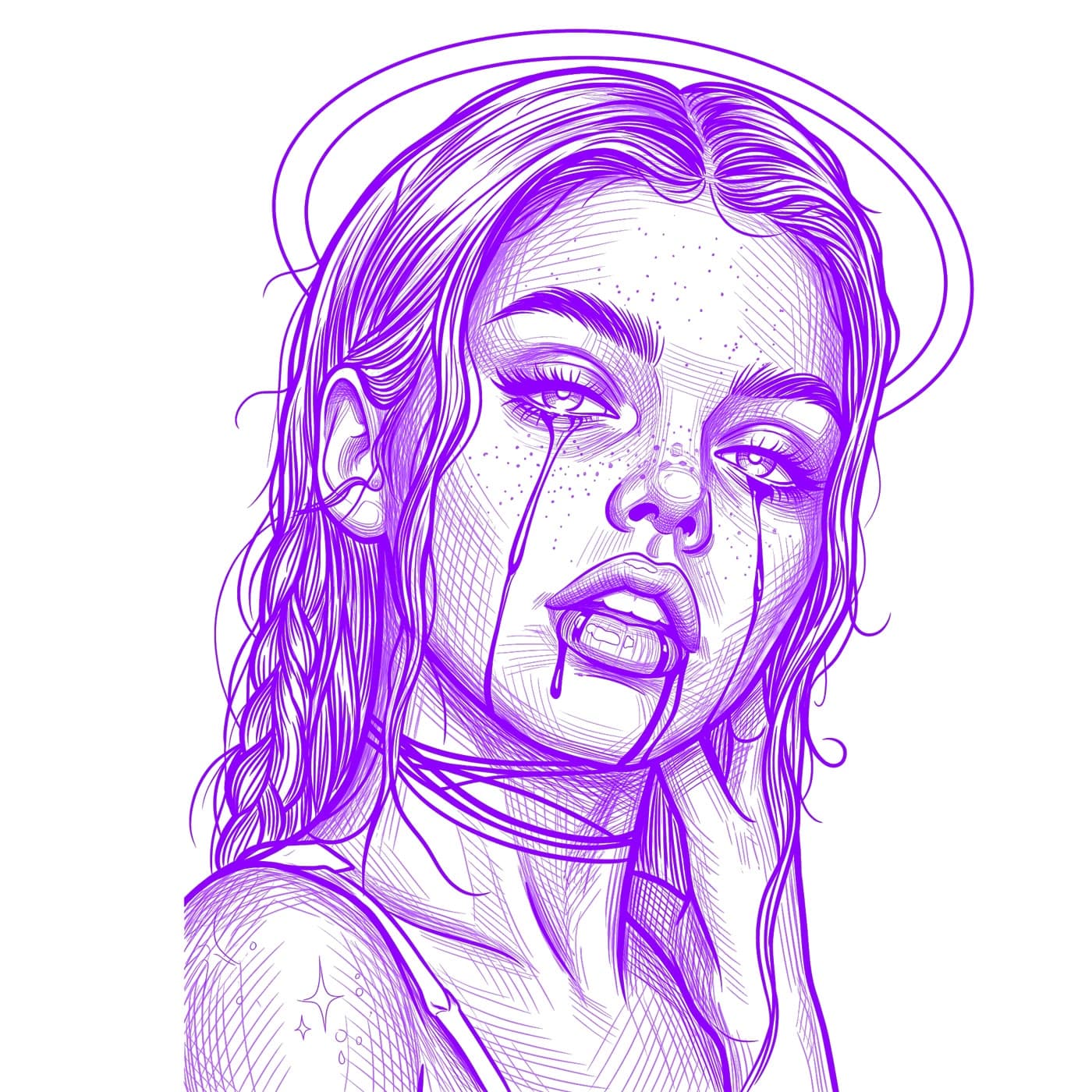
Turning a photo or drawing into a clean, tattoo-ready stencil used to mean hours in Photoshop tracing line art by hand. Today you can convert any image into a tattoo stencil in seconds with AI. This guide walks through how it works, the settings that matter, and how to get crisp lines that transfer perfectly every time.
What is a tattoo stencil?
A tattoo stencil is the clean line-art version of a design that an artist transfers onto skin before tattooing. A good stencil keeps the important detail, removes the background and color noise, and produces bold, continuous lines that stay readable once applied. The goal when you convert an image is to preserve structure while stripping away everything that won't transfer well.
How to convert an image into a tattoo stencil (step by step)
Upload your reference
Choose a stencil style
Generate and review
Export and print
How to get the cleanest results
The quality of your stencil depends mostly on the image you start with. Aim for:
- High-resolution, sharp images — avoid blurry or low-res sources.
- Strong contrast between the subject and the background.
- Tightly cropped subjects — fill the frame, avoid excessive empty space.
- Each part of the design clearly visible rather than overlapping or cluttered.
You don't need another app to get there. Stencil AI now includes photo prep: crop, rotate and flip your photo, cut out the subject, or erase distractions — all in the app, before you spend a credit. And once your stencil is generated, any retouch edits are saved with the stencil and synced across your devices, with a toggle back to the original anytime.
What kinds of images work best?
The AI works with portraits, animals, objects, and colorful artwork. Hyperrealistic images are fully supported on the Standard and Hatching styles for precise results. Use original or public-domain content — copyrighted characters, celebrities, and movie imagery won't process, which keeps every stencil safe for commercial client work.
How much does it cost to convert an image into a tattoo stencil?
You can start with a one-time $0.99 starter pack of 5 credits, available on the website — credits never expire, so you can try the tool, see the quality for yourself, and convert your first images before committing to anything. When you're ready for ongoing use, the Hobby, Pro and Studio plans — used by over 5,000 paying tattoo artists — add monthly credits, all stencil styles, 4K upscaling, and full commercial licensing.
Convert your first image into a stencil
Upload any photo and get a clean, tattoo-ready stencil in seconds — no Photoshop required.
Try Stencil AI