Wraith Tattoo Stencil
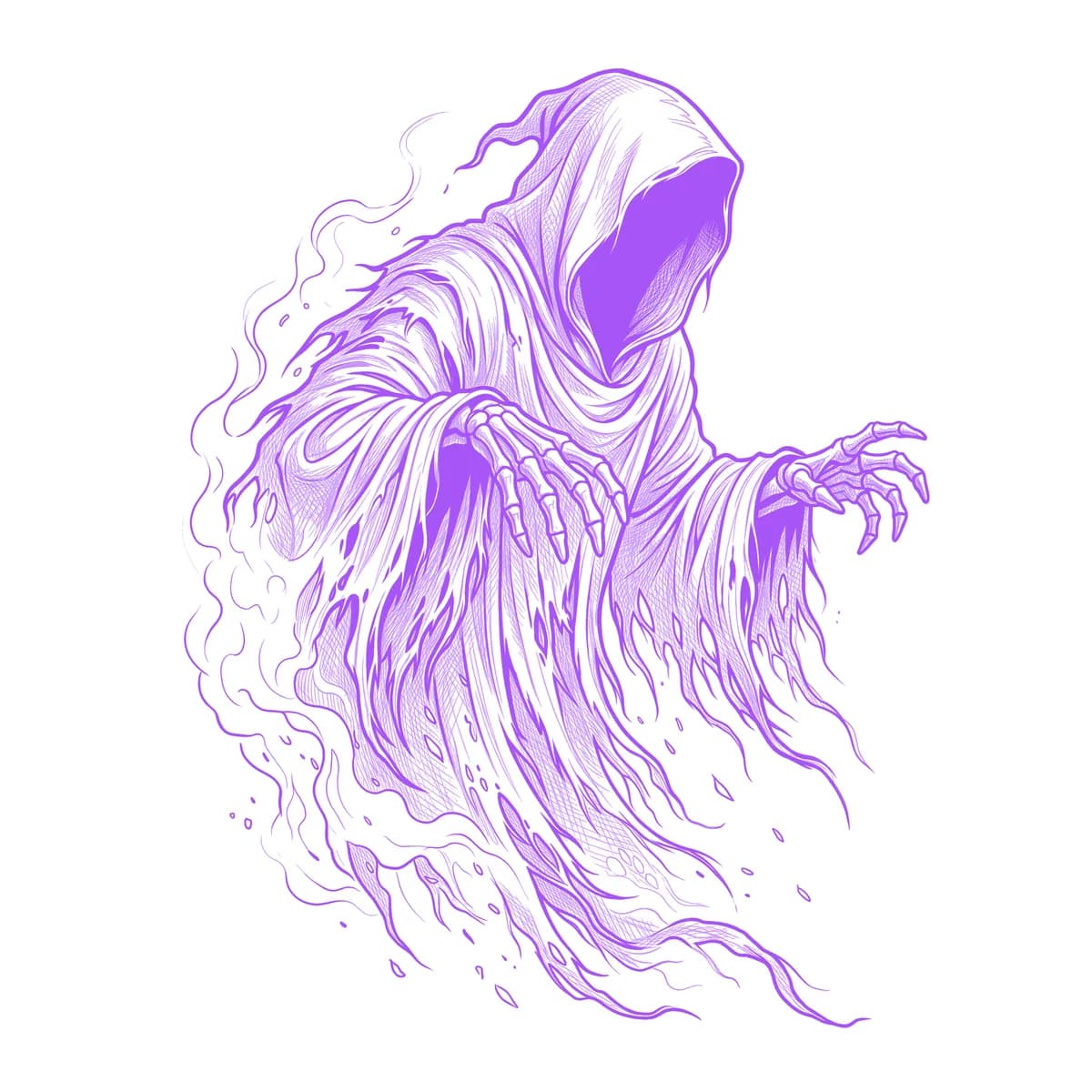
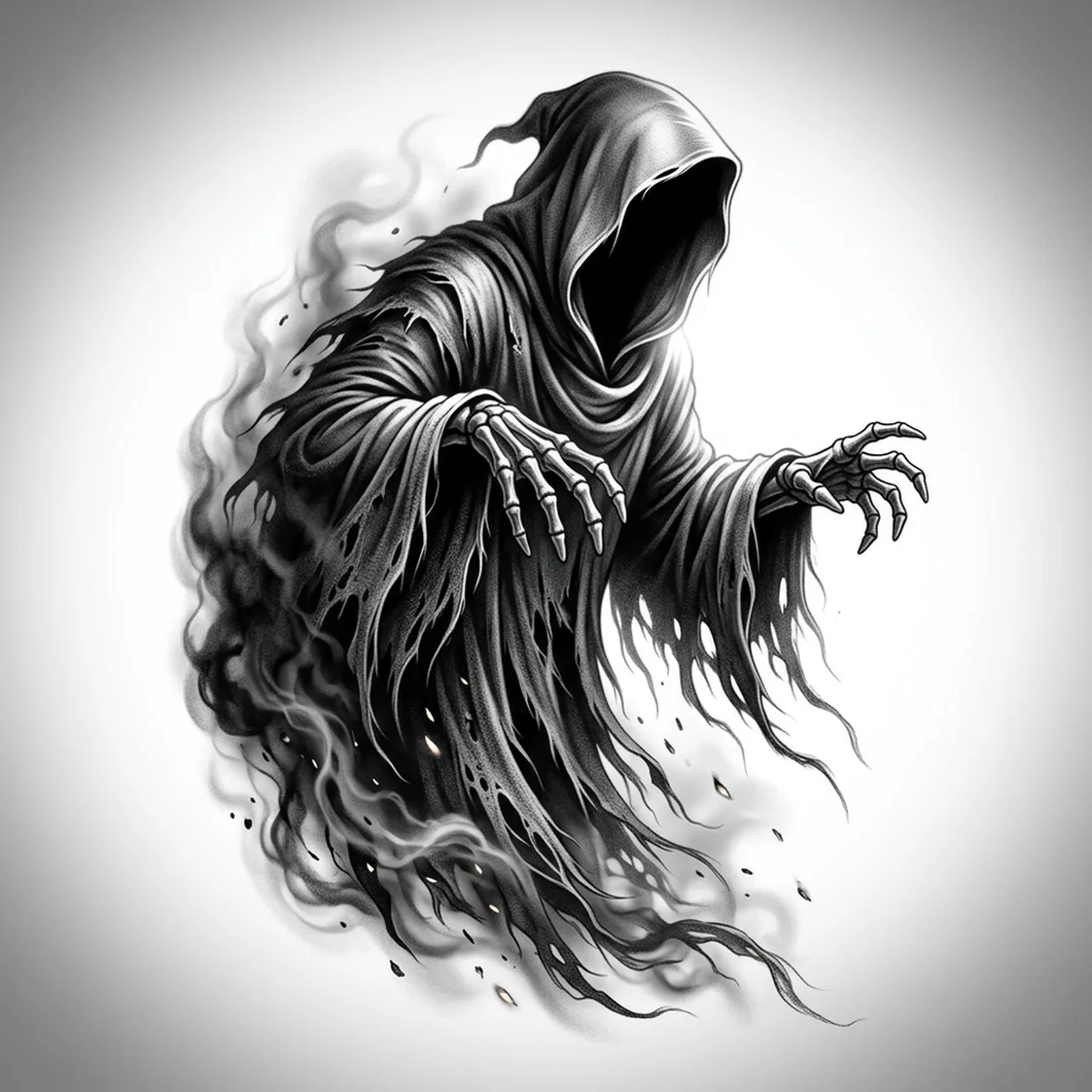
A wraith is death with no face — a hooded void trailing shreds of robe that dissolve into smoke. That dissolve is exactly what ruins most stencils: the figure is nearly all soft edges, so a careless trace collapses it into one shapeless grey cloud. Stencil AI anchors the hard shapes — the hood rim, the skeletal fingers — and lets the trailing vapor fade out gradually instead of cutting off at a line.
Why Wraith works as a realism tattoo
- The empty hood is a natural focal point: a pocket of near-black framed by a crisp cowl edge, which gives the stencil one unmistakable anchor even when everything around it is mist.
- Torn, layered robe strips give Standard and Hatching long directional folds to work with, so the body reads as flowing cloth rather than a blob.
- Bony reaching fingers add the only hard-edged anatomy in the design — a sharp contrast island that keeps the piece from being all atmosphere.
How to make a wraith tattoo stencil
Upload your reference
Choose a realism style
Export & transfer
Placement & sizing
A wraith's rising, trailing shape suits vertical canvases — the inner forearm, the outer calf, or climbing the ribs where the smoke tail can stretch and taper naturally.
Tips for the best result
- Pick a reference where the hood interior is truly dark and the cowl edge is sharp — if the face area is a muddy mid-grey, the whole figure loses its anchor.
- Use Standard or Hatching so the smoke dissolve keeps its gradient; Outline works only if your wraith has clearly defined robe shapes rather than pure vapor.
- Make sure the smoke trails taper in one consistent direction — competing wisps going every way turn the lower half of the stencil into noise.
Frequently asked questions
What is the best style for a wraith tattoo stencil?
Standard or Hatching — a wraith lives on soft tonal fades between cloth and smoke, and those styles preserve the gradient. Outline flattens the vapor and suits only a more graphic, hard-shaped wraith.
Will the smoke edges survive in the stencil?
Yes, if the reference fades gradually instead of stopping at a hard border. Gradual dissolves convert into workable tonal edges; abrupt cutoffs turn into unnatural hard lines.
Made with the AI tattoo stencil generator — turn any photo into a clean, tattoo-ready stencil in seconds.
Make your stencil now
Upload a reference and get a clean, tattoo-ready stencil in seconds.
Try Stencil AITrusted by 5,000+ tattoo artists · ★ 4.7 on the App Store