Van Gogh Tattoo Stencil
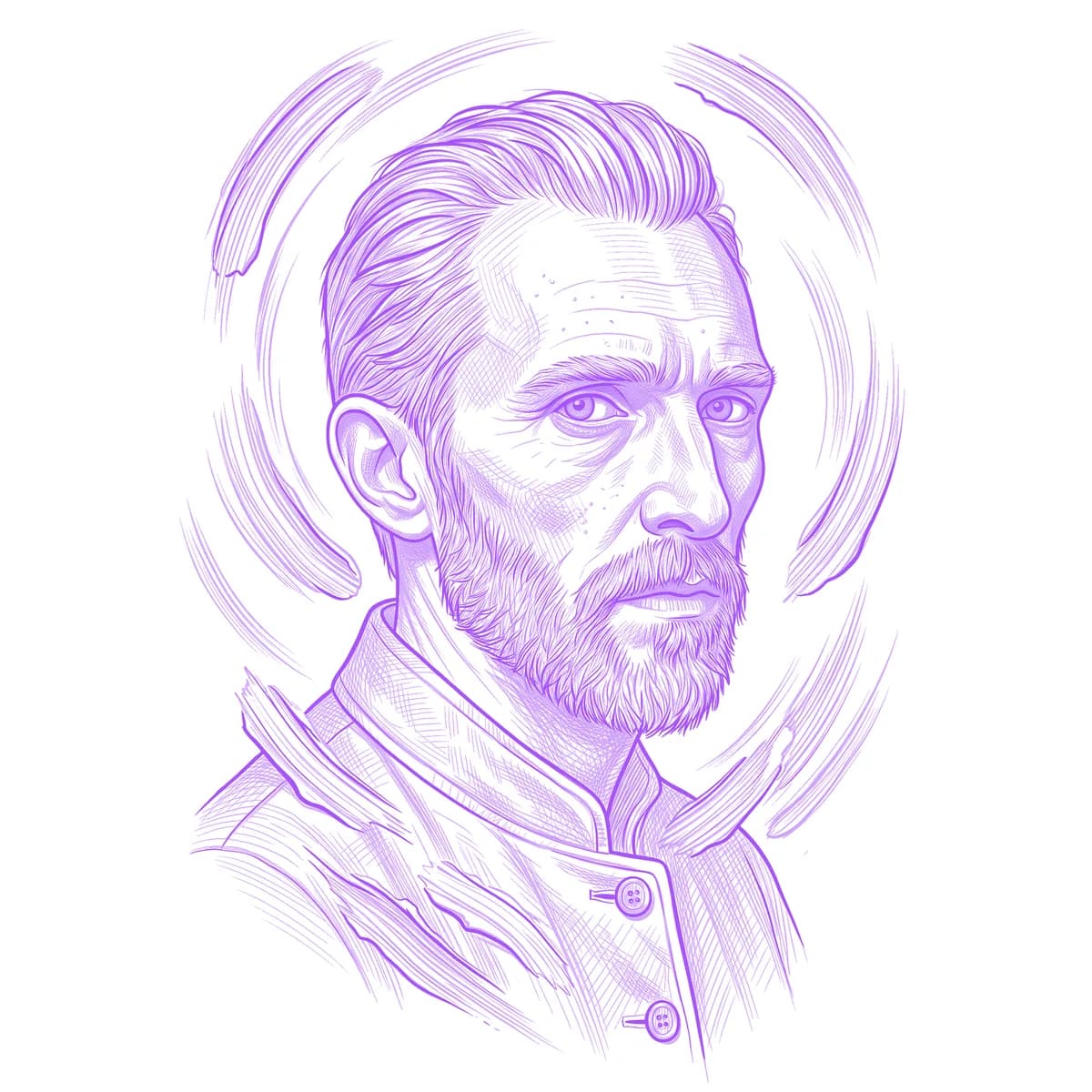
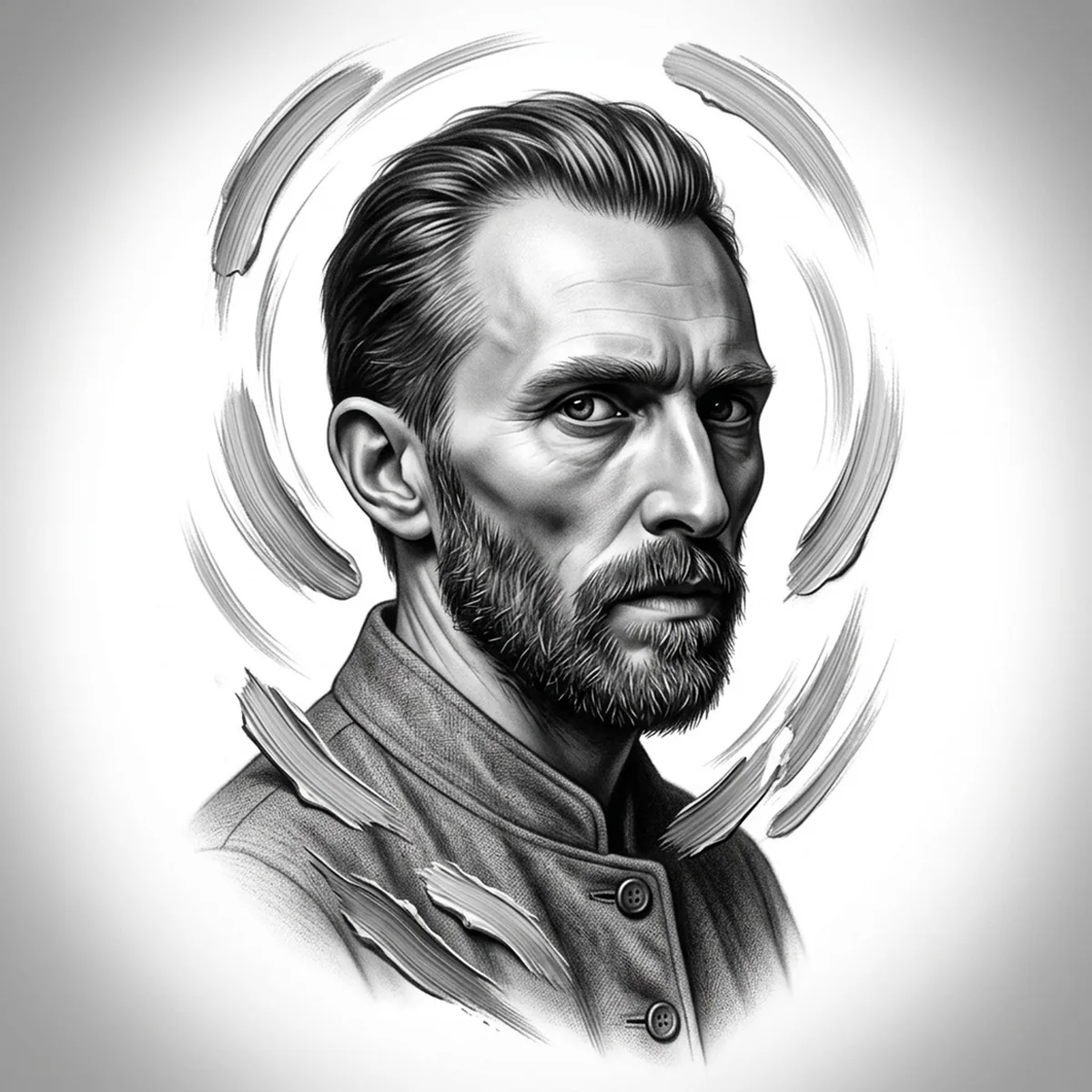
A Van Gogh portrait in his own self-portrait style is really two subjects at once: the gaunt, intense face, and the restless directional brushstrokes that swirl around it. Those strokes are the stencil's make-or-break — treated as noise they average into mud, but kept as individual marks they become the whole point of the piece. Stencil AI preserves each stroke as a discrete line of tone, so the background keeps churning the way the paintings do.
Why Van Gogh works as a realism tattoo
- Van Gogh's impasto strokes are essentially pre-drawn hatching — every patch of the painting already has direction and rhythm, which the Hatching style translates almost natively.
- The hollow cheeks and heavy brow give the face deep, committed shadows, so the stare holds its intensity even after conversion to pure black and grey.
- The coarse, clipped beard breaks the face's lower half into short bristly marks that contrast beautifully with the long swirling strokes behind the head.
How to make a van gogh tattoo stencil
Upload your reference
Choose a realism style
Export & transfer
Placement & sizing
A head-and-shoulders portrait with its swirling halo of strokes fills a round-ish canvas best — the outer upper arm, the calf, or the thigh where the background can breathe.
Tips for the best result
- Pick a self-portrait-style reference where the background strokes visibly curve around the head — that orbiting motion is the signature, and straight strokes lose it.
- Hatching is the natural match for painted strokes; try Standard only if you want the face smooth and just the background textured.
- Keep the eyes slightly darker than everything around them in your reference — in Van Gogh portraits the stare anchors the swirl, and it must win the contrast battle.
Frequently asked questions
What is the best style for a Van Gogh tattoo stencil?
Hatching — Van Gogh's directional brushstrokes are already hatch marks, so the style reproduces the painting's texture instead of fighting it. Standard suits a smoother portrait take.
Will the swirling brushstroke background work in a tattoo?
Yes, if the strokes stay distinct. Use a high-resolution reference where individual strokes are visible; if they blur together in the source, they'll render as flat grey around the head.
Made with the photo-to-stencil tool — turn any photo into a clean, tattoo-ready stencil in seconds.
Make your stencil now
Upload a reference and get a clean, tattoo-ready stencil in seconds.
Try Stencil AITrusted by 5,000+ tattoo artists · ★ 4.7 on the App Store