Toucan Tattoo Stencil
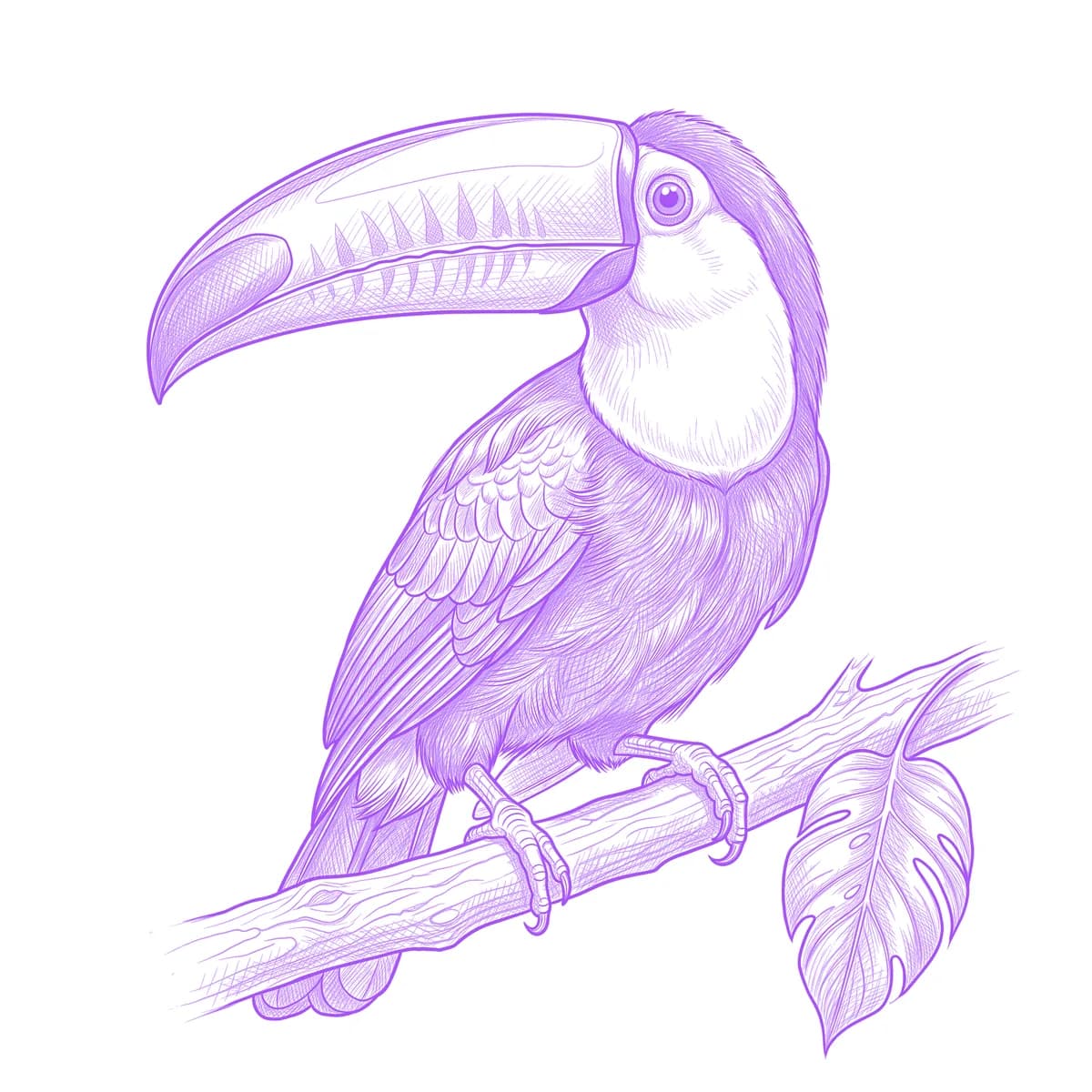
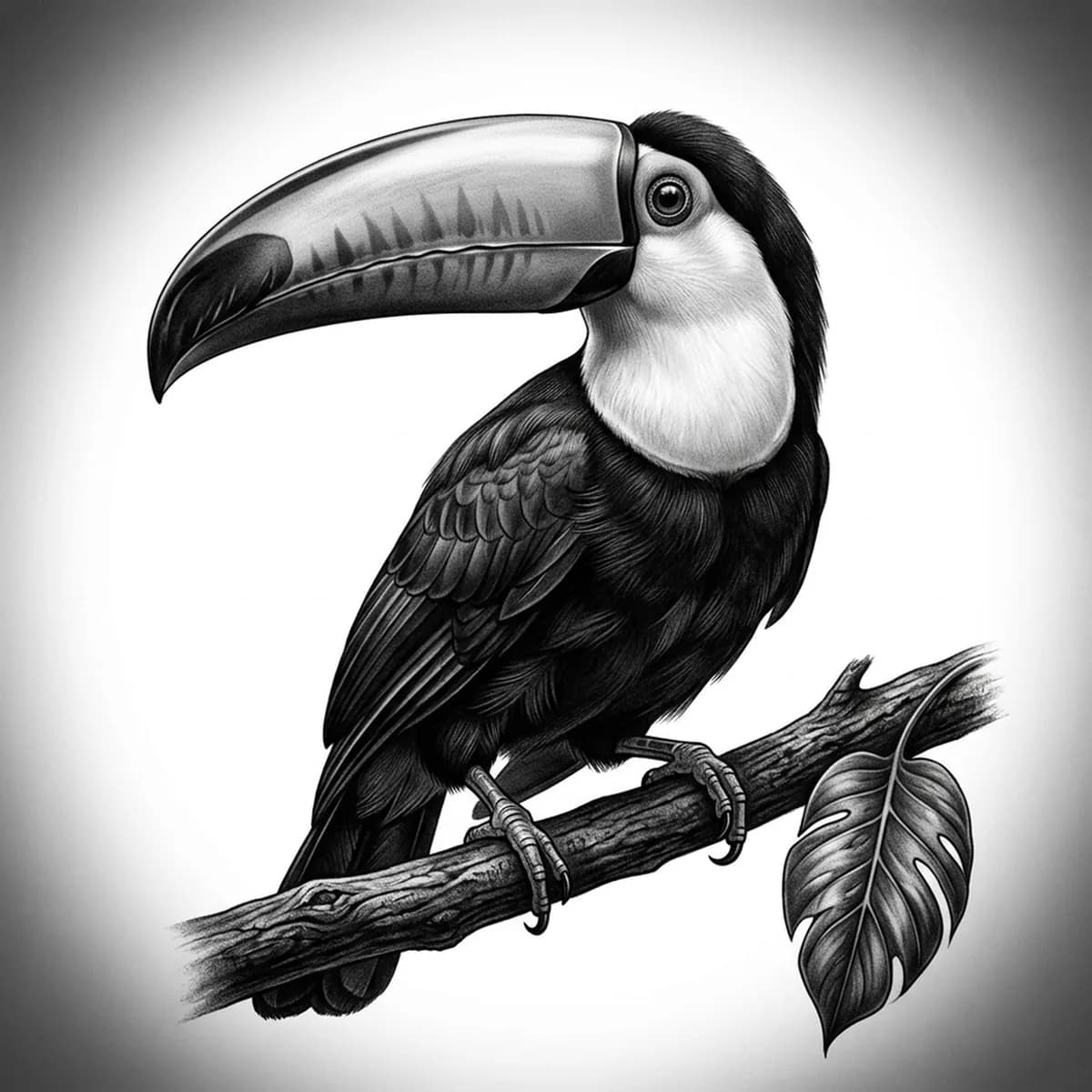
A toucan is a bird built around one absurd decision: a bill nearly as big as its body, sweeping down in a smooth banana curve. In black and gray the bill's color party becomes a tonal problem — it must stay lighter than the near-black body without going empty. Stencil AI grades the bill as a long smooth gradient with its dark tip and cutting edge intact, so the shape keeps its glossy, oversized comedy.
Why Toucan works as a realism tattoo
- The bill-to-body ratio creates a silhouette no other bird approaches — even a plain shadow of a toucan is unmistakable.
- The pale throat bib and eye patch pop bright shapes out of the dark body, giving a black-and-gray design its full value range in three clean zones.
- The compact body and short perch-gripping feet keep the composition tight, so all the visual budget goes to that spectacular bill.
How to make a toucan tattoo stencil
Upload your reference
Choose a realism style
Export & transfer
Placement & sizing
The deep bill curve nests beautifully into the shoulder cap or the upper arm; perched on a branch it also makes a strong vertical piece for the calf or ribs.
Tips for the best result
- A clean side profile is the toucan's only angle — front-on, the bill foreshortens into a blob and the whole point evaporates.
- Choose a reference where the bill's dark tip and the thin dark ridge line are visible; those accents keep the pale bill from reading as an empty balloon.
- A single branch with one or two leaves is enough setting — the bird is loud on its own, and busy jungle backgrounds smother the silhouette.
Frequently asked questions
What is the best style for a toucan tattoo stencil?
Standard handles the bill's long gradient and the glossy black body best. Outline makes a superb bold graphic piece — the silhouette alone carries it — while Hatching adds texture to the chest feathers at larger sizes.
Does a toucan tattoo work in black and gray without the colors?
Yes — the identity is in the bill's shape and the bib contrast, not the rainbow. The stencil translates the color zones into distinct values, and you can fine-tune their separation in the Retouch editor.
Made with the photo-to-stencil tool — turn any photo into a clean, tattoo-ready stencil in seconds.
Make your stencil now
Upload a reference and get a clean, tattoo-ready stencil in seconds.
Try Stencil AITrusted by 5,000+ tattoo artists · ★ 4.7 on the App Store