Sunflower Tattoo Stencil
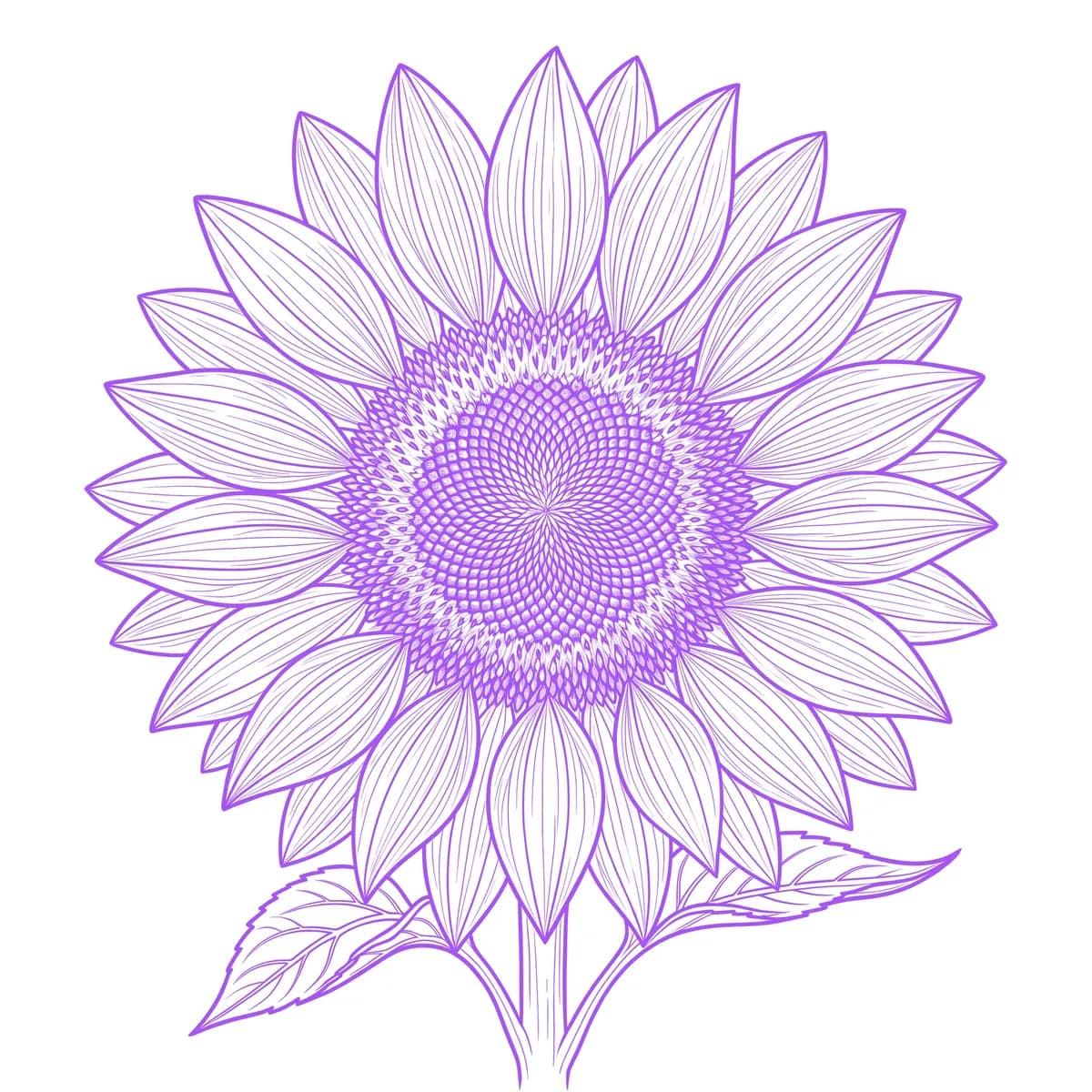
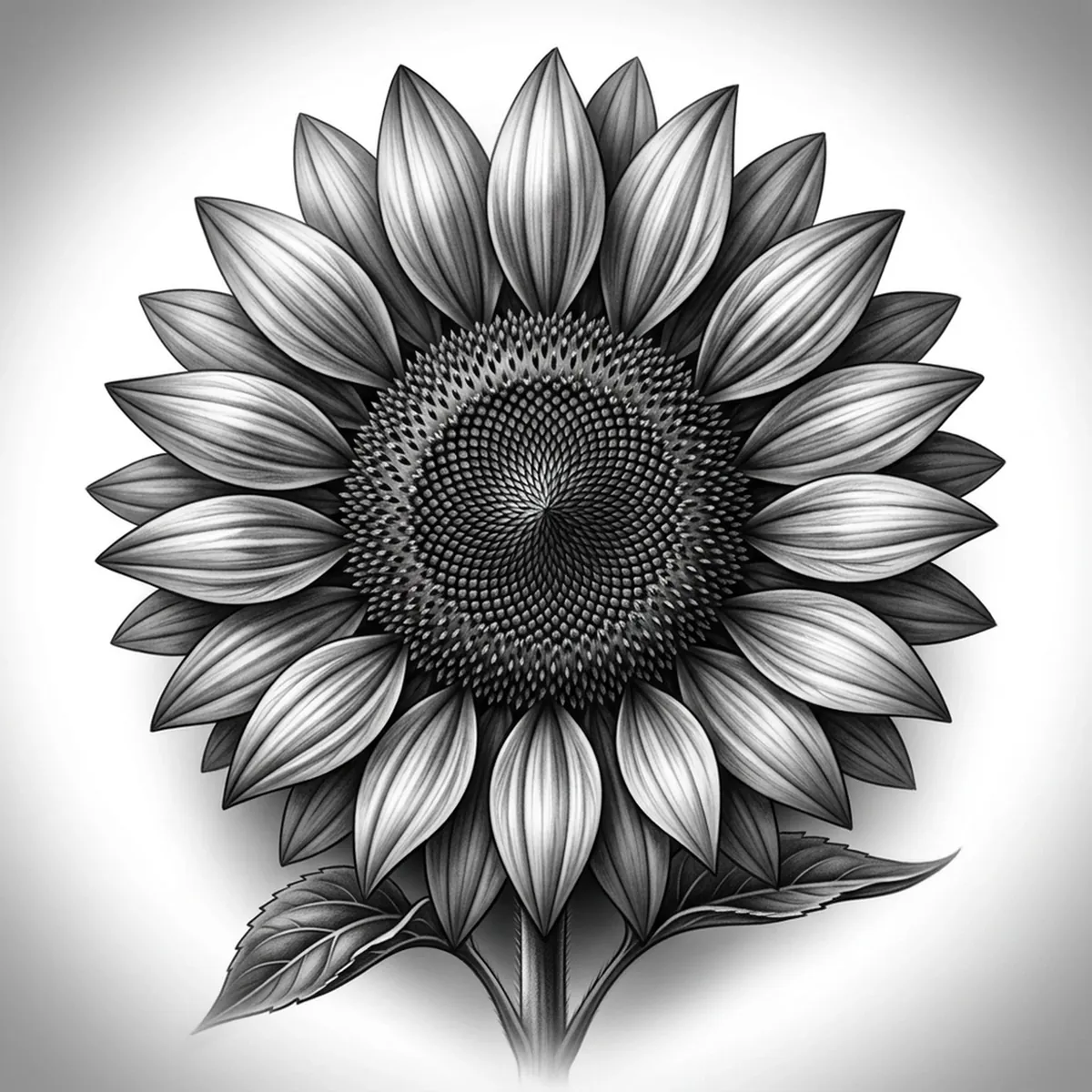
A sunflower has two completely different textures fighting for attention: the long, smooth petals radiating outward and the dense, seed-packed disc at the center. The center is the trap — that spiral of tiny florets can either become a gorgeous texture or a flat gray circle. What sells a realistic sunflower is keeping the seed spiral readable while the petals stay loose and varied. Stencil AI holds that seeded-center detail and the gently curling petals when it converts your sunflower reference into transferable line work.
Why Sunflower works as a realism tattoo
- The sunflower's radiating petals give the realism styles (Standard and Hatching) a bold, repeating rhythm of edges that reads instantly even from across a room.
- The seed-packed center is a natural showcase for Hatching — the spiral of florets becomes dense, stippled texture that contrasts against the smooth petals.
- Slight curls and folds in individual petals add variation, so the flower looks alive rather than a perfectly stamped symbol.
- The thick stem and broad leaves give clean line work that grounds the bloom and extends the design down the arm.
How to make a sunflower tattoo stencil
Upload your reference
Choose a realism style
Export & transfer
Placement & sizing
A sunflower works at almost any size — a bold forearm or thigh centerpiece, or smaller on the shoulder, with the stem trailing toward the wrist.
Tips for the best result
- Choose a reference where the seeded center has visible spiral texture and light variation, so the disc renders as detail instead of a flat circle.
- Use Hatching to bring out the stippled seed texture; Outline for a bolder, more graphic sunflower with crisp petal edges.
- Pick a bloom where a few petals curl or overlap — that irregularity keeps the radiating ring from looking like a stamped cartoon.
Frequently asked questions
What is the best style for a sunflower tattoo stencil?
For a realistic sunflower, Hatching or Standard capture the seeded-center texture and the petal shading. Outline gives a bolder, cleaner look with strong radiating edges.
How do I keep the sunflower center detailed in a stencil?
Use a reference where the seed spiral is sharp and shows tonal variation. The stencil preserves that stippled texture so the disc stays interesting rather than flattening into a gray circle.
Made with the AI tattoo stencil generator — turn any photo into a clean, tattoo-ready stencil in seconds.
Make your stencil now
Upload a reference and get a clean, tattoo-ready stencil in seconds.
Try Stencil AITrusted by 5,000+ tattoo artists · ★ 4.7 on the App Store