Sundial Tattoo Stencil
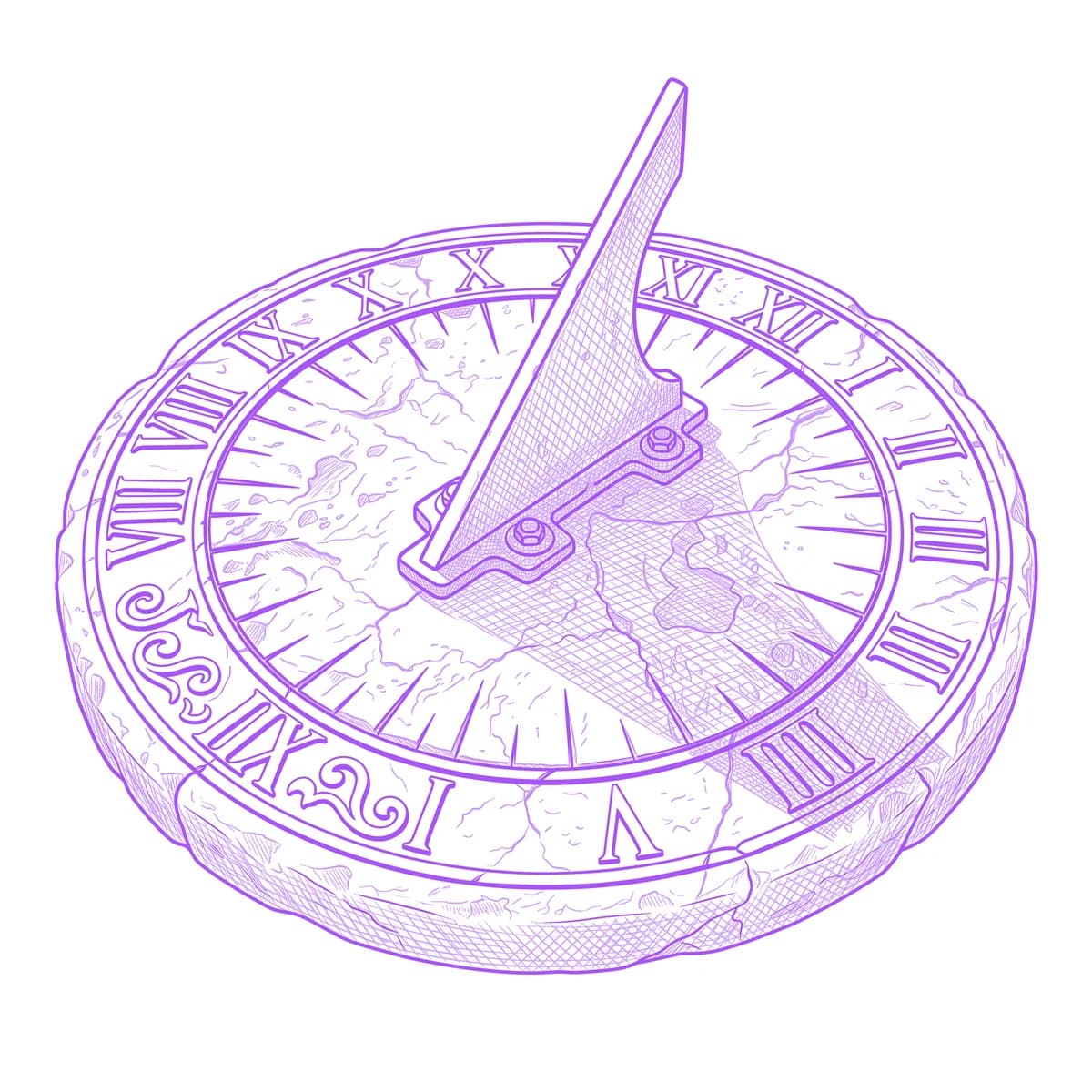
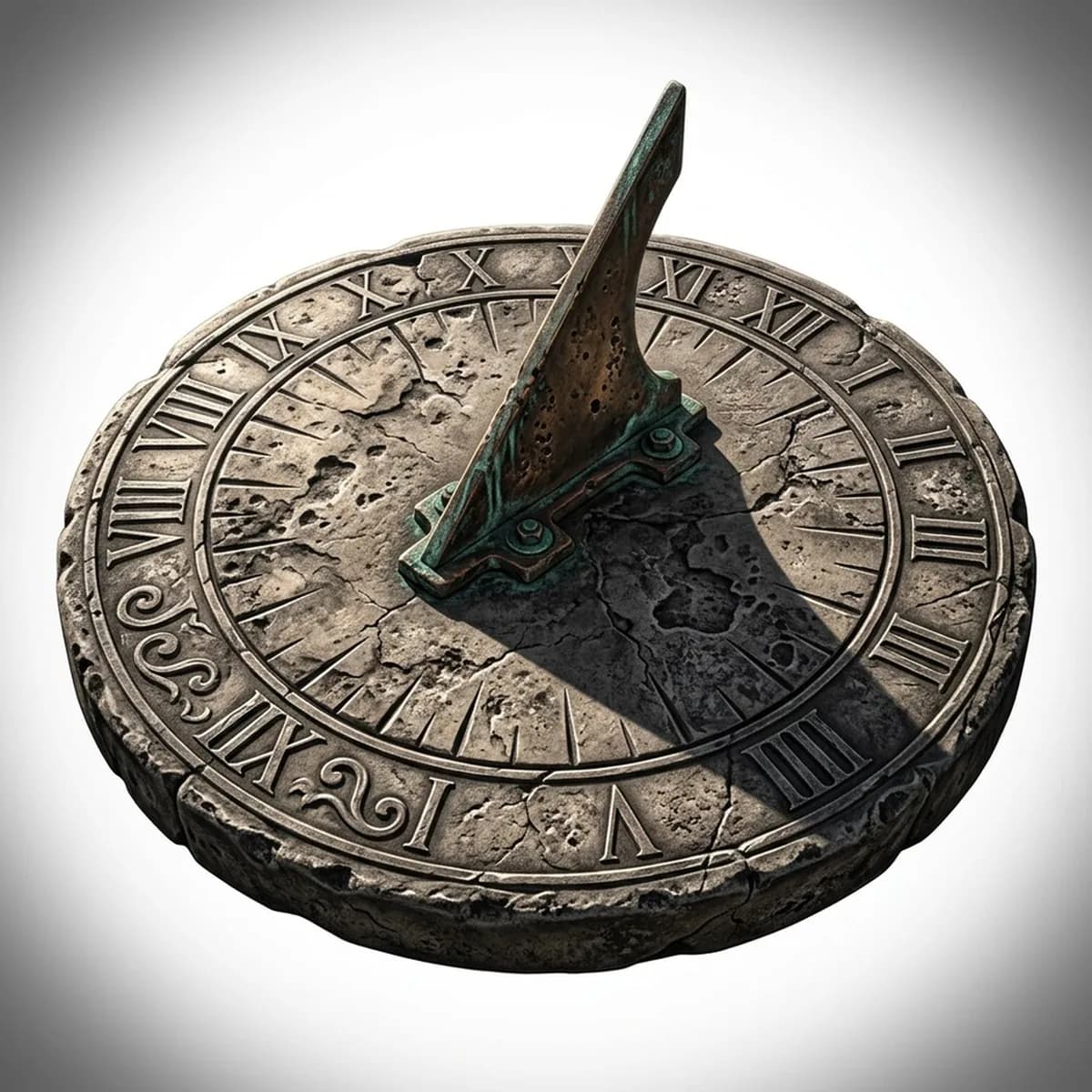
A sundial tells time with nothing but light, which makes it the quietest memento mori in tattooing — the shadow moves whether you watch it or not. The whole design hinges on one thing most conversions destroy: the cast shadow of the gnomon must stay a readable dark wedge across the dial face, distinct from the engraved hour lines beneath it. Stencil AI keeps that shadow soft-edged and directional while the radiating hour lines stay crisp.
Why Sundial works as a realism tattoo
- Hour lines radiating from a center point give the dial face a spoke geometry that stays ordered and legible at any tattoo size.
- The gnomon's hard triangular blade against the flat engraved plate creates a clean interplay of one 3D element over 2D markings.
- The cast shadow is the storytelling detail — a single soft-edged wedge that adds time, light direction and mood with almost no extra ink.
How to make a sundial tattoo stencil
Upload your reference
Choose a realism style
Export & transfer
Placement & sizing
A circular dial face sits naturally on the shoulder cap, the back of the forearm or the chest, anywhere a round medallion composition can lie flat.
Tips for the best result
- Choose a reference lit from a low angle so the gnomon throws a long, decisive shadow — noon light gives a stubby shadow with no drama.
- Weathered stone or verdigris bronze dials give Hatching pitting and patina to work with; a pristine dial suits clean Outline linework instead.
- Keep any Roman numerals large and evenly spaced in the reference — tiny numerals around the rim are the first casualties at stencil scale.
Frequently asked questions
What is the best style for a sundial tattoo stencil?
Hatching for a weathered stone or bronze dial where engraved texture carries the piece; Outline for a minimal geometric dial with clean radiating lines.
Should the sundial shadow point to a specific time?
It can — setting the shadow to a meaningful hour is a subtle personal touch, and it only requires rotating the shadow wedge in your reference before generating.
Made with the photo-to-stencil tool — turn any photo into a clean, tattoo-ready stencil in seconds.
Make your stencil now
Upload a reference and get a clean, tattoo-ready stencil in seconds.
Try Stencil AITrusted by 5,000+ tattoo artists · ★ 4.7 on the App Store