Stingray Tattoo Stencil
A stingray is a smooth flattened disc that ripples its edges to swim, with a long thin barbed tail trailing behind and a speckled, sometimes spotted skin pattern across the back. The challenge for a stencil is that the body is broad and low-contrast, so it leans on the rippling fin edge and any skin speckle to avoid reading as a plain oval. Stencil AI takes a top-down reference and keeps that wavy margin and the tail barb sharp.
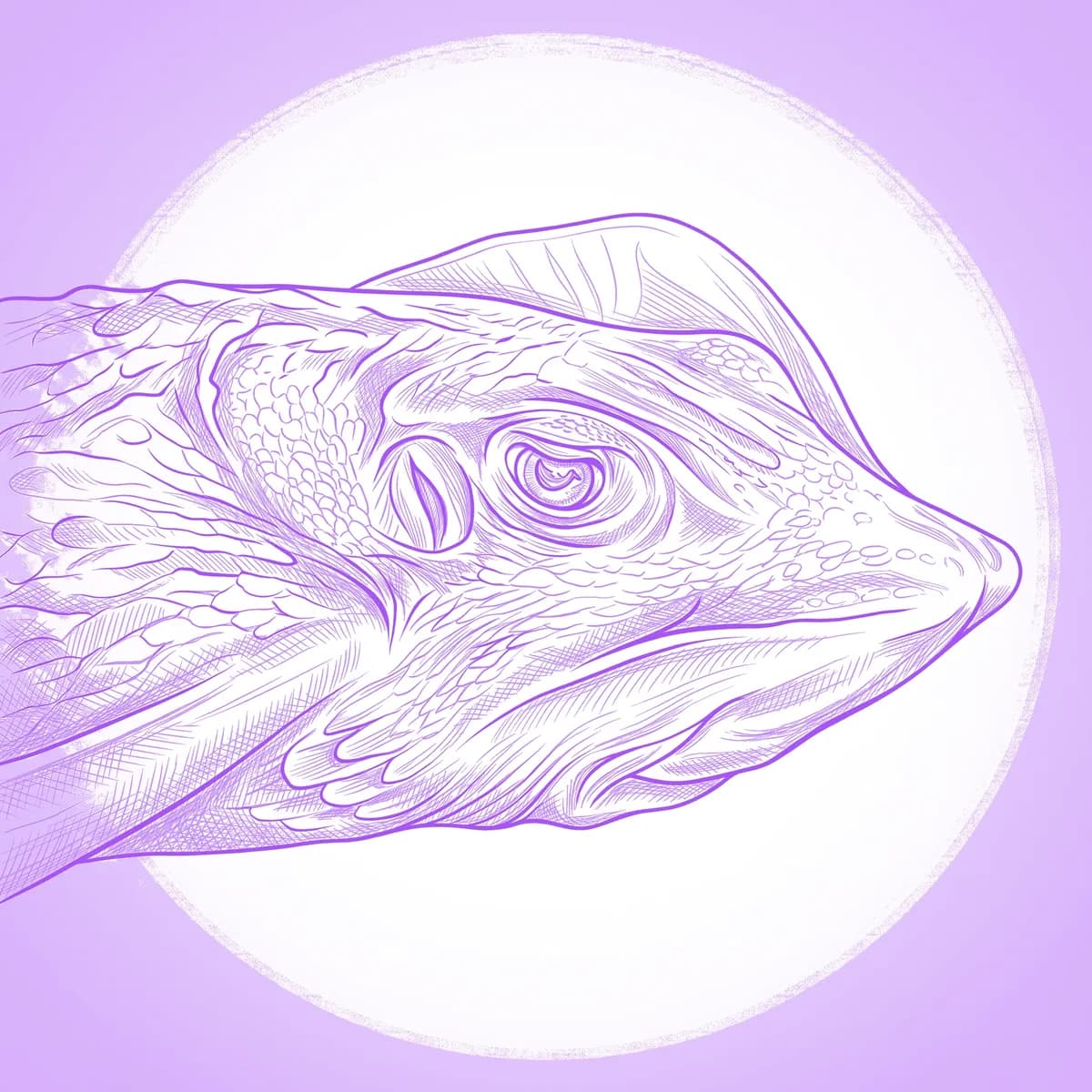
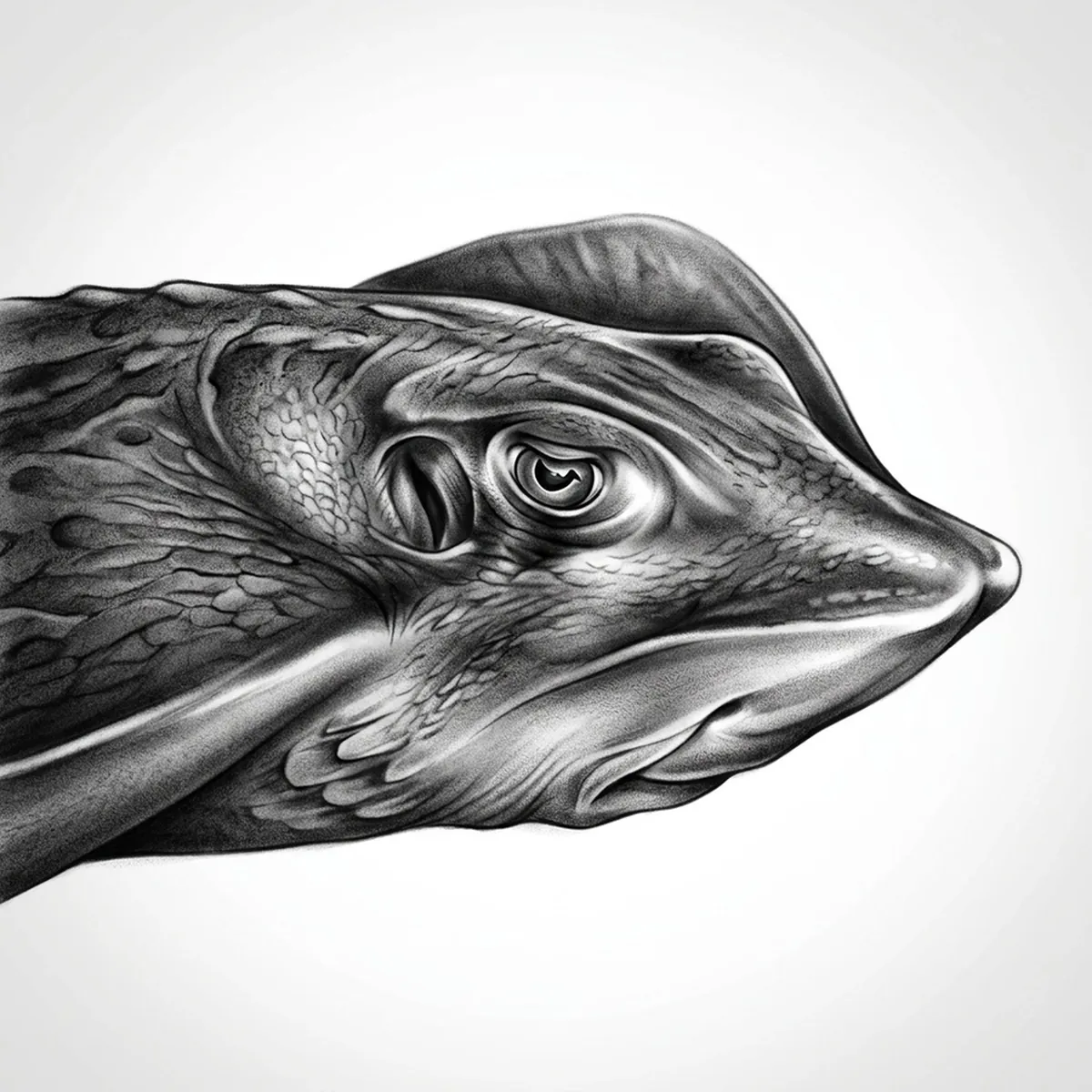
Why Stingray works as a realism tattoo
- The rippling, wavy edge of the disc gives the body movement and a defined margin instead of a flat plain oval.
- Speckled or spotted skin patterning gives the Standard and Hatching styles surface texture to render across the back.
- The long thin tail with its barb adds a striking trailing line and a clear point of menace.
- The smooth disc surface holds a gentle tonal gradient that the realism styles model into a rounded, lifelike body.
How to make a stingray tattoo stencil
Upload your reference
Choose a realism style
Export & transfer
Placement & sizing
A stingray suits a broad flat area with room for the tail to trail — the shoulder blade, upper back, or across the top of the thigh.
Tips for the best result
- Pick a top-down reference so the disc shape, the rippling fin edge and the tail all read in one clean layout.
- Use Hatching for the speckled skin and soft body gradient; Outline for a bolder, simpler graphic stingray.
- Choose a reference with visible skin pattern or spots — that surface detail is what keeps the broad body from looking like an empty shape.
Frequently asked questions
What is the best style for a stingray tattoo stencil?
For a realistic look, Standard or Hatching capture the speckled skin and the rounded disc. Outline gives a clean, bold stingray with a strong tail line.
How do you keep a stingray stencil from looking like a plain oval?
Use a reference with a clearly rippling fin edge and visible skin speckle; the stencil then has a defined wavy margin and surface texture rather than a flat outline.
Made with the photo-to-stencil tool — turn any photo into a clean, tattoo-ready stencil in seconds.
Make your stencil now
Upload a reference and get a clean, tattoo-ready stencil in seconds.
Try Stencil AI