Spider Tattoo Stencil
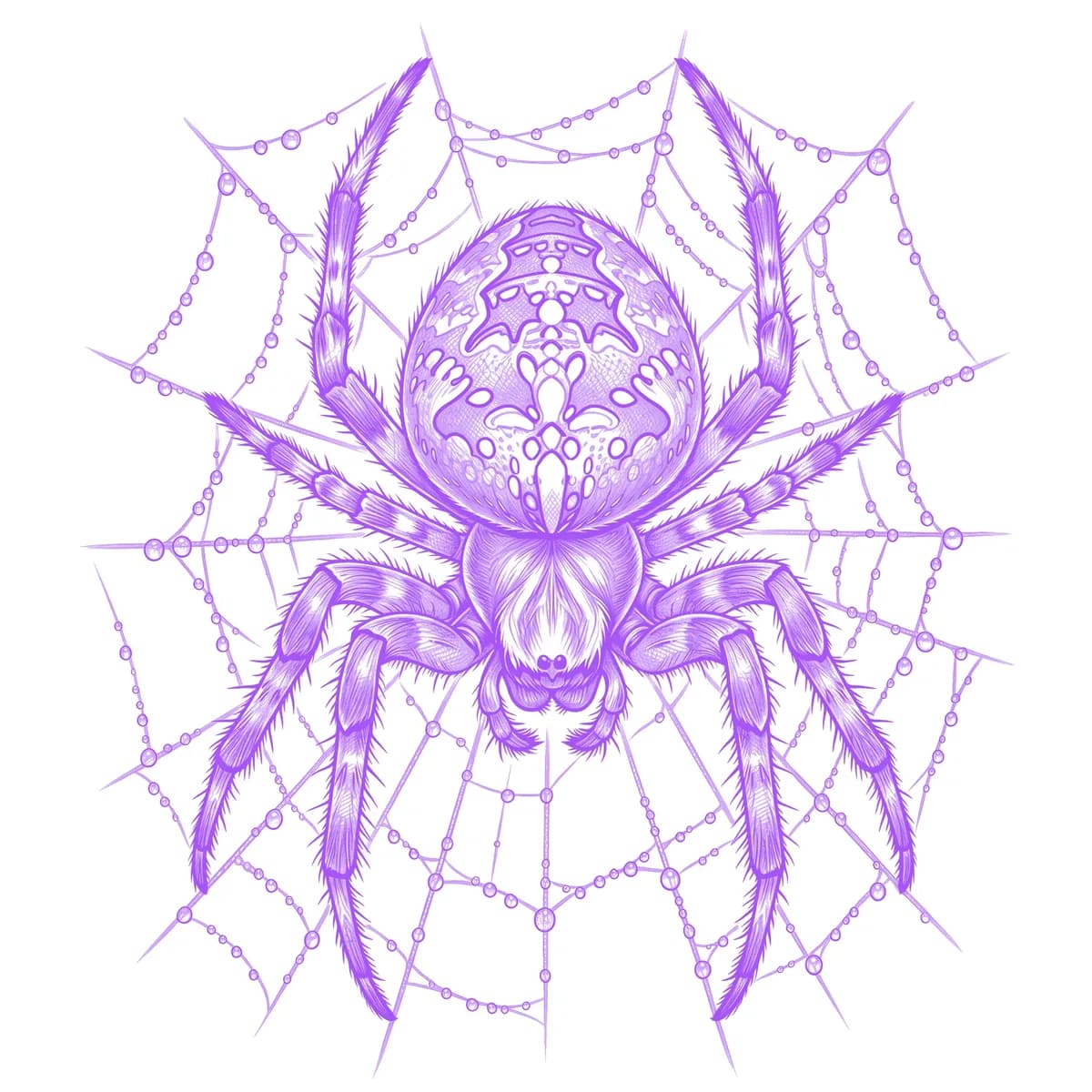
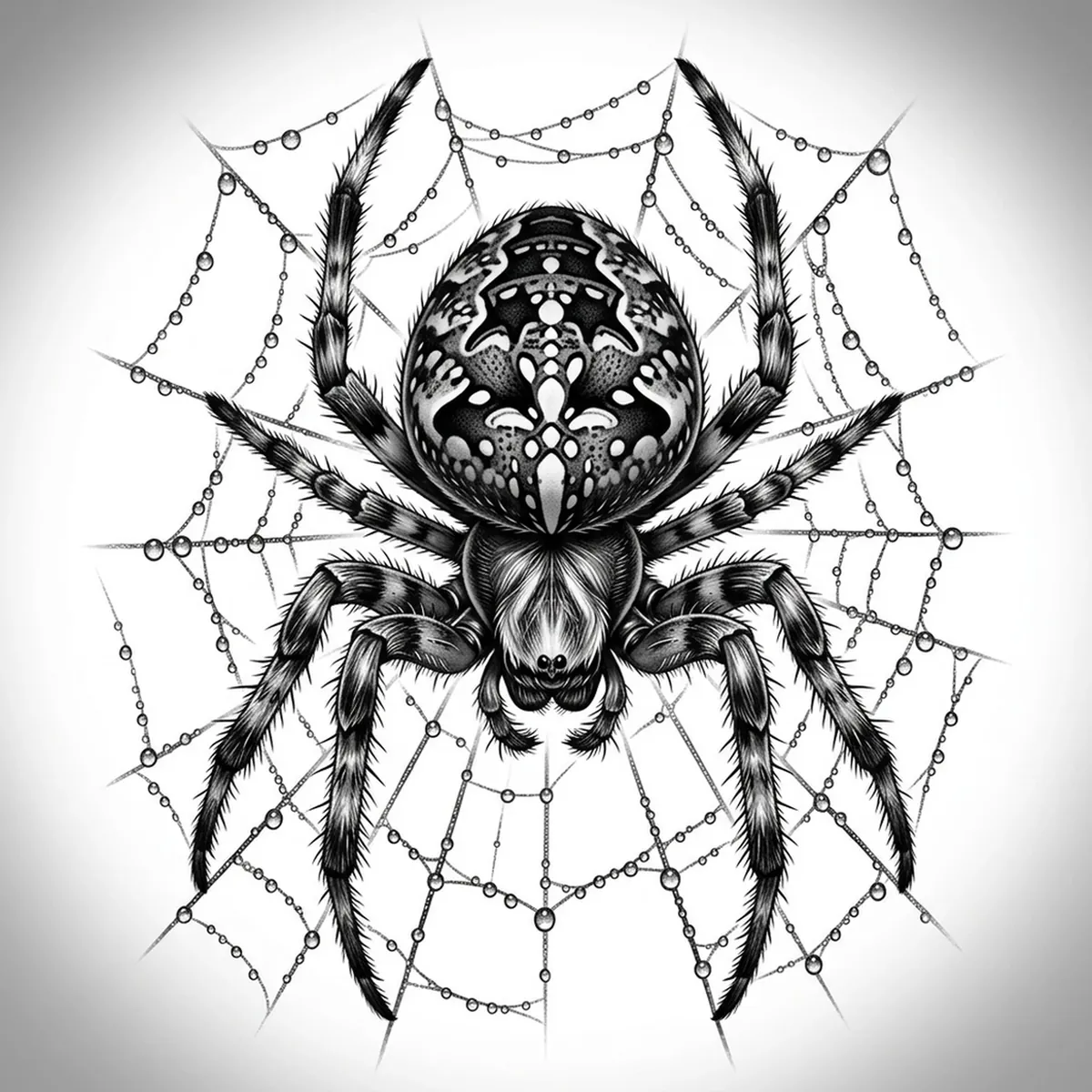
A spider is all about those eight legs and the bristly, light-grabbing texture that covers them. The challenge for a stencil is keeping the legs as eight distinct strands while preserving the fine hairs and the wet shine on a bulbous abdomen. Stencil AI maps each leg joint and the fuzzy fringe of hair so the spider reads as a real arachnid, not a flat black inkblot.
Why Spider works as a realism tattoo
- Eight radiating legs give a strong symmetrical structure the Outline style can sharpen into a bold, instantly recognizable silhouette.
- The hairy legs and body offer fine directional texture that the Hatching style turns into convincing bristle without going solid black.
- A rounded, glossy abdomen creates a clear specular highlight the gradients use to give the body real volume.
- High natural contrast between the dark spider and a lighter surface suits black-and-gray realism perfectly.
How to make a spider tattoo stencil
Upload your reference
Choose a realism style
Export & transfer
Placement & sizing
A spider works well on a rounded surface — the back of the hand, the elbow, or the side of the neck — where the legs can spread and reach across the form.
Tips for the best result
- Pick a reference shot from above or head-on so all eight legs are clearly separated and none overlap into a confusing tangle.
- Use Hatching for realistic leg bristle and a glossy body; Outline for a bold, graphic spider silhouette.
- Choose lighting that puts a shine on the abdomen so the stencil keeps that wet, rounded highlight instead of a dull dark blob.
Frequently asked questions
What is the best style for a spider tattoo stencil?
Hatching keeps the fine leg hairs and glossy body for a realistic spider. Outline gives a cleaner, bolder eight-legged silhouette if you want something graphic.
Will the thin legs survive in the stencil?
Yes — as long as the legs are clearly separated and lit in your reference, the stencil keeps each leg as its own crisp line rather than merging them together.
Made with the photo-to-stencil tool — turn any photo into a clean, tattoo-ready stencil in seconds.
Make your stencil now
Upload a reference and get a clean, tattoo-ready stencil in seconds.
Try Stencil AI