Rottweiler Tattoo Stencil
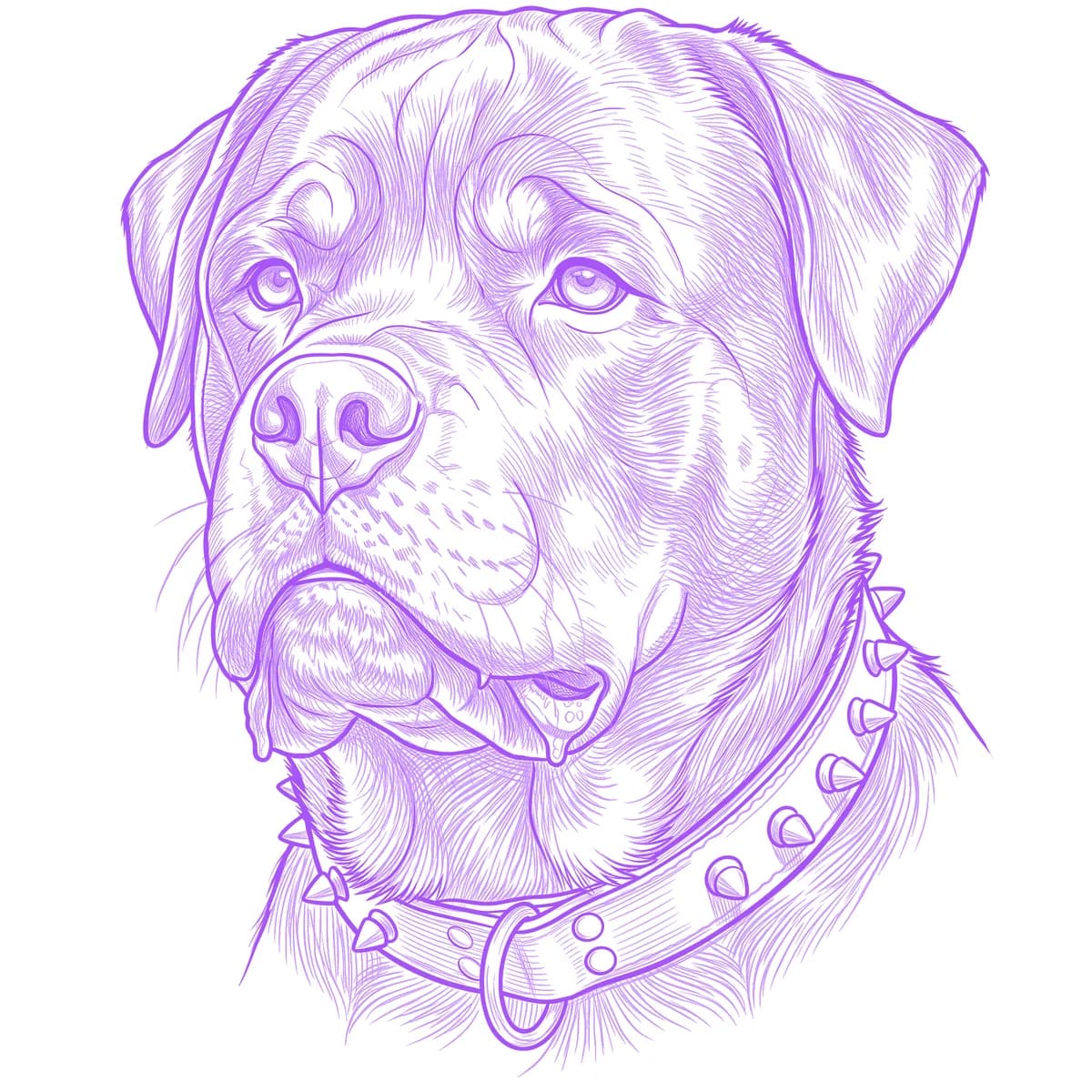
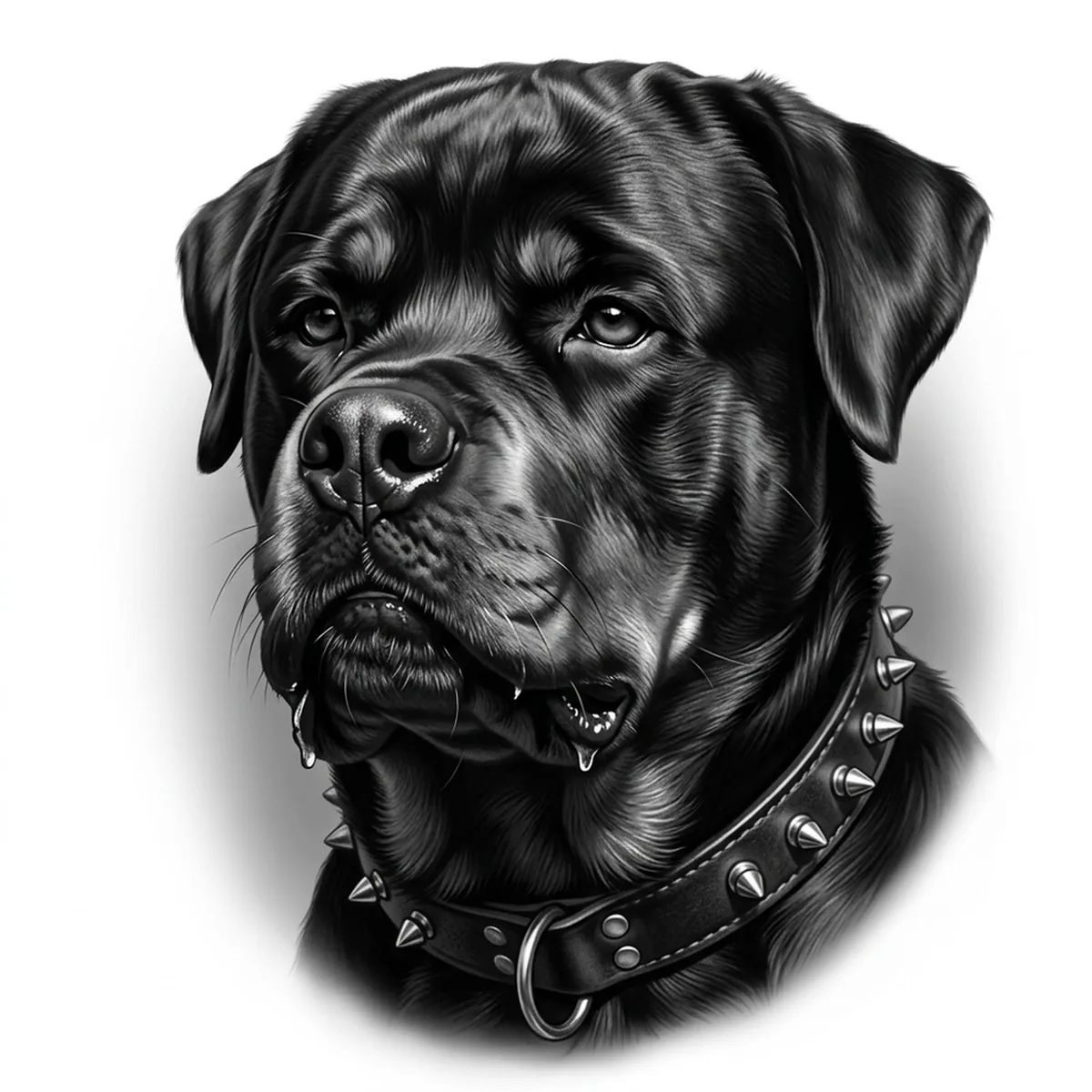
A Rottweiler is nearly all black, and that is exactly the trap: crush the values and you get a featureless dark blob with two dots for eyes. The breed lives in its tan markings — the brow dots, muzzle patches and chest triangles — plus the sheen rolling over that massive skull. Stencil AI maps the highlights across the short glossy coat so the head keeps its planes instead of flooding to solid.
Why Rottweiler works as a realism tattoo
- The tan brow points and muzzle patches punch light shapes into a dark field, giving the stencil ready-made landmarks that anchor the whole face.
- A short, tight coat means form is carried by highlight rather than fur strands, and Standard's tonal gradients model that broad skull cleanly.
- The heavy jowls and wide-set eyes create a low, grounded triangle of features — a composition that stays imposing even at forearm scale.
How to make a rottweiler tattoo stencil
Upload your reference
Choose a realism style
Export & transfer
Placement & sizing
That wide, blocky head wants an equally broad canvas — the outer calf, upper arm or chest plate carry the mass without squeezing the jowls.
Tips for the best result
- Light matters more here than for any long-haired breed: pick a photo with a clear highlight running down the skull and muzzle bridge, or the black coat prints as one flat tone.
- Frame slightly from below to emphasize the jaw width; straight-down angles make a Rottweiler look like a Labrador.
- Skip Outline unless you want a minimal piece — without the tonal work, an all-black dog loses most of its identity.
Frequently asked questions
What is the best style for a rottweiler tattoo stencil?
Standard, almost every time — the breed depends on smooth tonal transitions between black coat, tan points and highlight. Hatching works for a grittier, textured take on the shadowed side of the head.
Will a mostly black dog just turn into a dark smudge?
Not if the reference has directional light. The stencil keeps the highlight planes and tan markings as distinct values, and you can push more separation with the Retouch editor before printing true to size.
Made with the AI tattoo stencil generator — turn any photo into a clean, tattoo-ready stencil in seconds.
Make your stencil now
Upload a reference and get a clean, tattoo-ready stencil in seconds.
Try Stencil AITrusted by 5,000+ tattoo artists · ★ 4.7 on the App Store