Quokka Tattoo Stencil
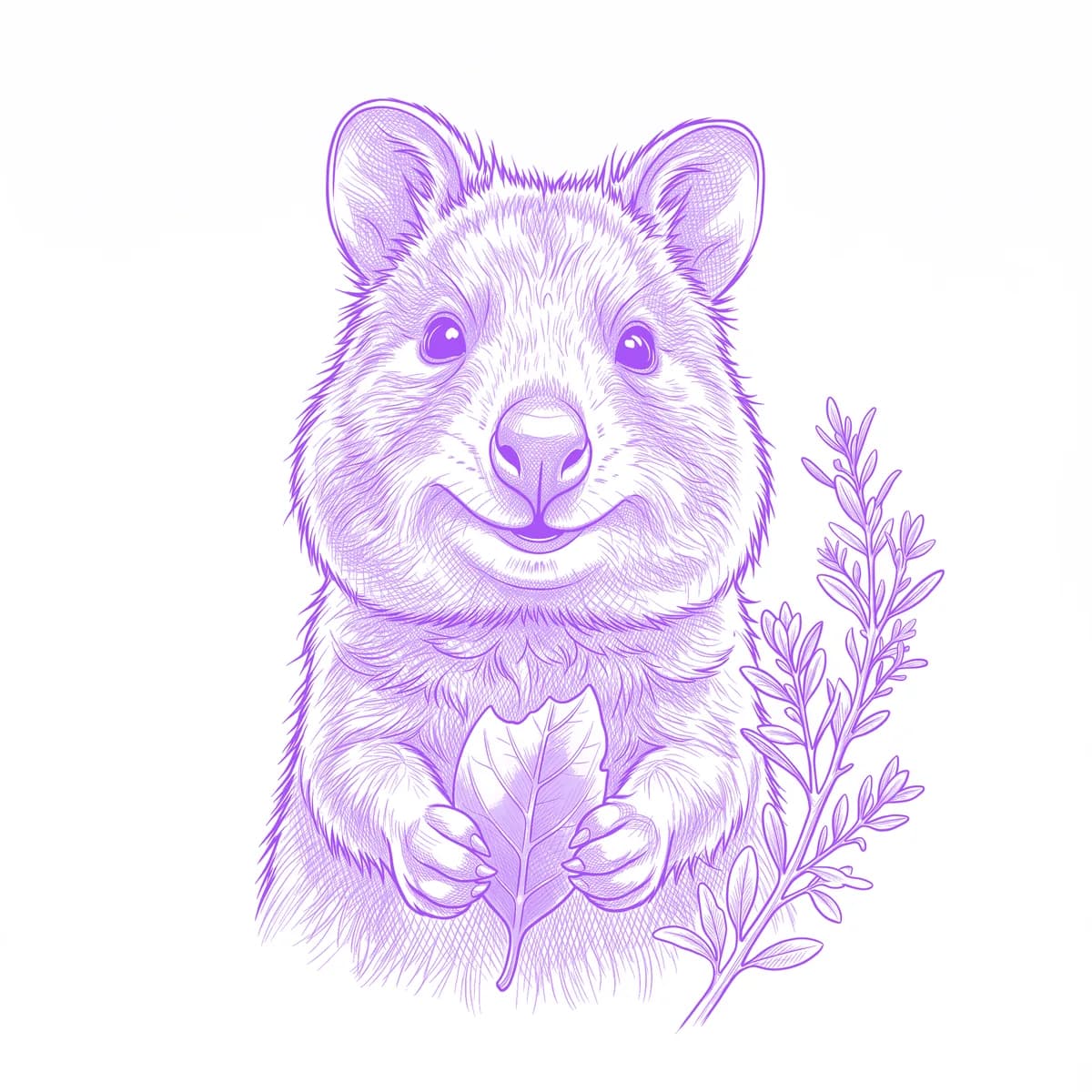
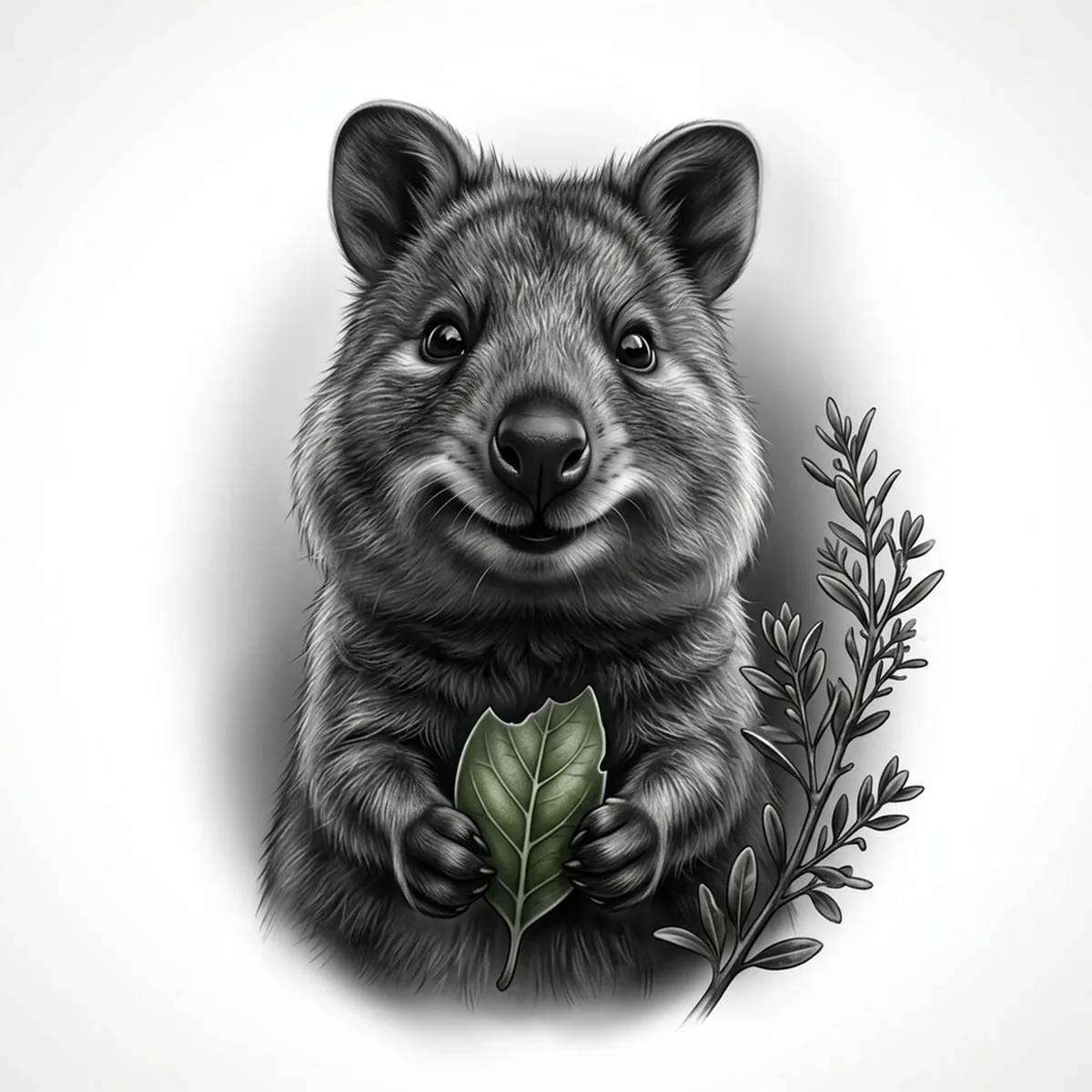
The quokka earned its title as the world's happiest animal from one anatomical accident: a mouth that curves upward at rest, framed by plump cheeks. That smile is the entire commission — and the thing most conversions ruin, because the mouth line is subtle and one heavy pass turns the grin into a grimace. Stencil AI keeps the mouth curve light and precise while giving the scruffy coat its rough, unbothered texture.
Why Quokka works as a realism tattoo
- The resting smile with rounded cheek pads is a genuinely unique facial structure — no other animal delivers cheerfulness without cartooning.
- Coarse, slightly untidy fur around the face contrasts the smooth nose and bright eyes, keeping the design textured rather than cutesy-smooth.
- The compact upright pose with small forepaws tucked in front compresses everything into one round, instantly readable shape.
How to make a quokka tattoo stencil
Upload your reference
Choose a realism style
Export & transfer
Placement & sizing
A quokka portrait is a natural fit for round placements — the shoulder cap, the upper arm, or the calf; small versions sit sweetly on the inner ankle.
Tips for the best result
- Choose the classic front-facing selfie angle with the head slightly tilted — it is the pose the whole internet knows, and it shows the smile at full strength.
- Make sure both corners of the mouth are visible and lit; if one corner falls into shadow the smile collapses on that side.
- Standard is the best default for the soft cheeks; add a leaf held in the forepaws if you want a second focal detail without cluttering the face.
Frequently asked questions
What is the best style for a quokka tattoo stencil?
Standard — the smile depends on soft tonal cheeks, not heavy texture. Hatching works for large pieces where the scruffy coat can show, but keep the mouth area clean in any style.
Will the quokka's smile actually read as a smile in the stencil?
Yes, if the reference is front-facing and evenly lit around the mouth. The upturned curve converts to a fine clean line; use the Retouch editor to lighten anything crowding the mouth corners.
Made with the AI tattoo stencil generator — turn any photo into a clean, tattoo-ready stencil in seconds.
Make your stencil now
Upload a reference and get a clean, tattoo-ready stencil in seconds.
Try Stencil AITrusted by 5,000+ tattoo artists · ★ 4.7 on the App Store