Pitbull Tattoo Stencil
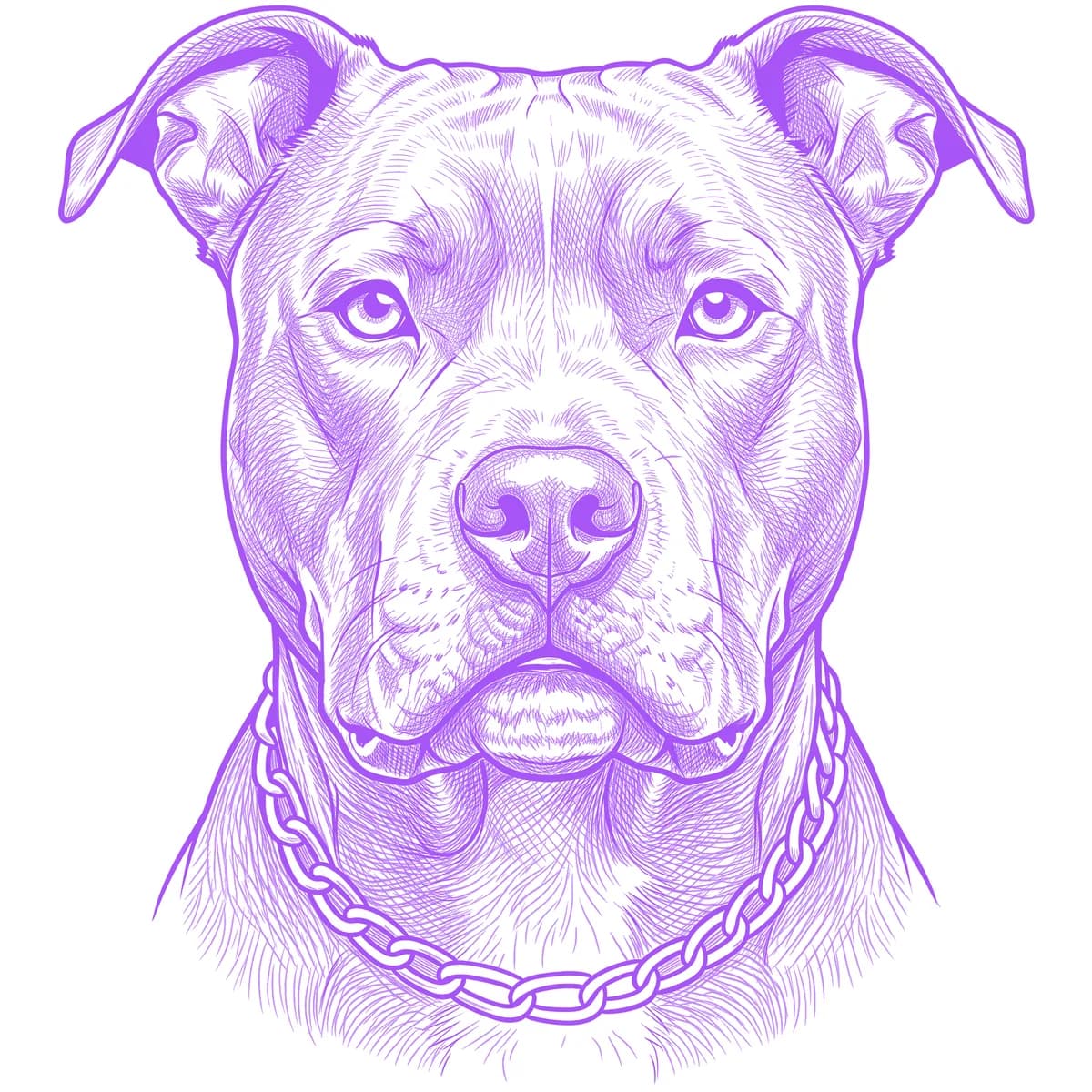
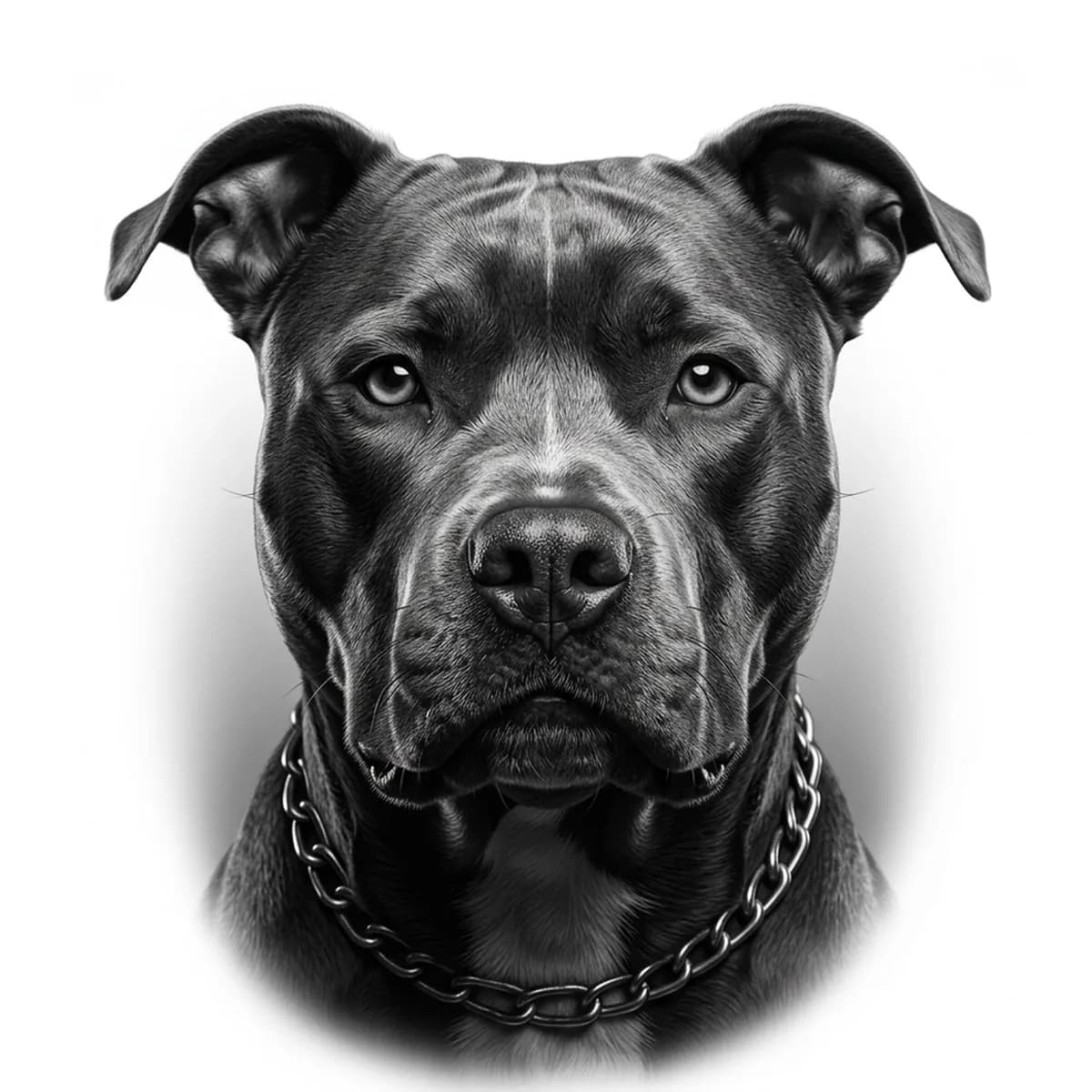
A pitbull portrait is a sculpture problem: the broad wedge skull, the bulging cheek masseters and the thick neck are all hard muscle under a coat too short to hide anything. There is no fluff to lean on — a weak stencil shows up instantly as a shapeless head. Stencil AI reads the tonal planes of that musculature directly, keeping the cheek bulge, brow folds and jawline as distinct shaded masses.
Why Pitbull works as a realism tattoo
- The short, tight coat exposes real anatomy, so the Standard style can model the skull and cheek muscles like a graphite figure study.
- Rose or cropped ears and the wide-set eyes give the face its blocky, symmetrical architecture — strong geometry that holds up at distance.
- The glossy coat throws bright highlights along the skull ridge and muzzle, natural white breaks that keep a dark-coated dog from filling in.
How to make a pitbull tattoo stencil
Upload your reference
Choose a realism style
Export & transfer
Placement & sizing
The wide, frontal head suits broad flat areas — the outer upper arm, the chest plate, or the front of the thigh — where the symmetric face will not bend around a curve.
Tips for the best result
- Use a straight-on, eye-level photo of your own dog with both ears fully in frame; the breed's presence lives in that square-on symmetry.
- A soft grin with the tongue out reads loyal and goofy, while a closed-mouth stare reads guardian — pick the expression that matches your dog.
- For brindle coats, make sure the stripe pattern is visible in even light; the tiger striping becomes a striking grayscale texture few other dogs offer.
Frequently asked questions
What is the best style for a pitbull tattoo stencil?
Standard is the strongest match — the breed is defined by smooth muscle planes rather than fur texture. Outline suits bold, blackwork-leaning pitbull head designs.
Can I use a photo of my own pitbull for the stencil?
Yes — a sharp, front-facing photo keeps your dog's individual ear set, eye spacing and coat markings, and the Retouch editor can clean up collars or background clutter.
Made with the photo-to-stencil tool — turn any photo into a clean, tattoo-ready stencil in seconds.
Make your stencil now
Upload a reference and get a clean, tattoo-ready stencil in seconds.
Try Stencil AITrusted by 5,000+ tattoo artists · ★ 4.7 on the App Store