Pine Tree Tattoo Stencil
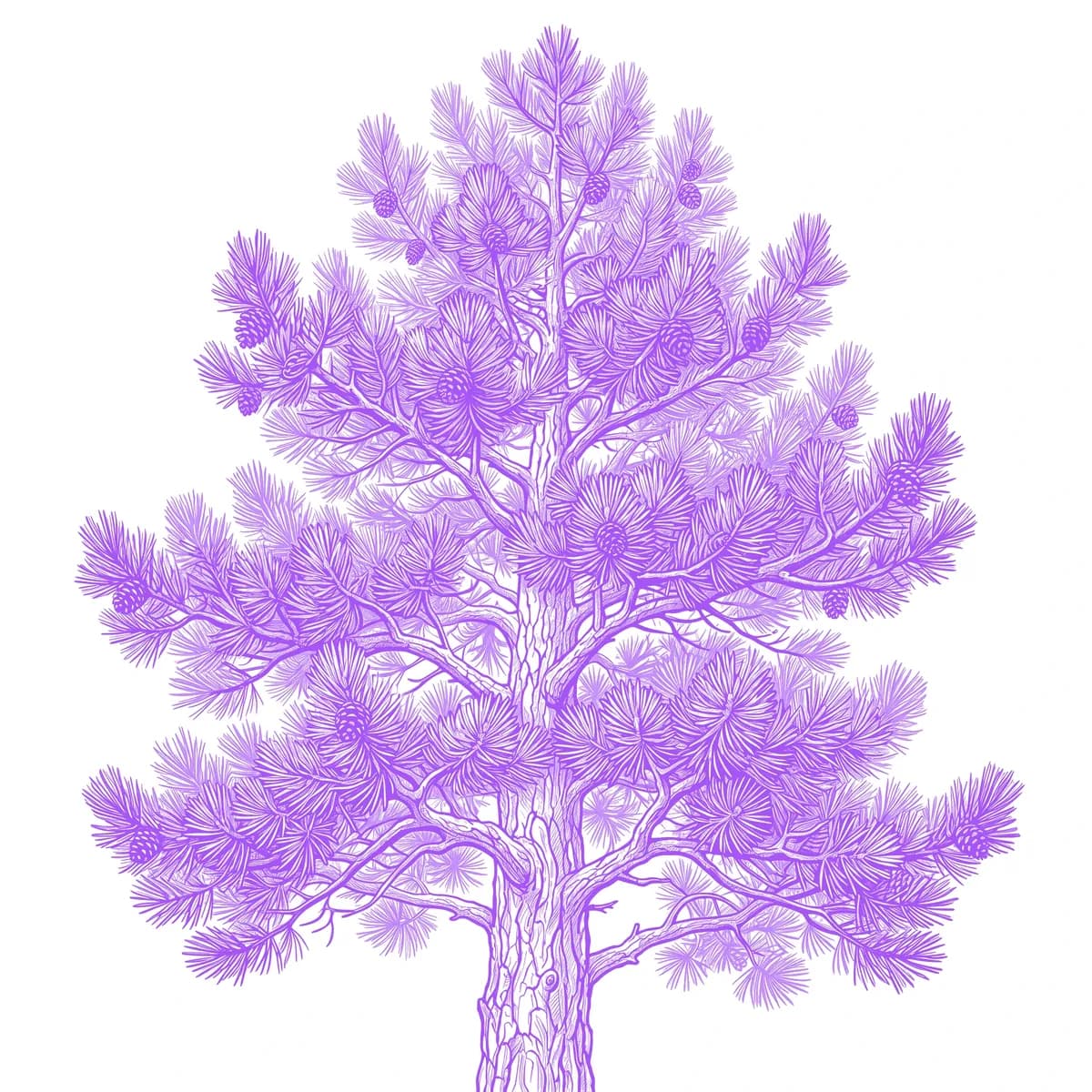
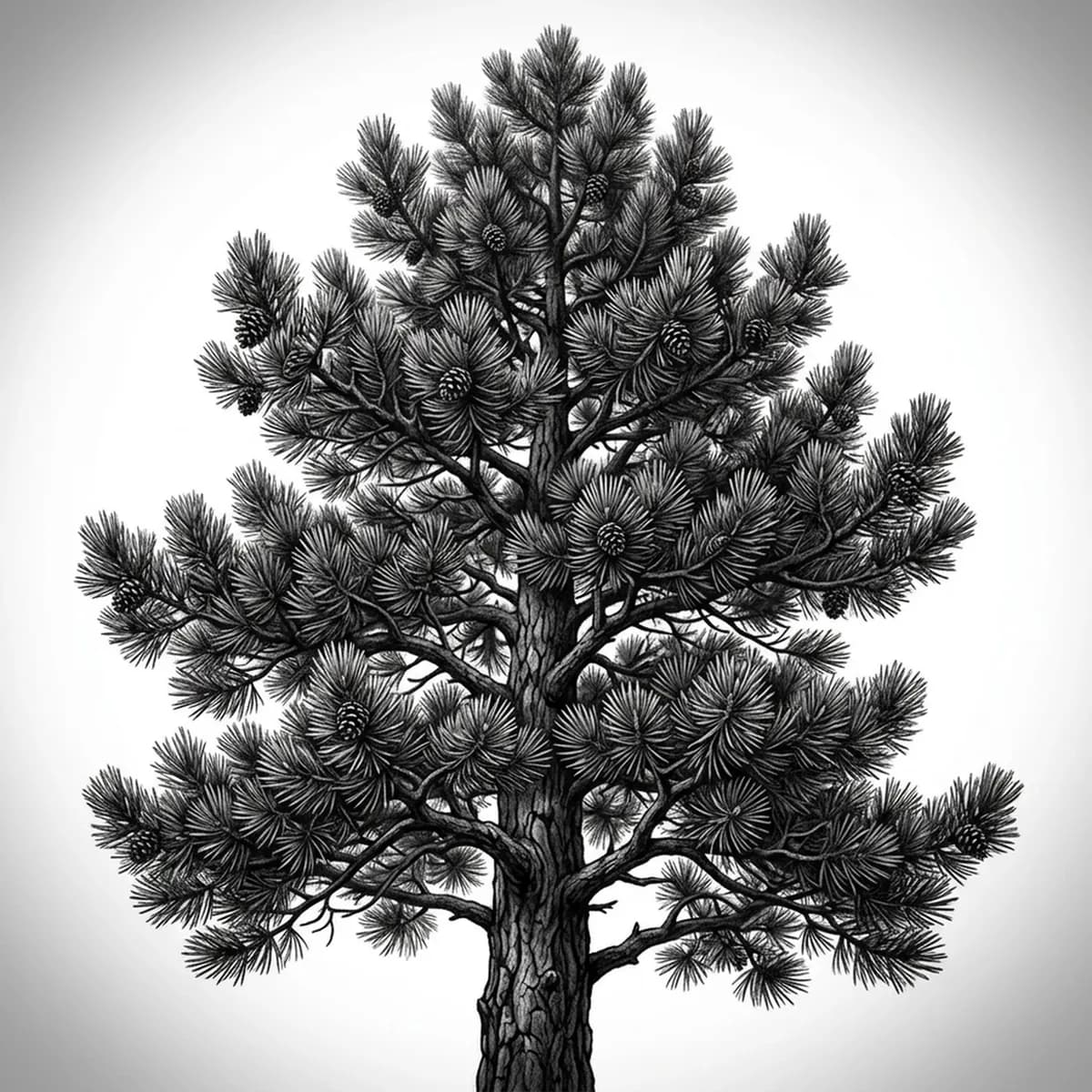
A pine is defined by its tiered triangular shape — flat layers of needled boughs stacked from a wide base up to a single pointed crown. The challenge is the needles: thousands of fine clusters that have to suggest texture without becoming a solid dark cone. What sells a realistic pine is the way each tier of branches casts a shadow on the one below it. Stencil AI keeps those layered boughs and the crisp conical taper intact when it converts your pine reference into transferable line work.
Why Pine Tree works as a realism tattoo
- The pine's stacked, downward-sloping boughs give the realism styles (Standard and Hatching) clear horizontal shadow bands that build the conical depth.
- Its strong triangular silhouette is instantly readable, so the stencil holds shape even at small sizes or in a tight column.
- Clusters of needles translate into short, directional strokes that give Hatching a natural texture to follow along each branch.
- The single pointed crown and tapering tiers make it ideal for long, vertical placements that follow the limb.
How to make a pine tree tattoo stencil
Upload your reference
Choose a realism style
Export & transfer
Placement & sizing
A pine fits tall, narrow spots — the forearm, the calf, or the spine, where its vertical conical form can run uncropped from base to crown.
Tips for the best result
- Choose a reference where the boughs are clearly separated into tiers so the stencil keeps the layered, stacked look instead of merging into one cone.
- Use Hatching to suggest the needle texture and the shadow under each branch tier; Outline for a cleaner, minimalist evergreen.
- Pick a side-lit reference so the underside of each bough reads darker, giving the tree believable front-to-back depth.
Frequently asked questions
What is the best style for a pine tree tattoo stencil?
For a realistic pine, Hatching or Standard hold the needle texture and the shadow between branch tiers. Outline gives a cleaner, minimalist evergreen shape.
How do I keep pine needles from turning into a solid mass?
Use a reference with clear gaps between the branch tiers and visible sky behind the boughs. The stencil preserves that separation so the needles read as layered clusters, not a black cone.
Made with the photo-to-stencil tool — turn any photo into a clean, tattoo-ready stencil in seconds.
Make your stencil now
Upload a reference and get a clean, tattoo-ready stencil in seconds.
Try Stencil AI