Mushroom Tattoo Stencil
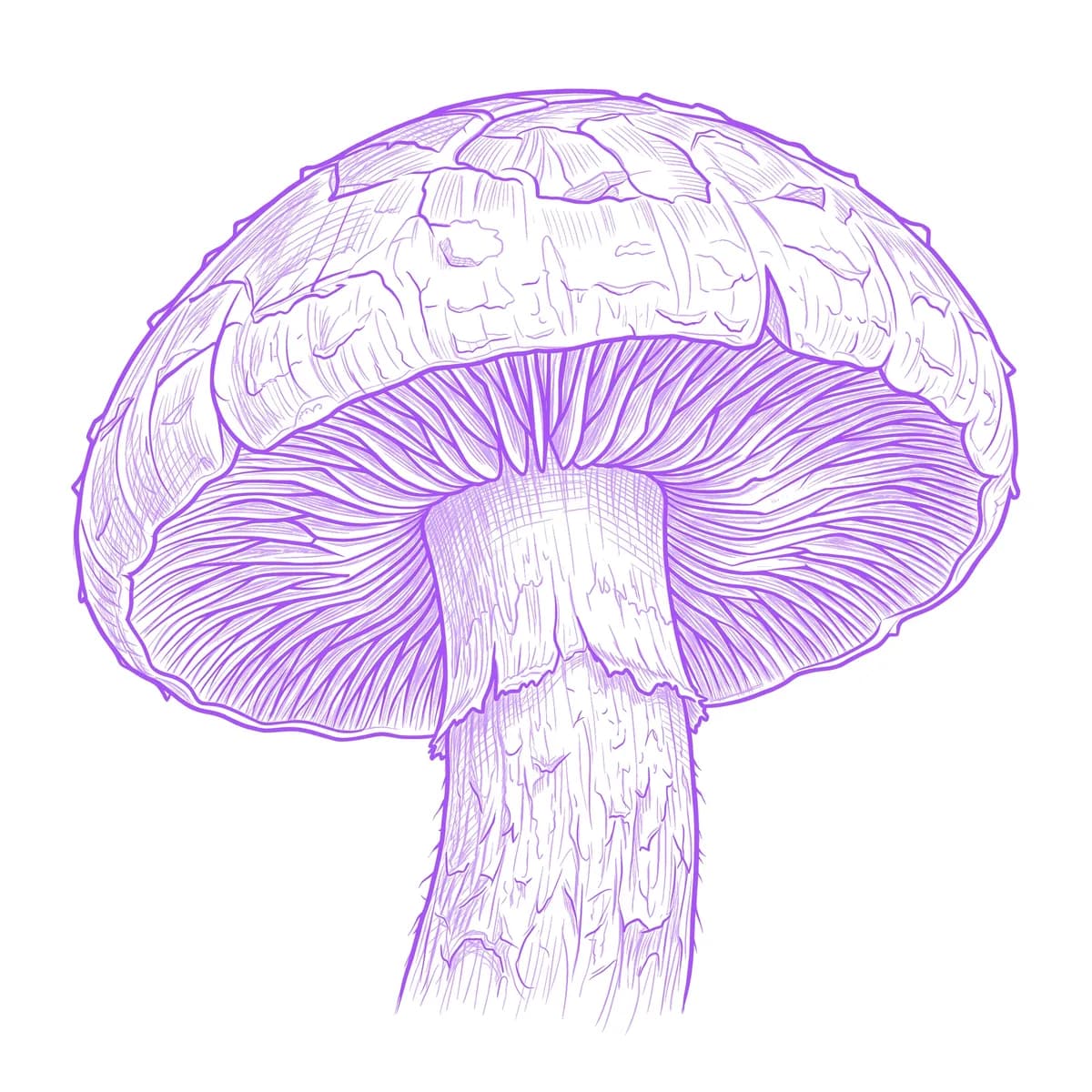
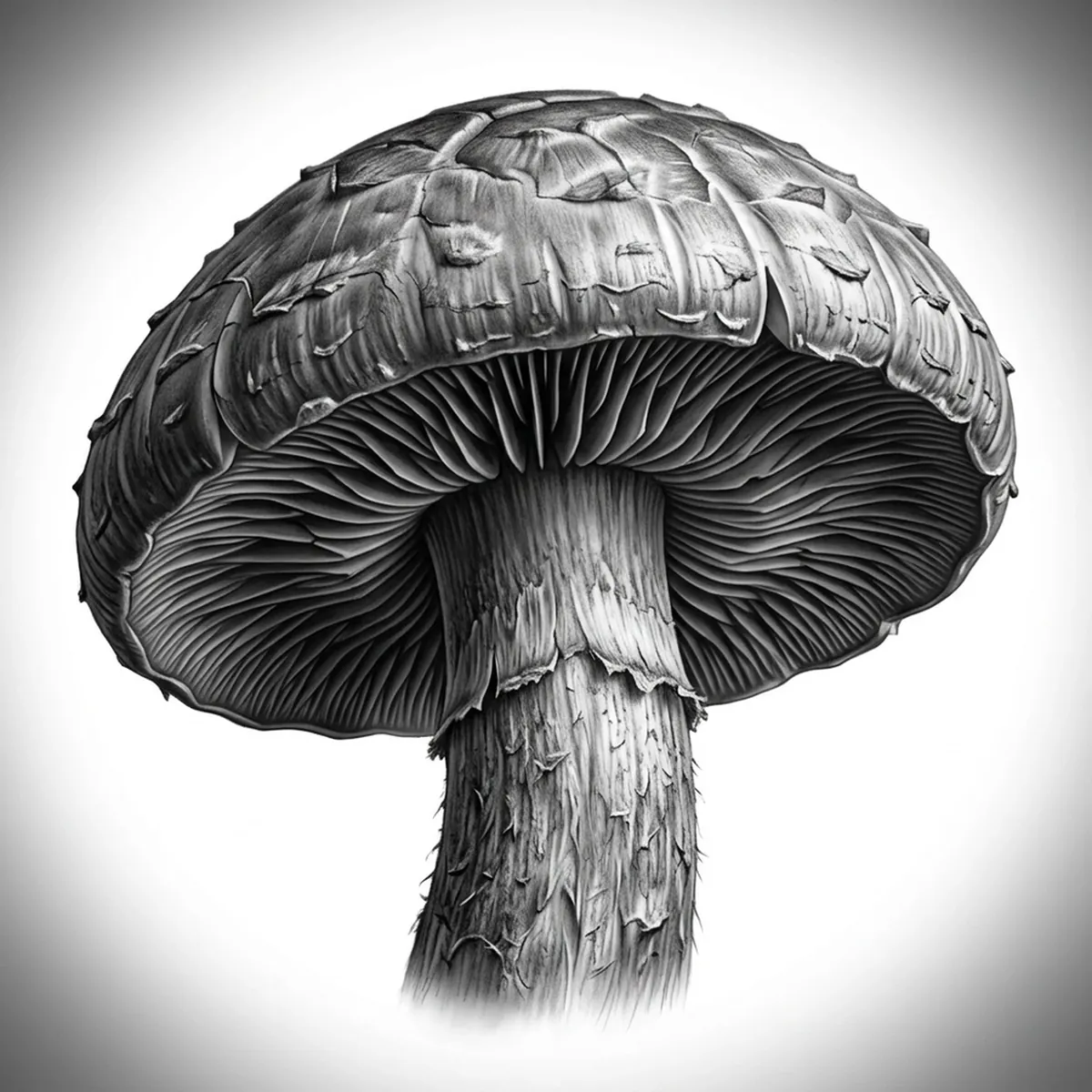
A mushroom is two very different textures stacked together: a smooth or spotted domed cap up top, and a fan of delicate, radiating gills underneath. The gills are the make-or-break detail — dozens of thin parallel ridges that easily collapse into a smudge. Stencil AI keeps each gill line separated and preserves the cap speckling when it converts your mushroom reference into transferable line work.
Why Mushroom works as a realism tattoo
- The radiating gills under the cap give the Standard and Hatching styles a natural set of fine, parallel lines that read as real fungal structure.
- A rounded cap offers a smooth tonal surface that contrasts with the fibrous stem, giving black-and-gray realism a built-in range of values.
- Cap spots or scales add crisp, high-contrast detail that the stencil keeps sharp instead of muddying.
- The earthy, textured stem and base supply organic grounding that anchors the cap and lets clusters group naturally.
How to make a mushroom tattoo stencil
Upload your reference
Choose a realism style
Export & transfer
Placement & sizing
A mushroom or small cluster suits compact placements — the forearm, calf, or back of the hand, with grouped caps fanning out across the skin.
Tips for the best result
- Choose a reference shot from slightly below so the gills under the cap are visible — that underside detail is what makes a mushroom read as realistic.
- Use Hatching for the fine gill lines and fibrous stem; Outline for a cleaner, more graphic cap with crisp spots.
- Pick lighting that separates the domed cap from the gills with a clear shadow line so the two textures stay distinct in the stencil.
Frequently asked questions
What is the best style for a mushroom tattoo stencil?
For a realistic mushroom, Hatching or Standard preserve the fine gill lines and the fibrous stem texture. Outline gives a cleaner, more graphic cap with crisp spots.
How do I keep mushroom gills detailed in a stencil?
Use a reference photographed from a low angle so the underside gills show clearly. The stencil keeps each thin ridge separated instead of blurring them into a single smudge.
Made with the photo-to-stencil tool — turn any photo into a clean, tattoo-ready stencil in seconds.
Make your stencil now
Upload a reference and get a clean, tattoo-ready stencil in seconds.
Try Stencil AI