Milky Way Tattoo Stencil
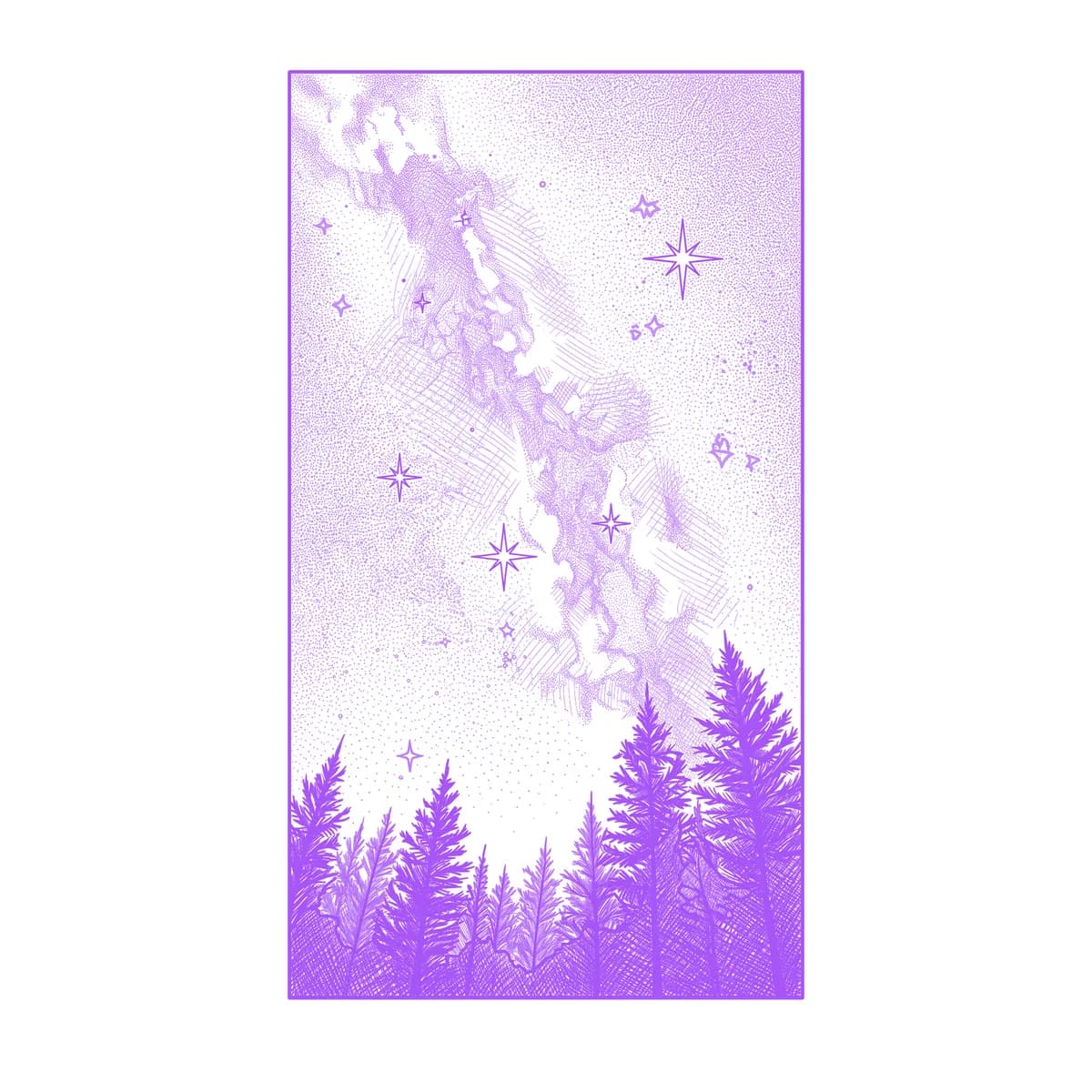
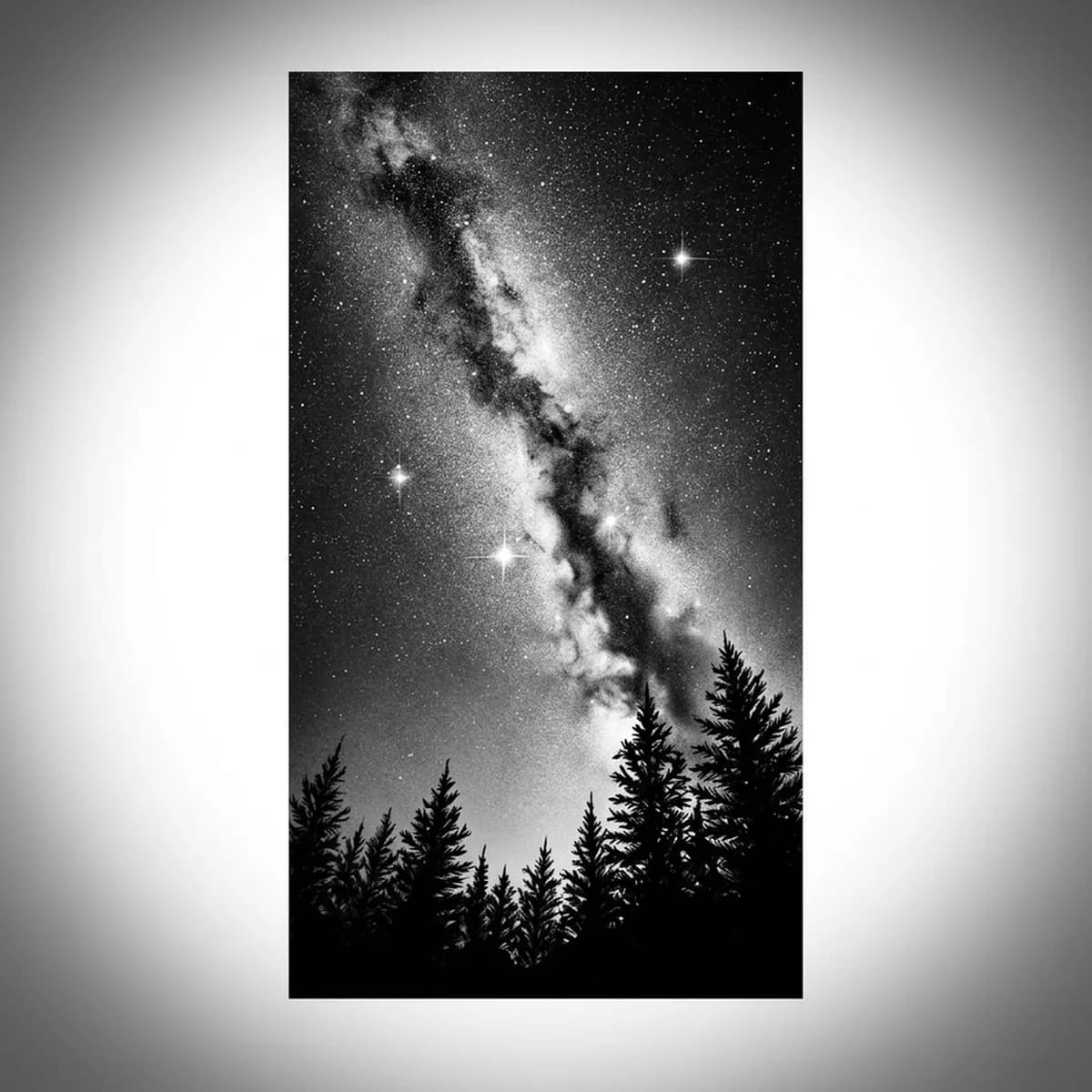
The Milky Way is the hardest sky to stencil because its structure is inverted: the galaxy's glow is granular — thousands of point stars — while its darkest features, the dust lanes, cut through the brightest part of the band. Average it all together and you get gray fog. Stencil AI keeps the stars as discrete stipple points and the dust lanes as sharp dark rivers through the glow.
Why Milky Way works as a realism tattoo
- The galactic band gives the composition one strong diagonal — a bright arch the eye follows across the whole piece, exactly what a large tattoo needs.
- Star fields translate naturally to stipple: dense dots in the core thinning toward the edges, a texture gradient rather than a smooth one, which holds up in ink.
- A jagged pine or mountain silhouette along the bottom is pure black anchor — maximum contrast against the granular sky and an instant sense of scale.
How to make a milky way tattoo stencil
Upload your reference
Choose a realism style
Export & transfer
Placement & sizing
The band wants length — running down the outer forearm, arcing across the ribs, or spanning the upper back where the arch can actually arch.
Tips for the best result
- Choose a reference with a visible dark dust lane splitting the core; without it the band becomes a featureless bright stripe.
- Insist on a clean horizon silhouette — trees or peaks in crisp black — because the sky needs a solid shape to glow against.
- Standard is the strongest style for the tonal glow of the core; Hatching gives an engraved, vintage-astronomy sky where the band is built from fine line densities.
Frequently asked questions
What is the best style for a Milky Way tattoo stencil?
Standard — the galactic core is a tonal glow punctuated by stipple stars and dark dust lanes, which tonal shading captures best. Hatching suits an old-star-atlas engraving look.
Will the stars stay visible in a Milky Way tattoo over time?
Individual pinpoint stars soften as skin ages, so the design should rely on the band's tonal structure and the dust lanes, with stars as texture on top — exactly how the stencil separates them.
Made with the photo-to-stencil tool — turn any photo into a clean, tattoo-ready stencil in seconds.
Make your stencil now
Upload a reference and get a clean, tattoo-ready stencil in seconds.
Try Stencil AITrusted by 5,000+ tattoo artists · ★ 4.7 on the App Store