Iris Tattoo Stencil
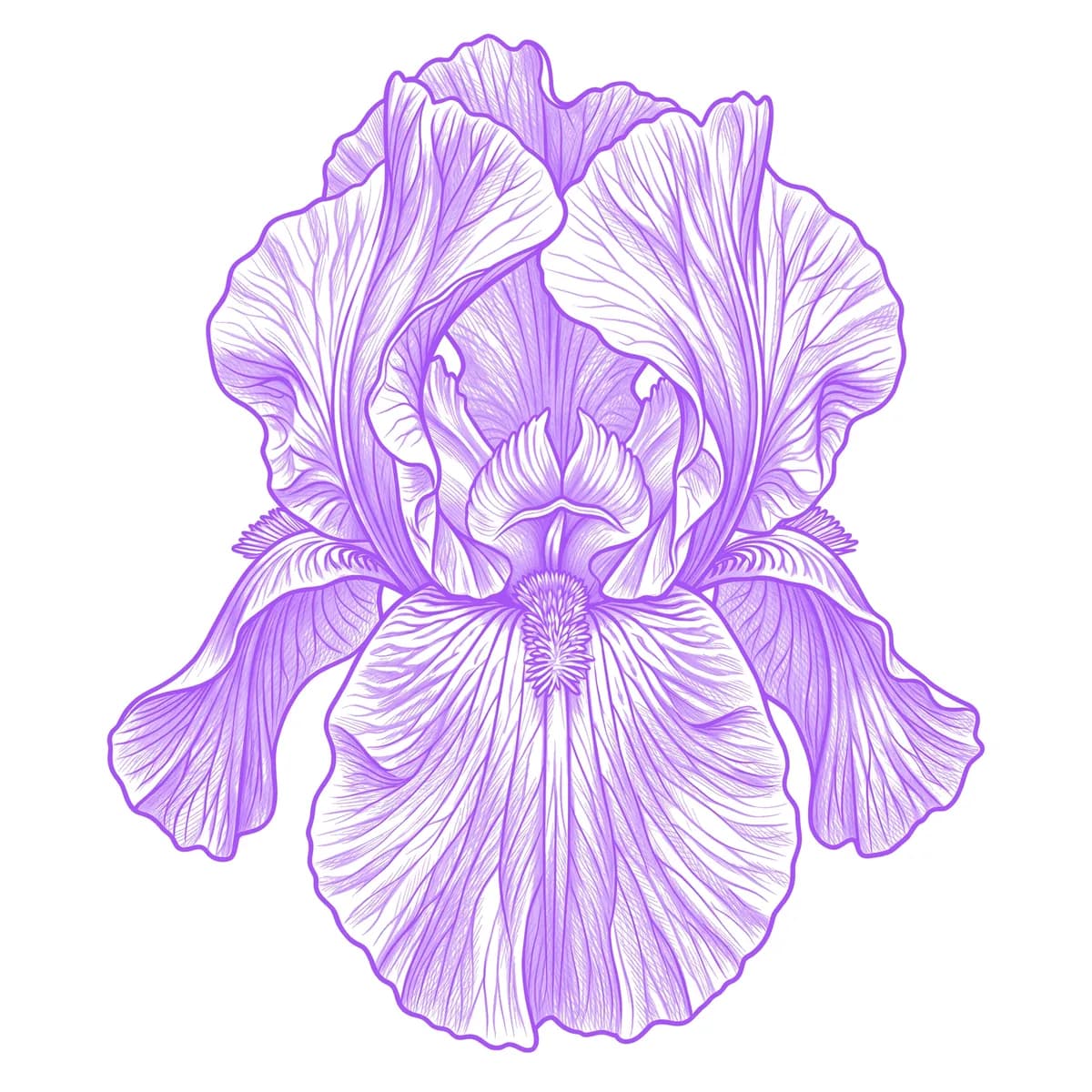
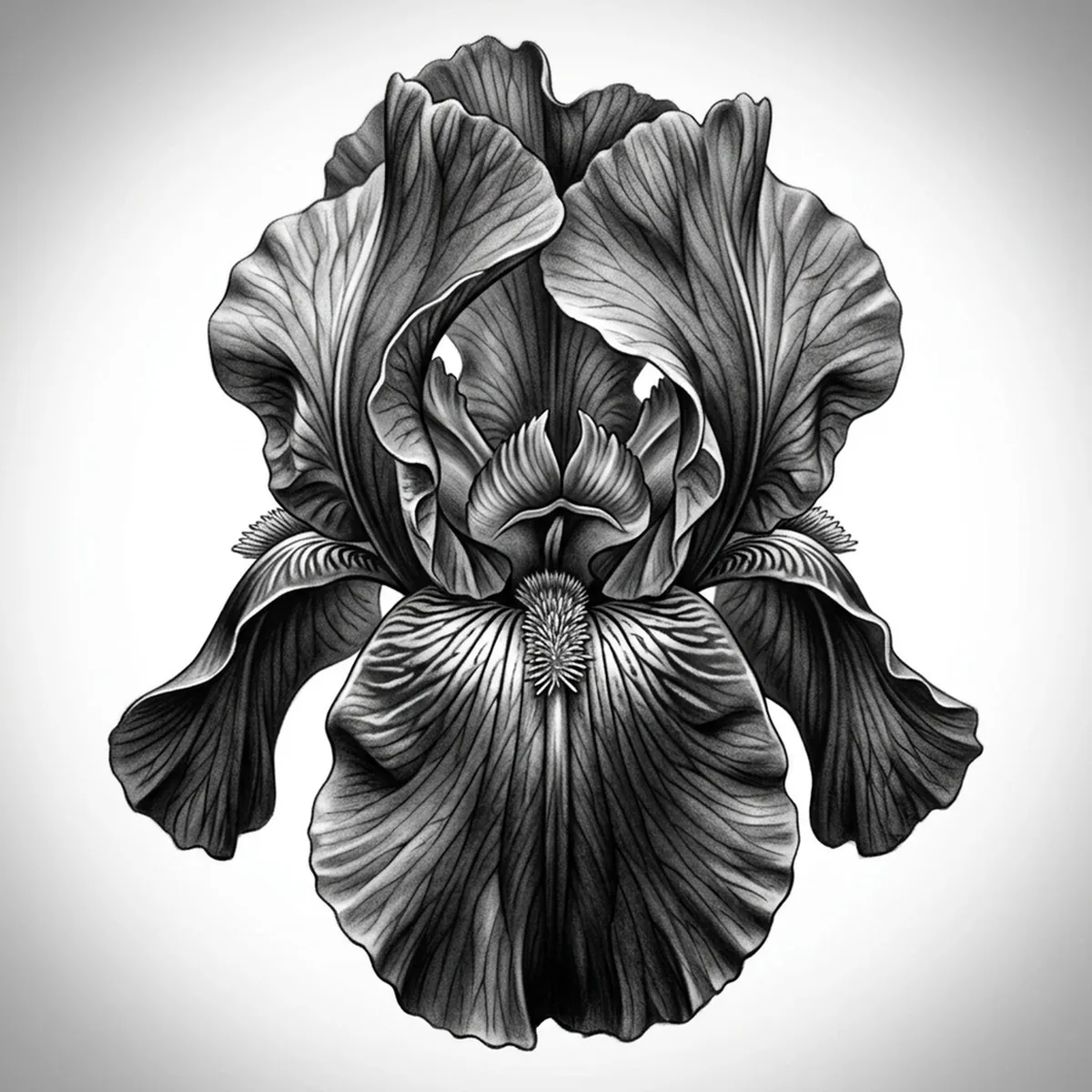
An iris has a layered, two-tier structure unlike any other flower — three petals standing upright (the standards) above three that arch and droop downward (the falls), each fall marked by a fuzzy ridge called the beard. The challenge is that the petals ripple and fold heavily, with delicate veining streaking the falls toward the throat. What sells a realistic iris is the contrast between the erect standards and the cascading falls, plus that fuzzy beard catching the light. Stencil AI keeps the standards, the drooping falls and the veined beard intact when it converts your iris reference into transferable line work.
Why Iris works as a realism tattoo
- The iris's two-tier standards-and-falls structure gives the realism styles (Standard and Hatching) layered depth no flat-faced flower offers.
- The drooping, rippled falls create flowing folds and shadow that read as elegant and sculptural.
- Fine veins streaking down each fall toward the beard translate into delicate directional line work.
- The fuzzy beard provides a stippled textural accent that contrasts beautifully against the smooth petal sweeps.
How to make a iris tattoo stencil
Upload your reference
Choose a realism style
Export & transfer
Placement & sizing
An iris suits long, flowing spots — the forearm, the spine, the thigh, or the ribs, where the upright standards and cascading falls can stretch vertically.
Tips for the best result
- Choose a three-quarter reference so both the upright standards and the drooping falls read clearly with depth between them.
- Use Hatching to render the rippled folds of the falls and the fuzzy beard; Outline for a cleaner, elegant iris.
- Pick a reference where the vein lines on the falls are visible so the stencil keeps that streaked detail toward the throat.
Frequently asked questions
What is the best style for an iris tattoo stencil?
For a realistic iris, Hatching or Standard hold the rippled falls, the fine veining and the fuzzy beard. Outline gives a cleaner, elegant silhouette.
How do I capture the iris standards and falls in a stencil?
Use a three-quarter reference that shows both the upright standards and the drooping falls. The stencil preserves that two-tier layering so the flower keeps its distinctive sculptural depth.
Made with the AI tattoo stencil generator — turn any photo into a clean, tattoo-ready stencil in seconds.
Make your stencil now
Upload a reference and get a clean, tattoo-ready stencil in seconds.
Try Stencil AI