Hydra Tattoo Stencil
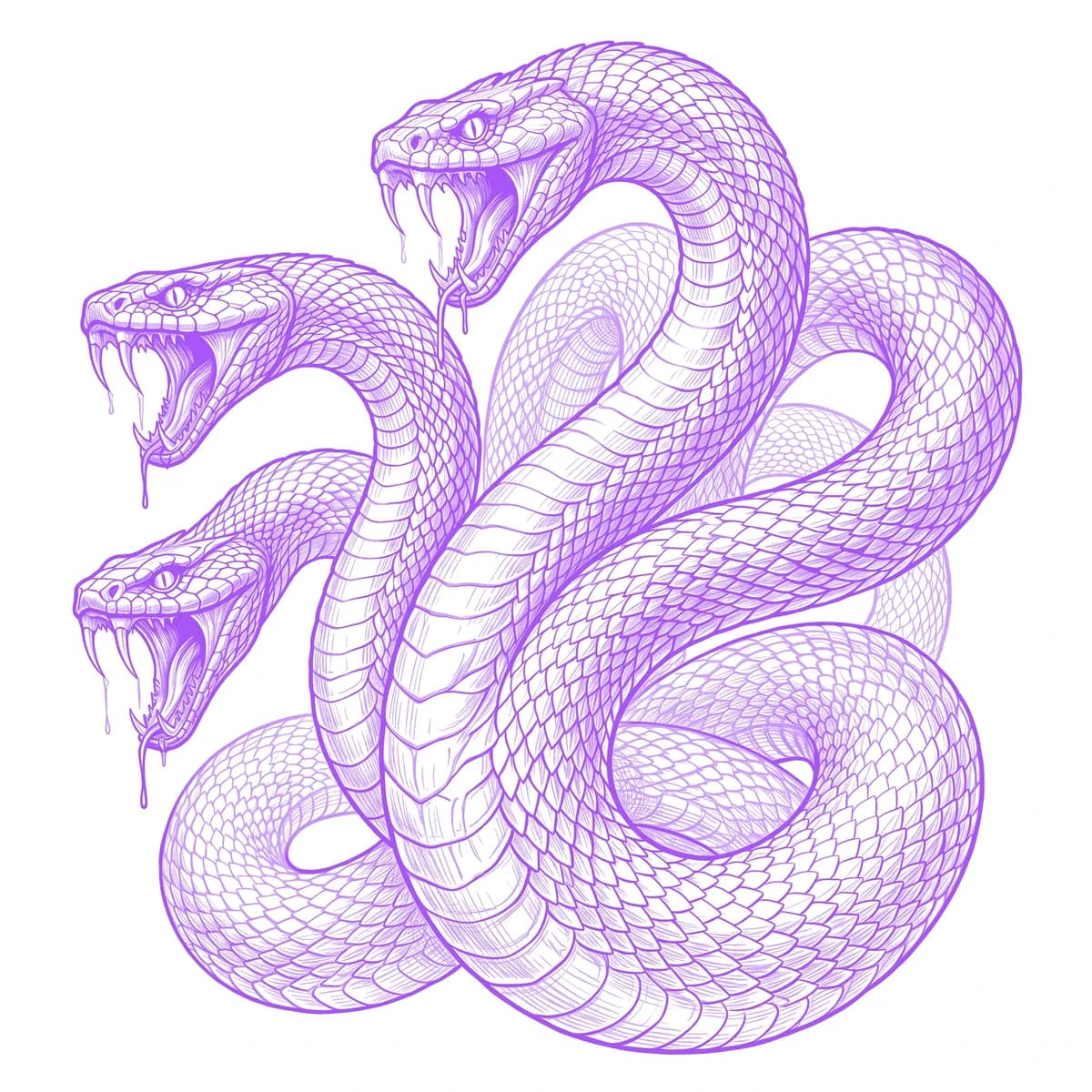
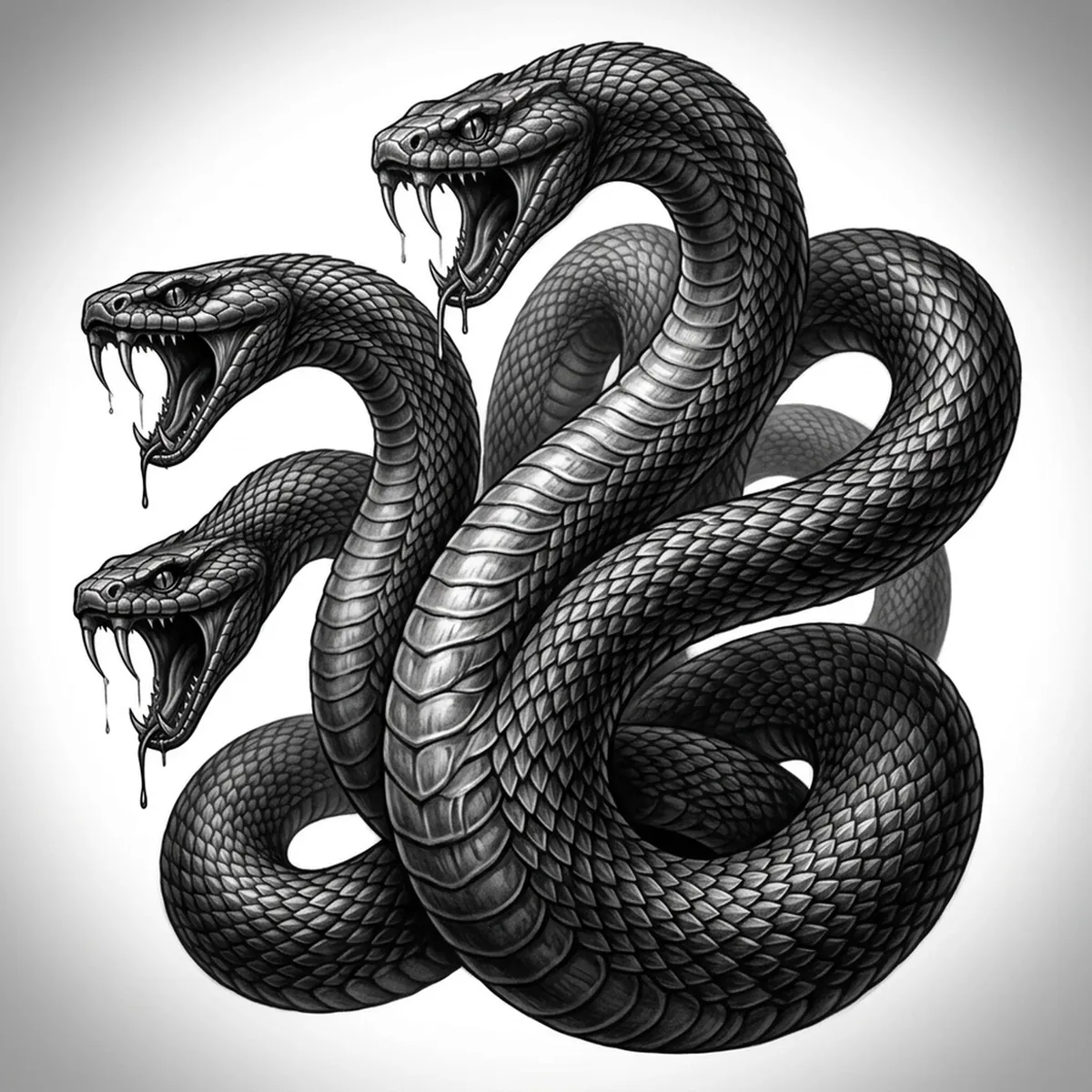
The Hydra is a tangle of serpentine necks rising from one body, each ending in a fanged head, every inch covered in overlapping scales. The stencil challenge is keeping the multiple necks from crossing into a single dark knot and holding the scale texture along each one. Stencil AI separates the coiling necks with shadow and maps the scale pattern per head so the many-headed beast reads as distinct serpents instead of a gray mass.
Why Hydra works as a realism tattoo
- The scaled necks give the realism styles (Standard and Hatching) a dense field of overlapping scales, so the stencil reads as layered serpents rather than one shape.
- Multiple fanged heads create several focal points that pull the eye across the whole piece.
- Crossing, coiling necks allow deep shadow between them, which sells the depth of a many-headed creature.
- The open jaws and slitted eyes anchor each head, giving the Hydra its menace at tattoo scale.
How to make a hydra tattoo stencil
Upload your reference
Choose a realism style
Export & transfer
Placement & sizing
The Hydra suits tall vertical space where the necks can rise and fan out — a full sleeve, an outer thigh, or a back panel with the heads spreading past the shoulders.
Tips for the best result
- Choose a reference where the necks are clearly separated by shadow so the stencil keeps each one distinct instead of merging them into a knot.
- Use Hatching for the scale depth and the shadows between the necks; Outline for a bolder, more graphic Hydra.
- Keep the fangs and inner mouths tonally separated so each open jaw reads clearly against the dark interior.
Frequently asked questions
What is the best style for a Hydra tattoo stencil?
Hatching or Standard preserve the scale texture and the separation between the necks. Outline gives a cleaner, bolder graphic Hydra for a simpler piece.
Will all the heads and necks stay defined in the stencil?
Yes — as long as your reference separates the necks with shadow and lights each head, the stencil keeps the serpents distinct rather than blending them into a dark mass.
Made with the photo-to-stencil tool — turn any photo into a clean, tattoo-ready stencil in seconds.
Make your stencil now
Upload a reference and get a clean, tattoo-ready stencil in seconds.
Try Stencil AI