Hornet Tattoo Stencil
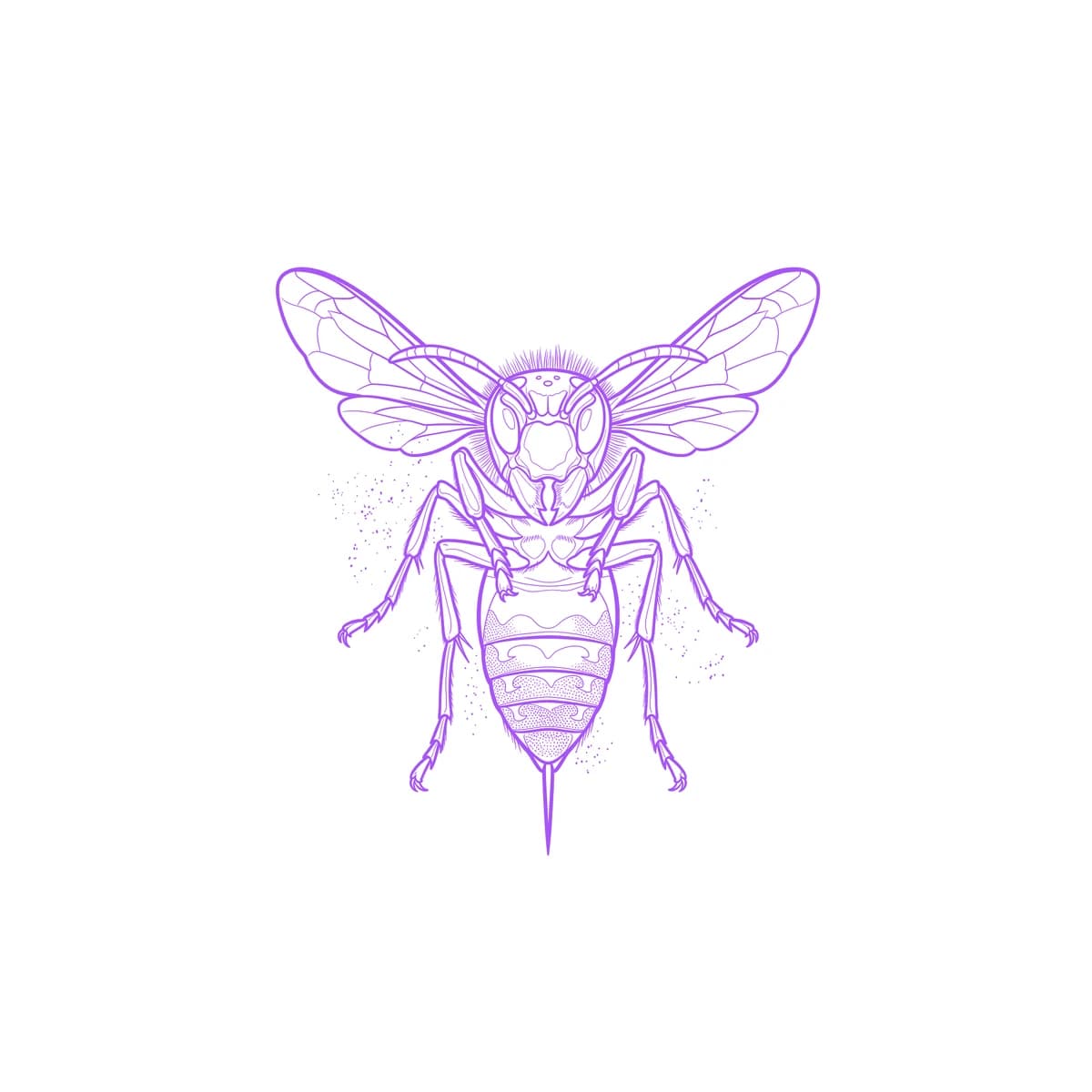
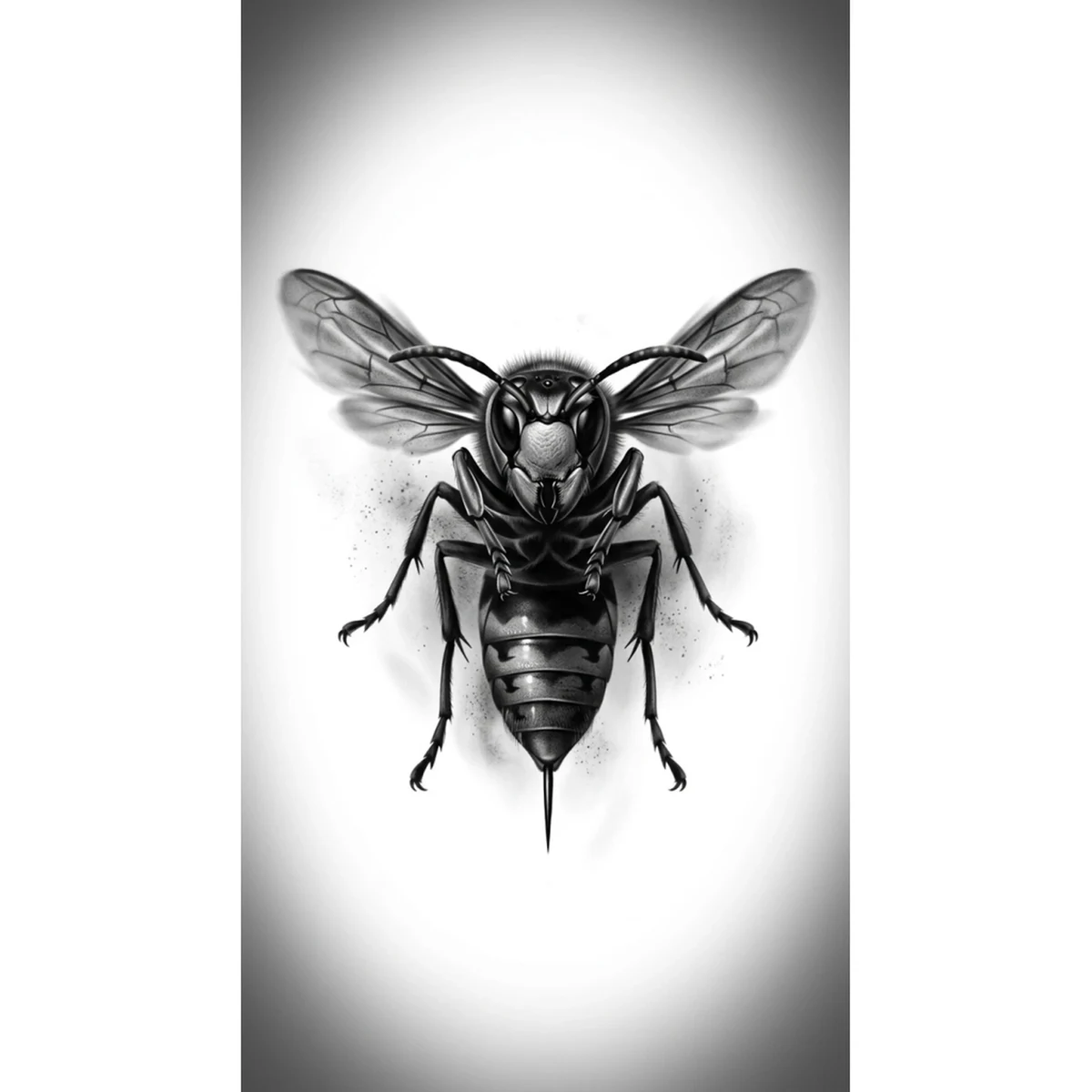
A hornet hovering head-on with its stinger extended is a pure intimidation composition: the forward-facing pose flattens the banded body into a striking symmetrical design, while the razor-sharp legs, antennae, and veined wings demand exacting stencil resolution. Stencil AI captures the hard specular highlights on each armored segment, keeps the antennae and leg geometry crisp, and holds the aggressive forward pose in a stencil that reads as genuinely threatening — exactly what this subject demands.
Why Hornet works as a realism tattoo
- The head-on symmetrical pose creates a naturally bold, graphic composition that is as powerful small as it is large.
- Each banded body segment carries its own specular highlight, giving Hatching clear tonal separation to work with across the entire torso.
- The veined wings respond perfectly to Outline, which traces each membrane vein with the precision a translucent surface needs.
- Razor-sharp antennae and leg detail give Standard the fine linework it excels at, separating this design from a simple silhouette.
How to make a hornet tattoo stencil
Upload your reference
Choose a realism style
Export & transfer
Placement & sizing
A hornet suits the forearm, calf, or back of the hand — placements where the symmetrical forward pose reads straight-on and the fine leg and antennae detail is not lost to curvature.
Tips for the best result
- Choose a reference where the hornet is photographed straight-on so the banded body and leg geometry are fully revealed rather than foreshortened.
- Use Hatching on the banded torso segments for individual tonal depth, and Outline for the precise vein map of the wings.
- Avoid references where motion blur obscures the wing veins entirely — some blur suggestion is fine, but the vein structure should still be traceable.
Frequently asked questions
What is the best style for a hornet tattoo stencil?
Hatching renders the hard specular highlights and tonal separation across each banded armor segment beautifully, while Outline maps the wing veins and keeps the antennae sharp. Combine them for the full range.
Can the stencil capture the aggressive forward-facing pose accurately?
Yes — Stencil AI handles the head-on symmetry with precision, preserving the leg geometry and stinger extension that make the pose read as threatening on skin.
Will the pollen dust and background detail be included in the stencil?
The faint pollen drift is treated as atmospheric background. Stencil AI prioritizes the insect itself and renders the surrounding haze as subtle tonal framing rather than hard lines.
Made with the photo-to-stencil tool — turn any photo into a clean, tattoo-ready stencil in seconds.
Make your stencil now
Upload a reference and get a clean, tattoo-ready stencil in seconds.
Try Stencil AITrusted by 5,000+ tattoo artists · ★ 4.6 on the App Store