Elephant Tattoo Stencil
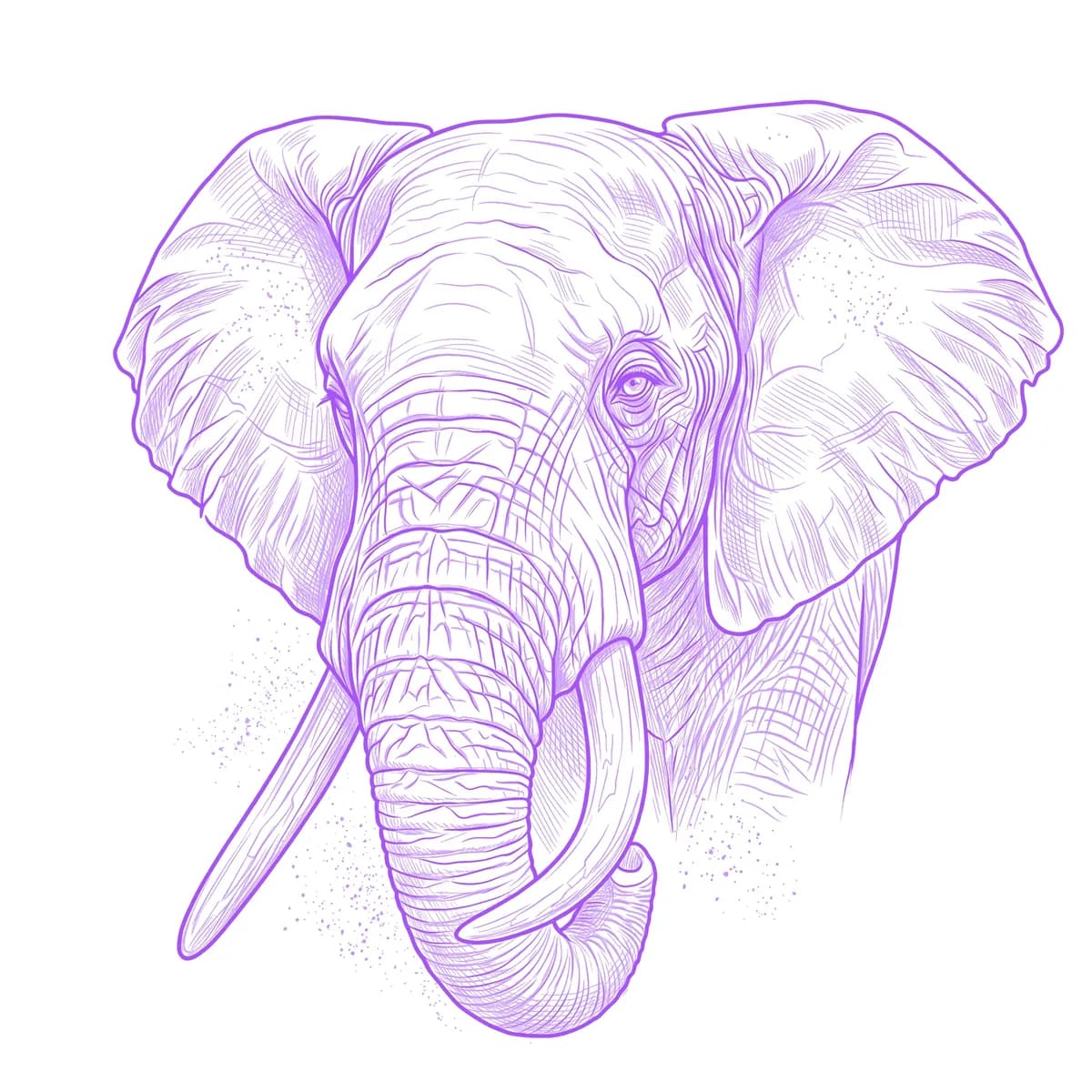
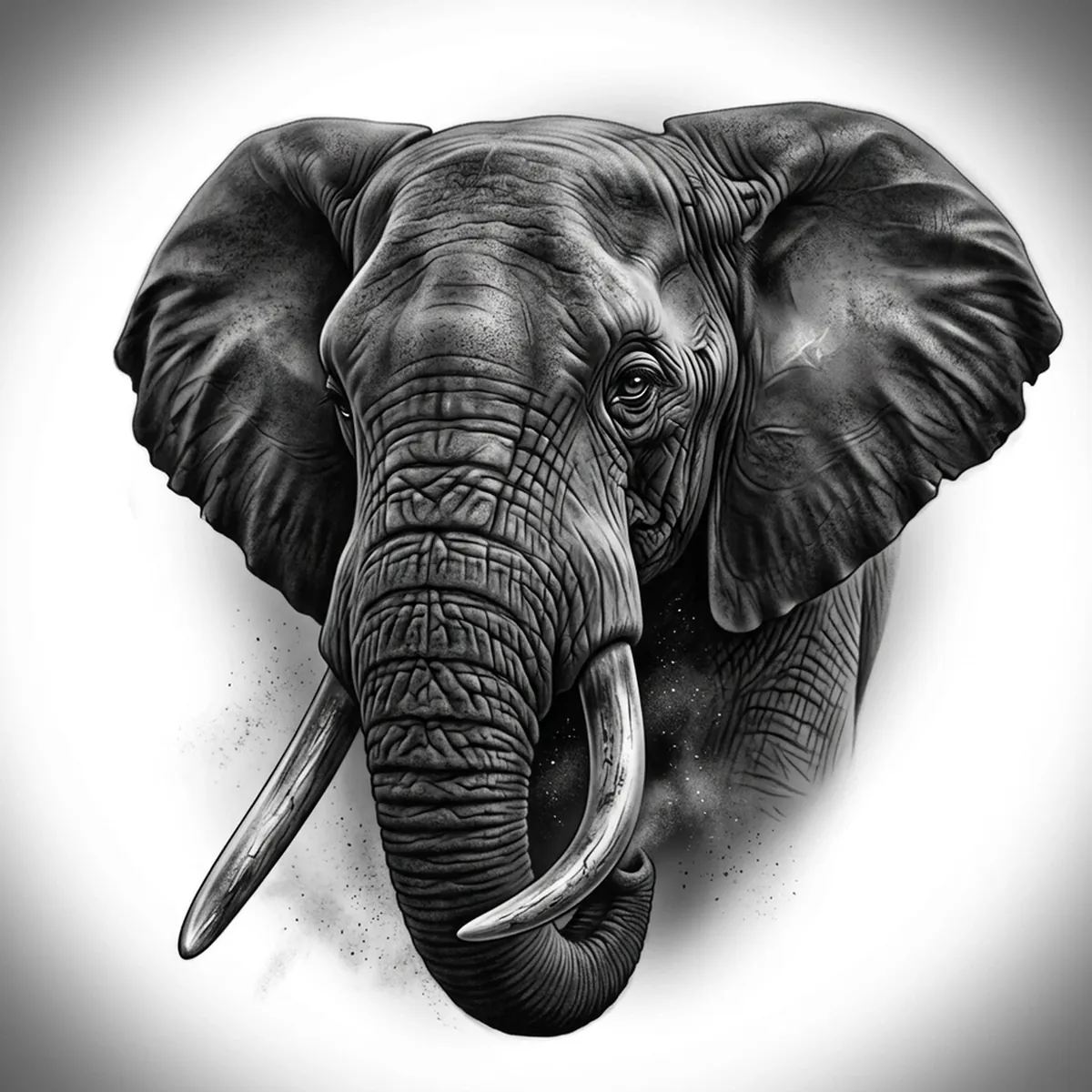
An elephant is defined by its skin — deep cracks and wrinkles that map the whole face and trunk like dry riverbeds. That texture is the gift and the trap: rendered well it gives instant realism, but it can turn into a tangle of random lines. Stencil AI follows the real direction of the creases, keeps the leathery folds around the eye and trunk, and lets the broad ears fade into soft tonal sheets.
Why Elephant works as a realism tattoo
- The cracked, wrinkled hide gives Hatching a natural roadmap of creases, so the texture reads as real skin instead of scribble.
- The trunk and tusks form bold, simple shapes that anchor the piece and survive even in a clean Outline.
- The thin, veined ears create large soft-toned areas the Standard style can grade smoothly for contrast against the heavy folds.
- A small, deep-set eye surrounded by wrinkles makes a powerful, emotive focal point at almost any size.
How to make a elephant tattoo stencil
Upload your reference
Choose a realism style
Export & transfer
Placement & sizing
A front-facing elephant head suits a broad canvas — the chest, the upper back, or the outer thigh where the ears and trunk can spread wide.
Tips for the best result
- Choose a reference with directional light so the wrinkle ridges cast tiny shadows; flat lighting flattens the hide into grey paper.
- Use Hatching to capture the full skin texture; switch to Outline if you want a cleaner, more graphic elephant with simpler folds.
- Pick a reference where the trunk curls or lifts, so the stencil keeps that signature shape rather than a straight, lifeless tube.
Frequently asked questions
What is the best style for an elephant tattoo stencil?
Hatching is ideal for the cracked, wrinkled hide, while Standard smooths the ears. Outline gives a bolder elephant if you want less skin detail.
Will the wrinkled skin texture survive in the stencil?
Yes — as long as your reference shows the creases with some shadow and clear direction, the stencil keeps the leathery folds instead of melting them into flat grey.
Made with the tattoo stencil maker — turn any photo into a clean, tattoo-ready stencil in seconds.
Make your stencil now
Upload a reference and get a clean, tattoo-ready stencil in seconds.
Try Stencil AI