Deer Tattoo Stencil
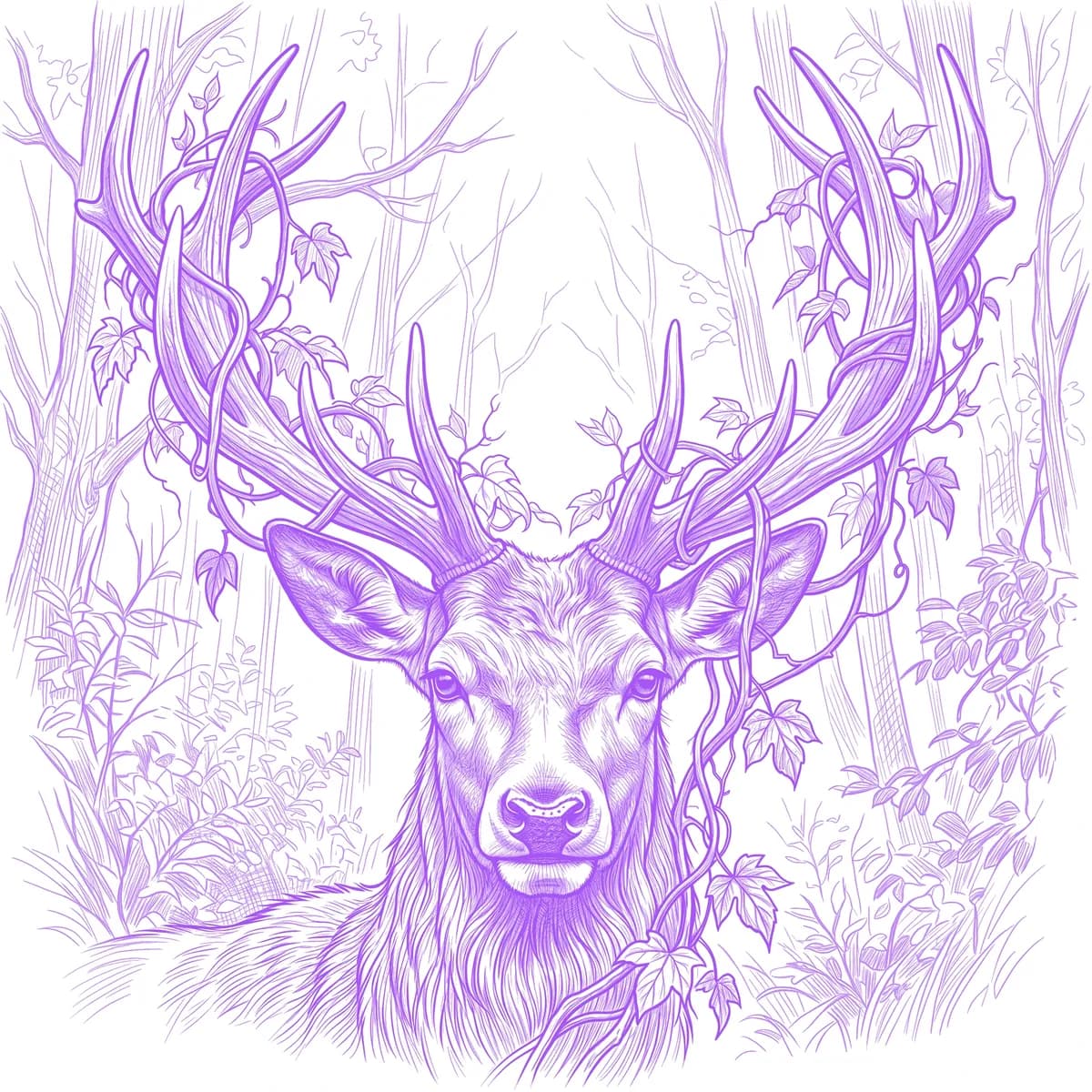
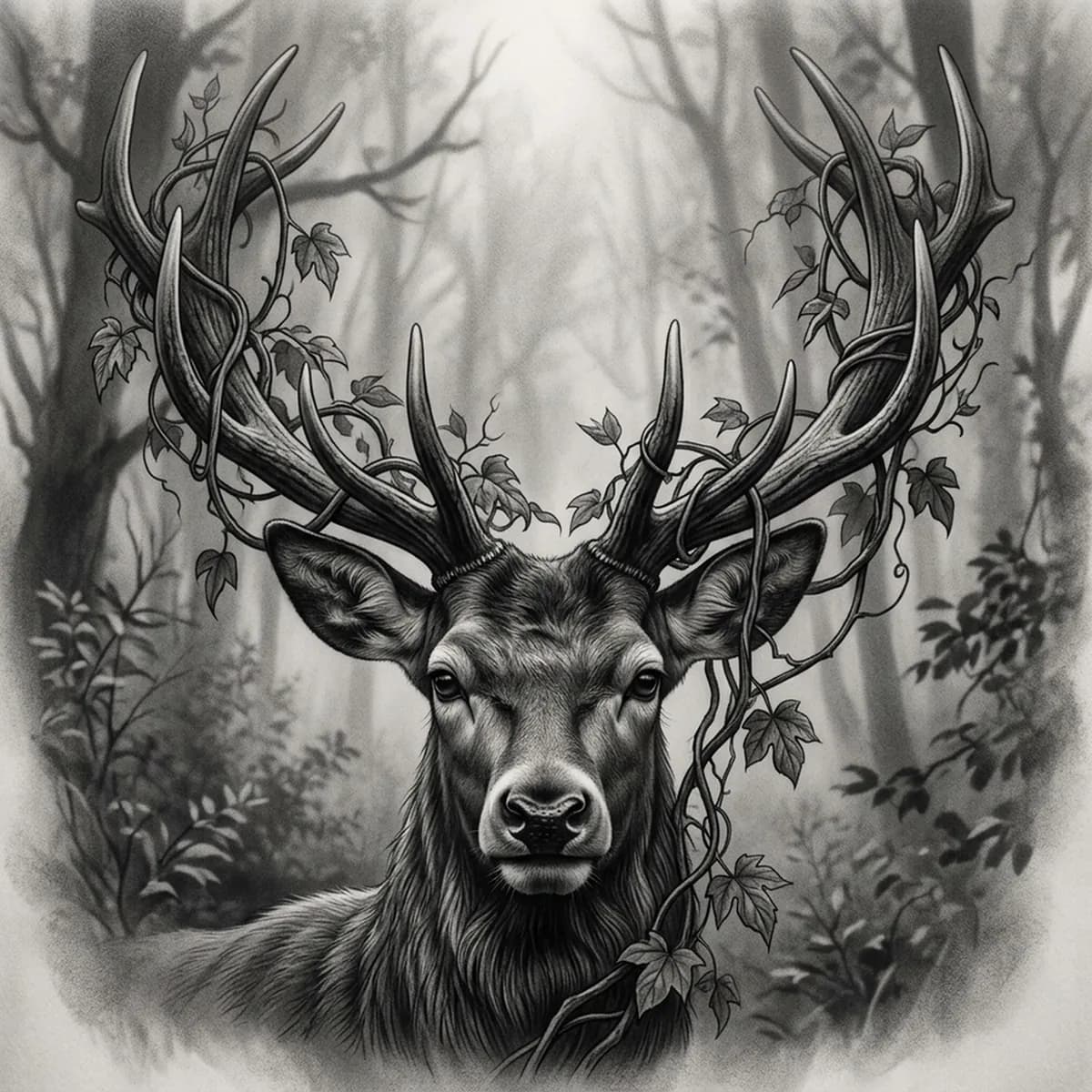
A stag carries a quiet, noble symbolism, and its appeal as a tattoo lives in the antlers — a complex branching rack that has to stay crisp and readable. The challenge is balancing that hard, structural antler detail against the soft, short fur of the face and the misty atmosphere around it. Stencil AI converts a high-detail deer reference into transferable line work that keeps the tines sharp without flattening the velvet muzzle.
Why Deer works as a realism tattoo
- A stag's branching antlers give the stencil a strong, structural silhouette — the tines read clearly even at smaller sizes.
- The soft short fur of the face suits the realism styles (Standard and Hatching), which render gentle tonal gradients across the muzzle and neck.
- Vines tangled through the antlers add organic line work that frames the rack without competing with the face.
- Misty forest light gives a calm, atmospheric mood that scales well to a forearm, thigh or larger back piece.
How to make a deer tattoo stencil
Upload your reference
Choose a realism style
Export & transfer
Placement & sizing
Deer work best where the tall antler spread has vertical room — forearm, thigh, the center of the back, or down the spine.
Tips for the best result
- Pick a reference where light rims the antler tines so each branch separates cleanly instead of merging into one shape.
- Use Hatching for soft, portrait-grade fur and fine antler detail; Outline for a bolder, more graphic stag silhouette.
- Keep the misty background soft and light — heavy dark fog behind the antlers can swallow the tine detail in the stencil.
Frequently asked questions
What is the best style for a deer tattoo stencil?
For a realistic stag, Hatching or Standard hold the soft fur gradients and the fine antler tines. Outline gives a cleaner, bolder antler silhouette for a simpler graphic piece.
Will a deer stencil keep the antler detail?
Yes — as long as your reference has clear separation and rim light on the tines, the stencil keeps each antler branch distinct instead of merging them into a single block.
Made with the photo-to-stencil tool — turn any photo into a clean, tattoo-ready stencil in seconds.
Make your stencil now
Upload a reference and get a clean, tattoo-ready stencil in seconds.
Try Stencil AI