Daisy Tattoo Stencil
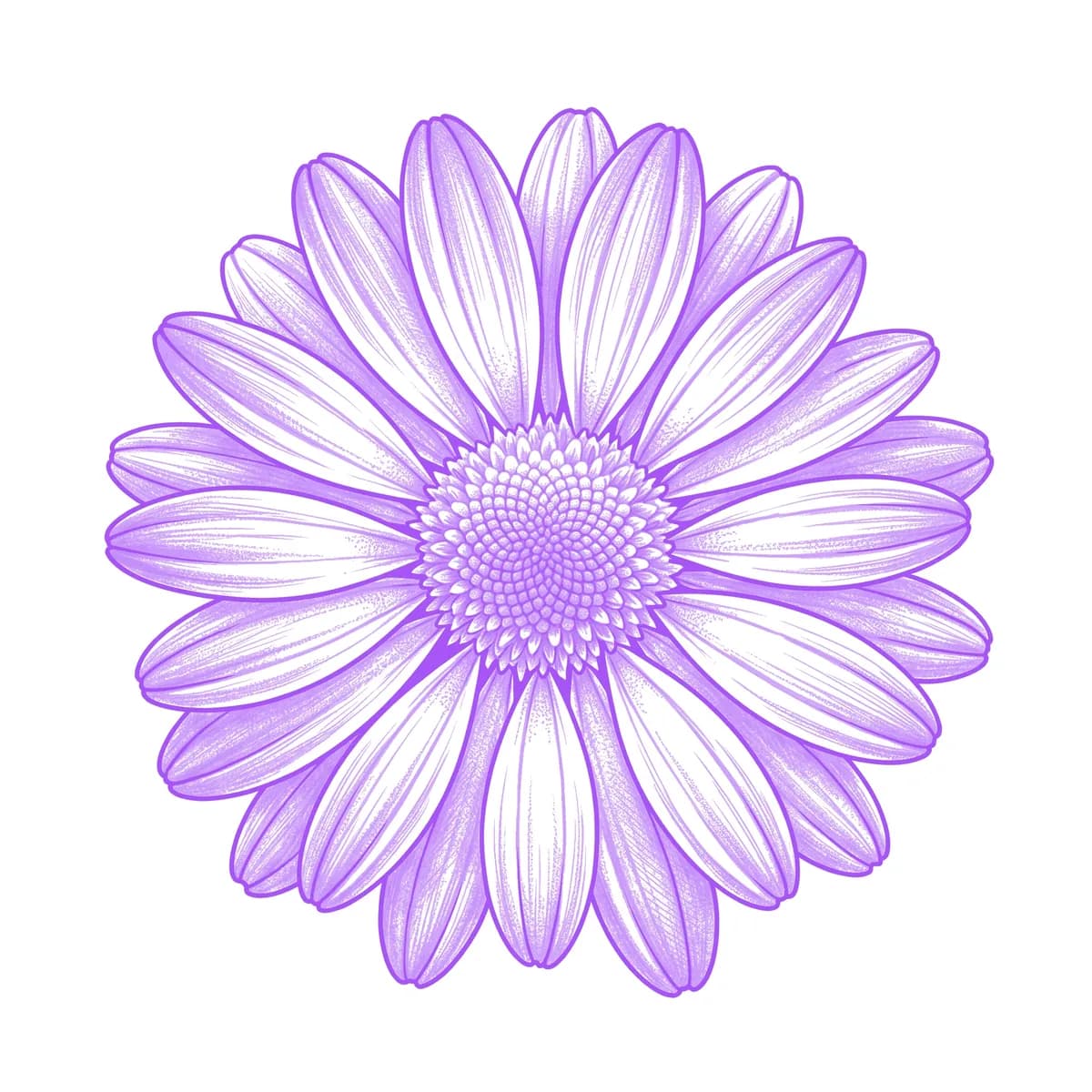
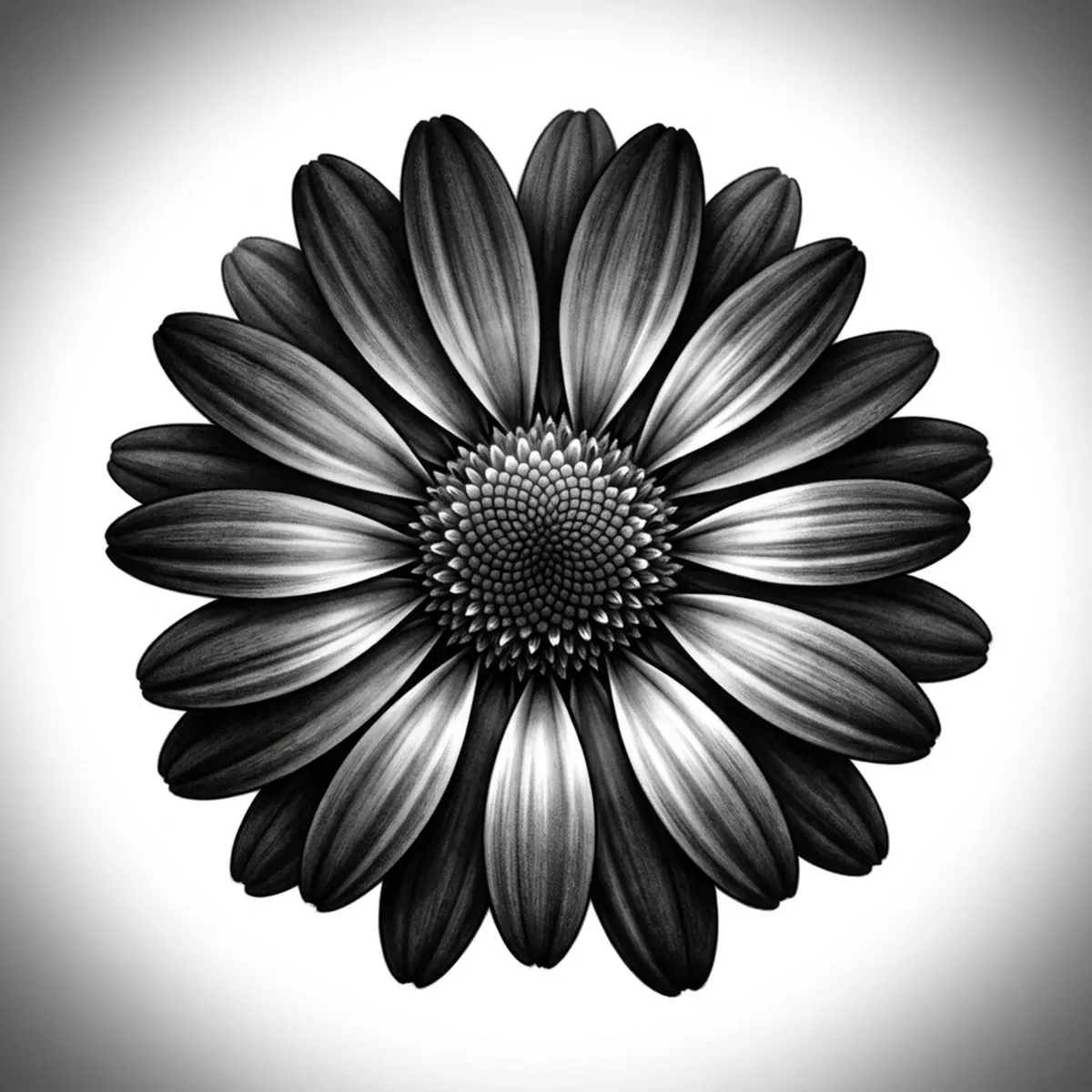
A daisy is built on a simple radial pattern — a ring of slim, flat petals fanning out evenly from a raised, dotted button center. The challenge is twofold: keeping the thin petals evenly spaced so the ring reads as balanced, and giving the seed-packed center its stippled texture without it going solid. What sells a realistic daisy is the gentle curl at each petal tip and the granular, dome-shaped middle. Stencil AI keeps the even petal ring and the textured center intact when it converts your daisy reference into transferable line work.
Why Daisy works as a realism tattoo
- The daisy's slim radiating petals give the realism styles (Standard and Hatching) clean, evenly spaced spokes that read as a balanced ring.
- The raised, seed-packed center is perfect for stippling, giving Hatching a granular dome to contrast against the smooth petals.
- Its simple, cheerful symmetry makes the daisy a strong, readable stencil even when scaled small.
- Slight curling at the petal tips adds just enough dimension to keep the flat petals from looking like a paper cutout.
How to make a daisy tattoo stencil
Upload your reference
Choose a realism style
Export & transfer
Placement & sizing
A daisy suits small, flat spots — the wrist, ankle, behind the ear, or the back of the arm, where its symmetrical face sits cleanly in a small area.
Tips for the best result
- Choose a straight-on reference so the petals radiate evenly and the stencil keeps a balanced, symmetrical ring.
- Use Hatching to stipple the seed center and add soft shadow under the petals; Outline for a clean, simple bloom.
- Pick a reference where a few petals curl or dip so the flower reads with dimension instead of looking perfectly flat.
Frequently asked questions
What is the best style for a daisy tattoo stencil?
For a realistic daisy, Hatching or Standard hold the stippled center and the soft petal shadows. Outline gives a clean, simple bloom.
How do I keep daisy petals evenly spaced in a stencil?
Start with a straight-on reference where the petals radiate evenly around the center. The stencil preserves that balance, so an angled source photo is the main thing that throws the ring off.
Made with the AI tattoo stencil generator — turn any photo into a clean, tattoo-ready stencil in seconds.
Make your stencil now
Upload a reference and get a clean, tattoo-ready stencil in seconds.
Try Stencil AI