Chinchilla Tattoo Stencil
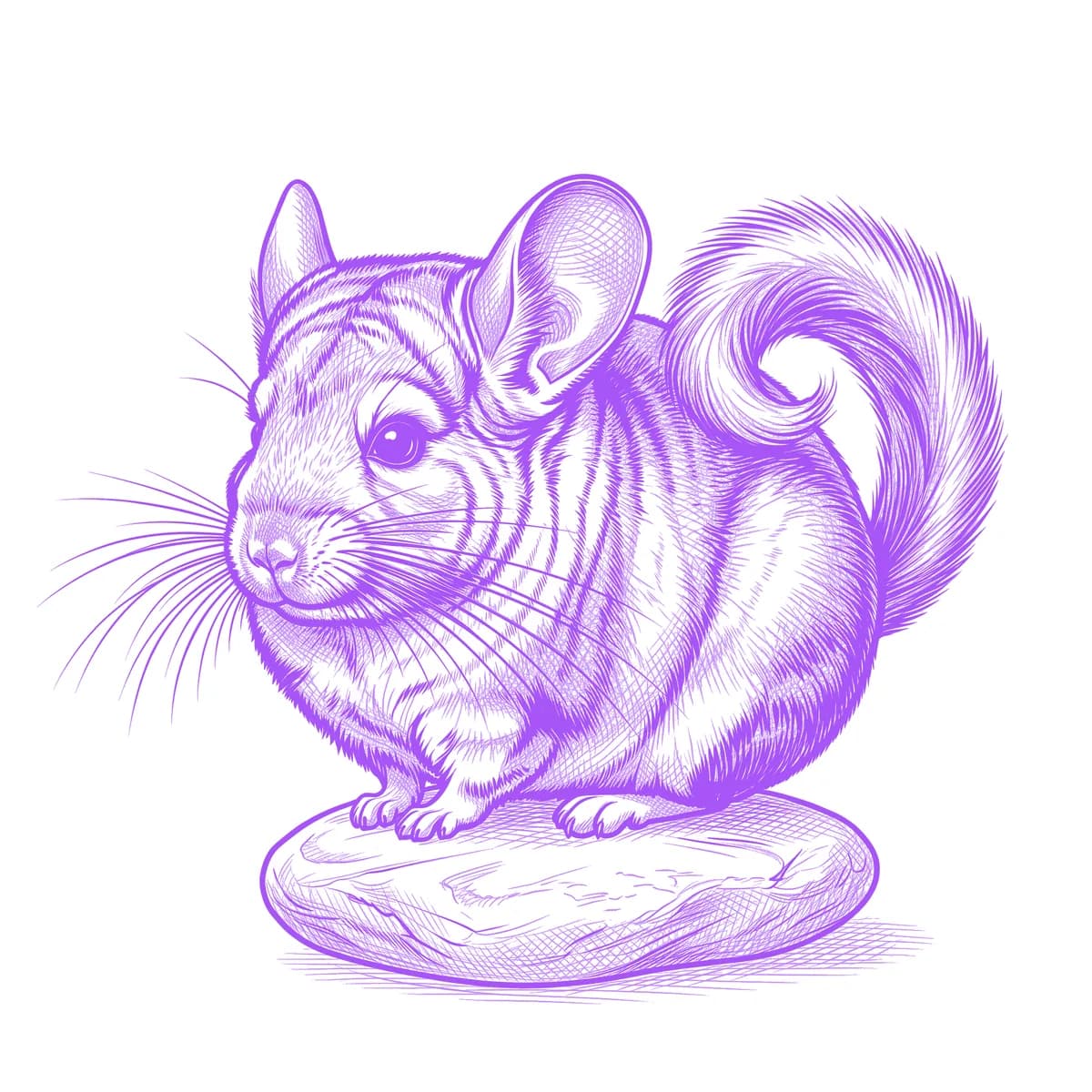
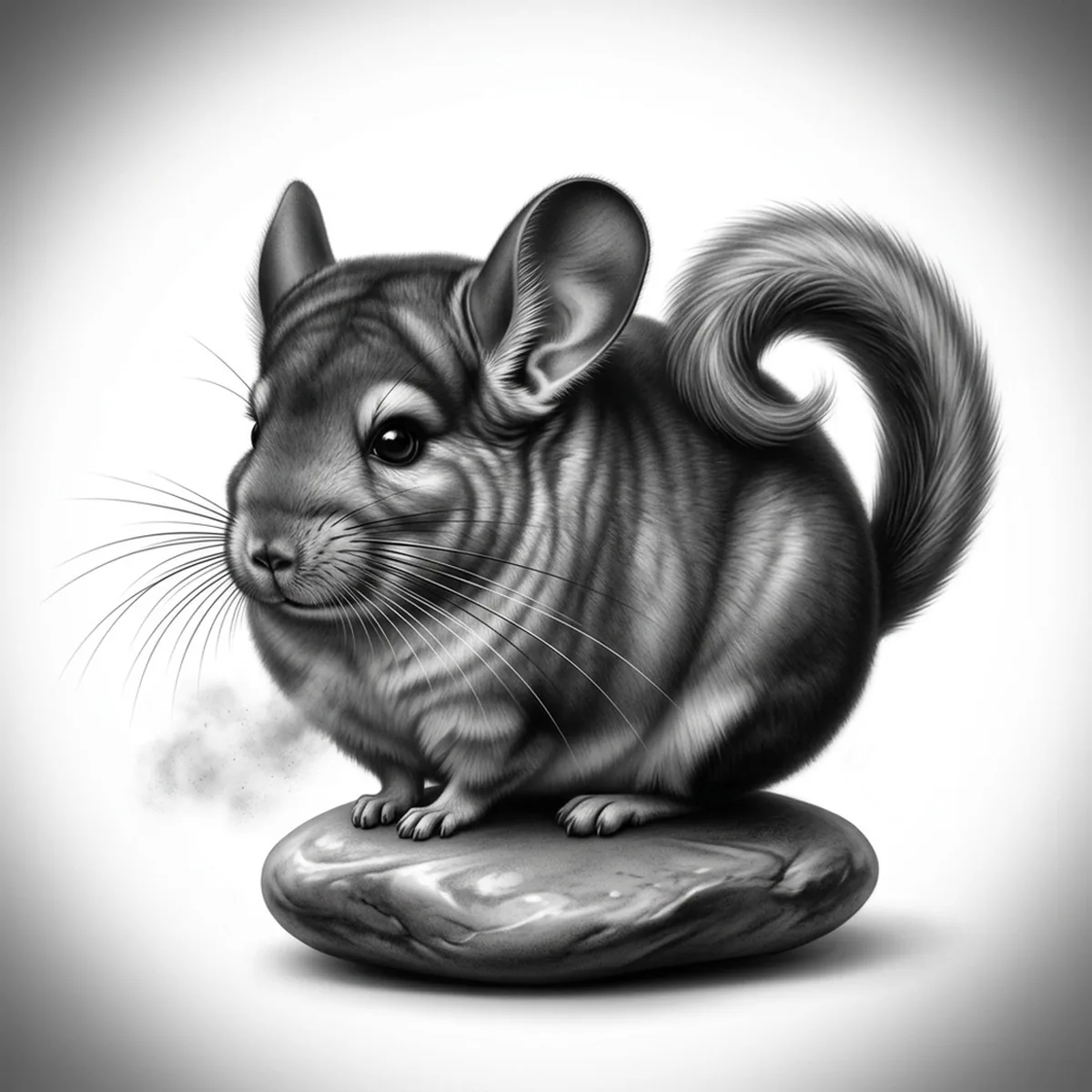
A chinchilla has the densest fur of any land animal, and that is exactly what makes it hard to stencil: there are no visible strands to draw, just a continuous velvet surface where light rolls off in smooth gradients. Render it with fur strokes and it looks like a squirrel; render it flat and it looks like a balloon. Stencil AI treats the coat as soft tonal volume — cloud-like transitions instead of hair lines — which is the only honest way to draw plush.
Why Chinchilla works as a realism tattoo
- The velvet coat is pure gradient material: light wraps around the round body in long smooth falloffs that Standard reproduces without a single hard edge.
- Oversized rounded ears are thin-skinned and nearly bare, giving a delicate, veined counter-texture against all that plush.
- The squirrel-like tail curls up over the back in a loose spiral, closing the composition into a compact circle that frames the body.
How to make a chinchilla tattoo stencil
Upload your reference
Choose a realism style
Export & transfer
Placement & sizing
The rounded sitting posture suits circular spots — the shoulder cap, the outer upper arm, or the thigh, where the curled tail completes the circle.
Tips for the best result
- Choose a softly lit reference; harsh flash creates a specular sheen that reads as wet fur and destroys the powdery velvet quality.
- Look for a slight three-quarter angle so one ear overlaps the head — two symmetrical front-facing ears make the animal look like a cartoon.
- Standard is the right default here; only pick Hatching if your reference genuinely shows individual fur break-up, such as a chinchilla mid-dust-bath.
Frequently asked questions
What is the best style for a chinchilla tattoo stencil?
Standard — chinchilla fur is too dense to show strands, so soft tonal gradients are what actually look like the animal. Hatching only makes sense for a dust-bath scene where the coat breaks apart.
Will the fur look soft in the stencil or just grey?
It will look soft if the reference has directional light. One bright side and one shadow side is what creates the plush rolling gradient; flat even lighting is what produces the dead grey blob.
Made with the AI tattoo stencil generator — turn any photo into a clean, tattoo-ready stencil in seconds.
Make your stencil now
Upload a reference and get a clean, tattoo-ready stencil in seconds.
Try Stencil AITrusted by 5,000+ tattoo artists · ★ 4.7 on the App Store