Charon Tattoo Stencil
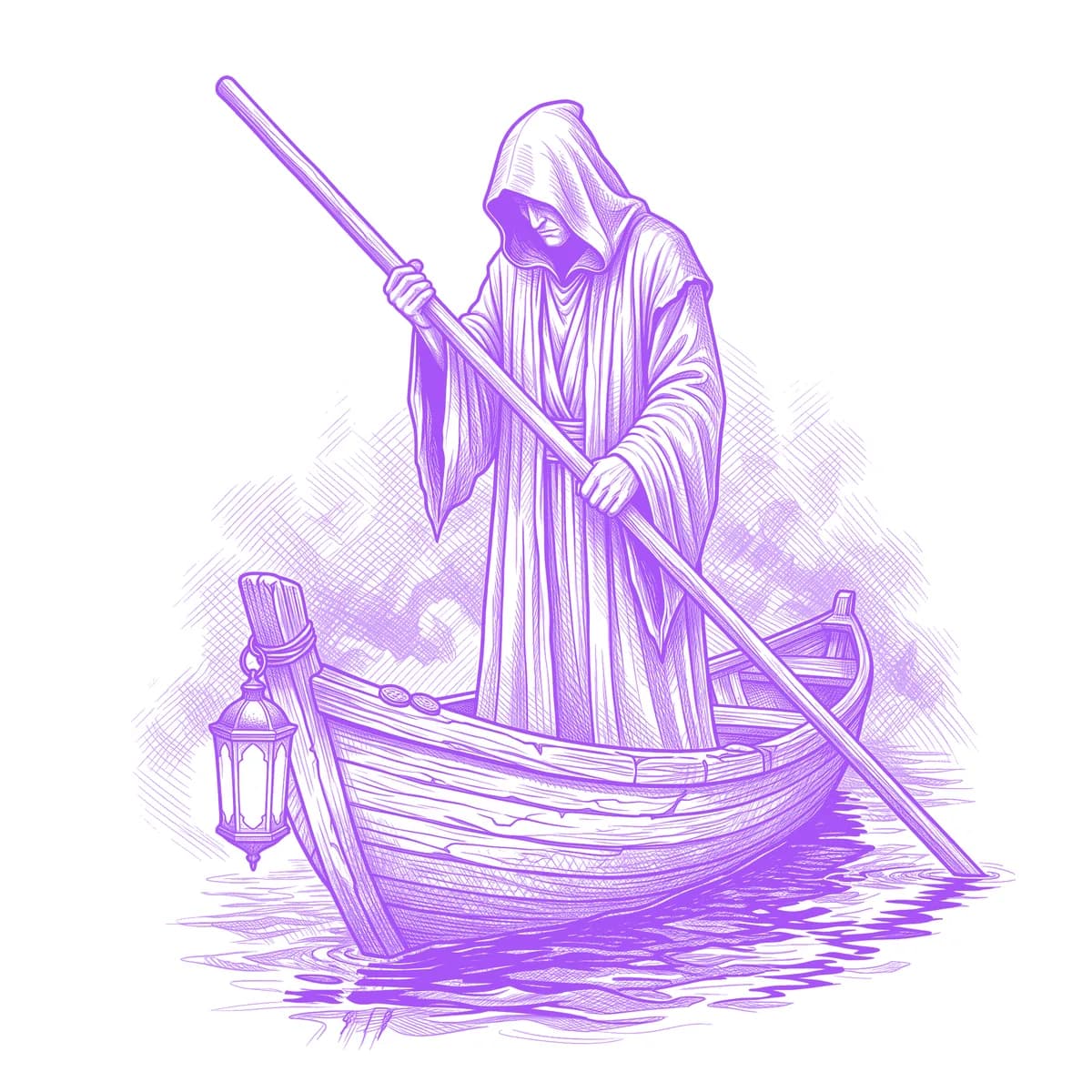
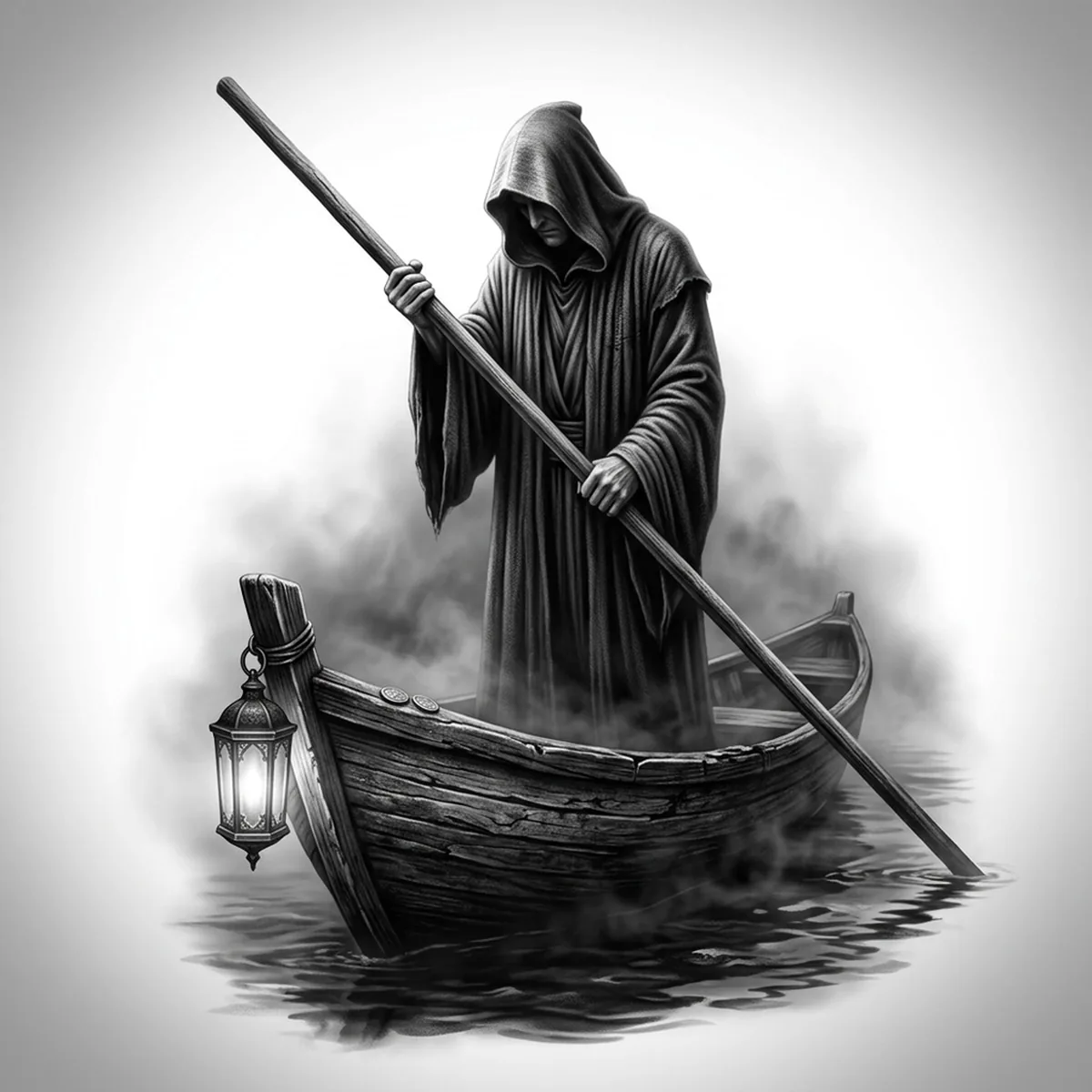
Charon, the ferryman of the dead, is a scene as much as a figure: a hooded boatman poling across the Styx with a lantern cutting through river mist. Scenes are where stencils die — water, fog and robe can blur into one grey field. Stencil AI holds the three planes apart: the hard boat hull and pole up front, the figure in the middle, and the mist allowed to fade behind.
Why Charon works as a realism tattoo
- The lantern is a ready-made contrast engine — a bright core surrounded by the darkest part of the robe, which gives the stencil a glowing focal point without any color.
- The long straight ferry pole cuts a single bold diagonal through all the soft shapes, giving the composition structure that survives at small sizes.
- Horizontal water ripples under the hull read as simple repeating strokes, grounding the boat so the ferryman never looks like he is floating in fog.
How to make a charon tattoo stencil
Upload your reference
Choose a realism style
Export & transfer
Placement & sizing
The boat-and-figure scene sits naturally in a wide-to-tall rectangle — the outer forearm with the pole running along the arm, or the calf where the waterline can wrap slightly.
Tips for the best result
- Choose a reference where the lantern is the brightest thing in frame — its glow defines the whole mood, and a weak lantern leaves the scene flat.
- Keep the hood empty or near-black; a detailed face inside the cowl fights the lantern for attention and muddies at tattoo scale.
- Use Standard for misty river atmosphere; Hatching if you want a Doré-style engraved underworld with line-built fog.
Frequently asked questions
What is the best style for a Charon tattoo stencil?
Standard preserves the soft mist and lantern glow that make the scene atmospheric. Hatching gives a classical engraved look, like an old illustrated Inferno plate.
Will the water and mist stay readable in the stencil?
Yes, when the reference separates them by value — dark ripples, mid-tone figure, pale mist. If all three sit at the same grey level, the scene flattens, so check contrast before generating.
Made with the photo-to-stencil tool — turn any photo into a clean, tattoo-ready stencil in seconds.
Make your stencil now
Upload a reference and get a clean, tattoo-ready stencil in seconds.
Try Stencil AITrusted by 5,000+ tattoo artists · ★ 4.7 on the App Store