Cactus Tattoo Stencil
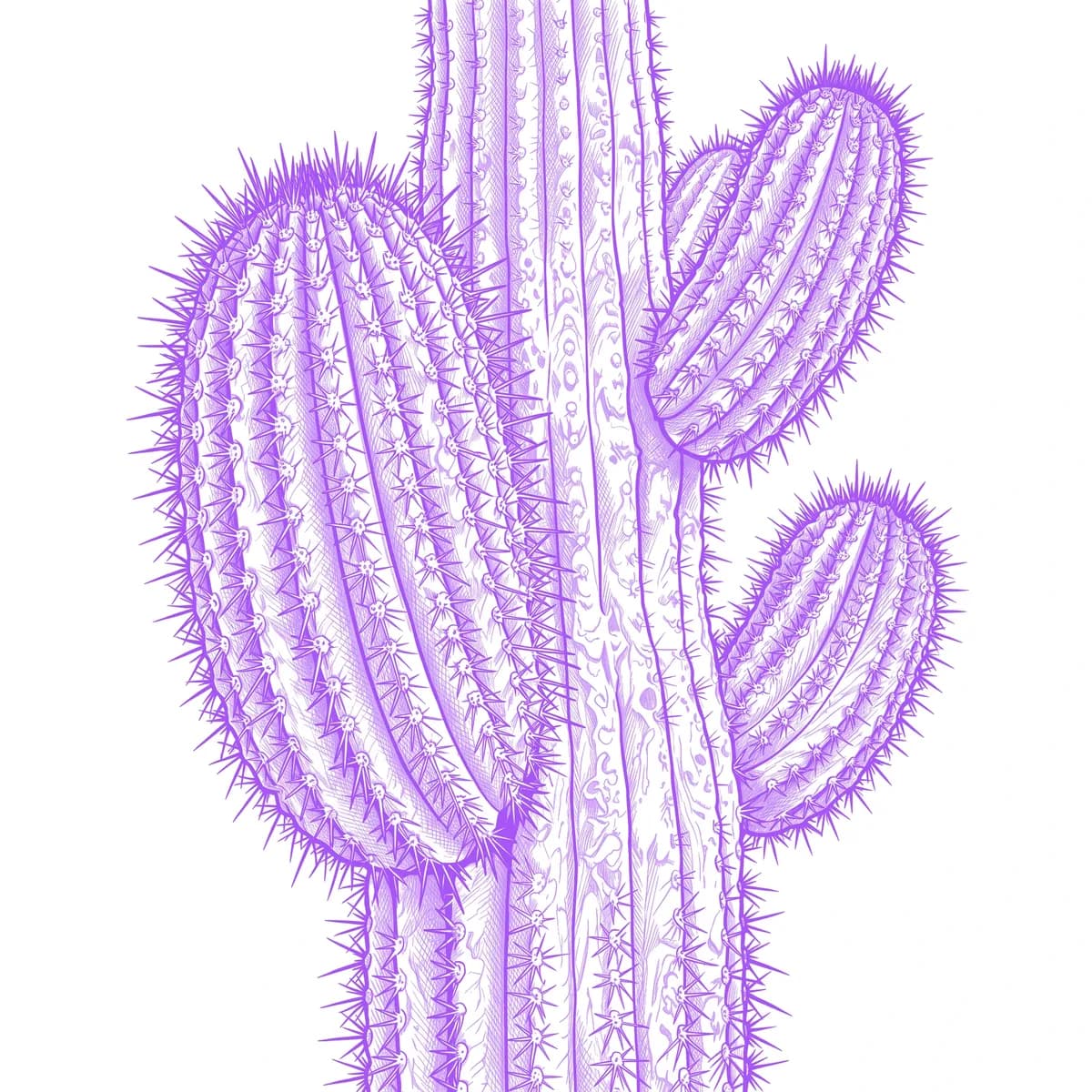
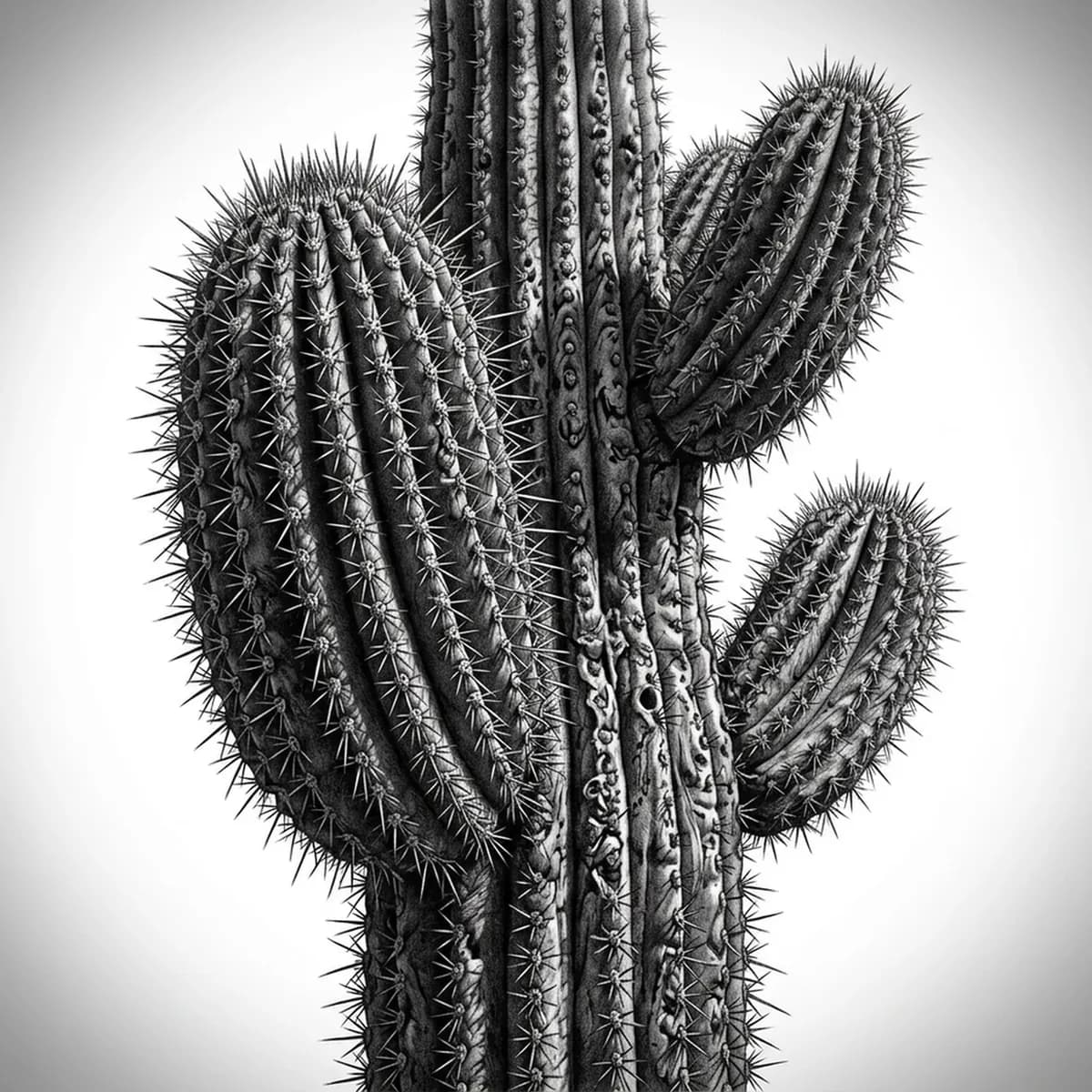
A cactus is defined by its vertical ribs and the fine spines bristling along every ridge. The challenge is the spines — hundreds of tiny needles that turn to noise if rendered carelessly — and the soft shadow that pools between each rib. Stencil AI keeps the rib spacing and the directional spine clusters intact when it turns your cactus reference into transferable line work.
Why Cactus works as a realism tattoo
- The vertical ribs create regular tonal columns that give the Standard and Hatching styles a clean rhythm of light and shadow to follow.
- Spine clusters add sharp, radiating detail that the stencil keeps controlled rather than letting them dissolve into a gray fuzz.
- A smooth, plump body surface contrasts with the prickly spines, giving black-and-gray realism a strong textural range.
- A flower or bud crowning the top adds a soft focal point against the rigid, geometric body.
How to make a cactus tattoo stencil
Upload your reference
Choose a realism style
Export & transfer
Placement & sizing
A tall cactus suits long vertical placements — running down the forearm, the outer calf, or the spine, where its upright ribs follow the limb naturally.
Tips for the best result
- Choose a reference with side lighting so the shadow between each rib is visible — that depth is what stops the cactus from looking flat.
- Use Hatching for the ribbed shading and clustered spines; Outline for a cleaner, more graphic silhouette with selective spine accents.
- Pick a shot where the spines read as distinct clusters, not an even haze, so the stencil can keep them sharp.
Frequently asked questions
What is the best style for a cactus tattoo stencil?
For a realistic cactus, Hatching or Standard hold the ribbed shading and the directional spines. Outline gives a cleaner, more graphic silhouette with selective spine accents.
How do I stop cactus spines from looking like noise in a stencil?
Use a reference where the spines group into visible clusters along each rib. The stencil keeps those clusters directional and controlled instead of turning them into a gray haze.
Made with the AI tattoo stencil generator — turn any photo into a clean, tattoo-ready stencil in seconds.
Make your stencil now
Upload a reference and get a clean, tattoo-ready stencil in seconds.
Try Stencil AI