Butterfly Tattoo Stencil
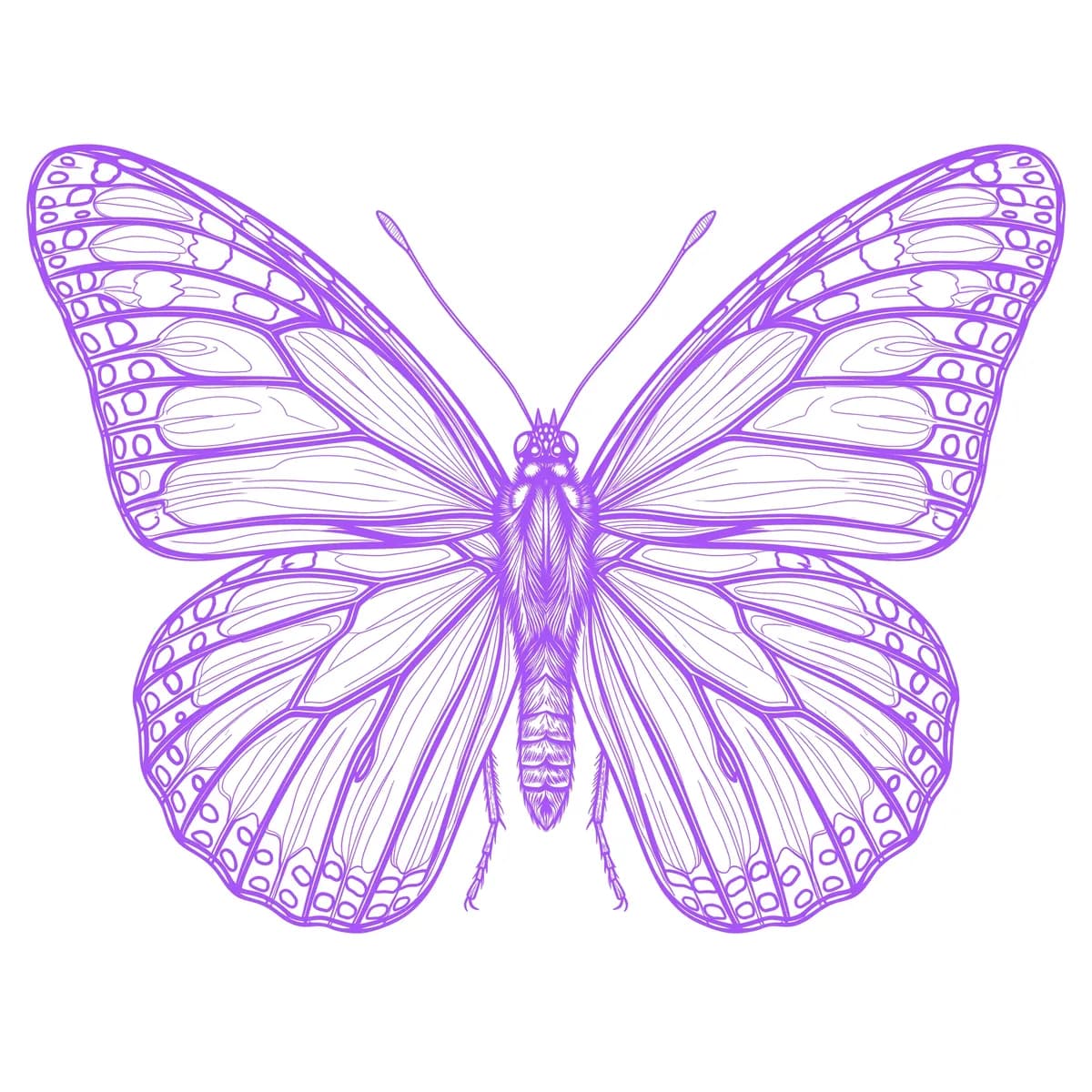
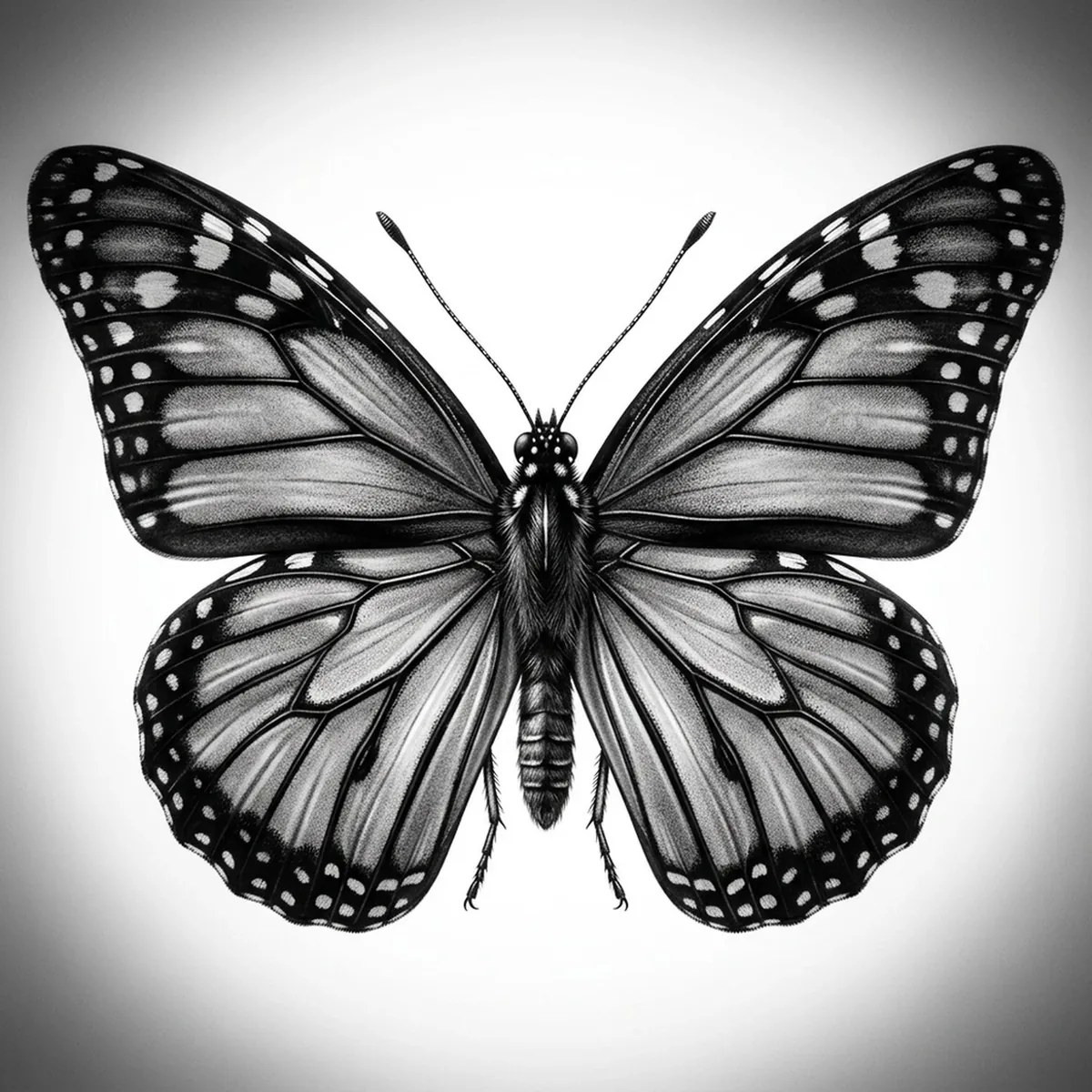
A realistic butterfly lives or dies on its wing pattern — the vein scaffolding, the eye spots, and the powdery scales that scatter light differently from the edge to the body. In black and gray the color is gone, so every bit of depth has to come from the pattern's tonal contrast and the faint fuzz of the thorax. Stencil AI keeps the wing veins crisp and the symmetry honest while grading the soft scale texture between the markings.
Why Butterfly works as a realism tattoo
- The vein structure gives Outline a built-in framework, so the wings read as a real specimen rather than a flat cutout.
- The patterned bands and eye spots translate into strong tonal contrast that the Standard style renders with convincing depth.
- The fuzzy thorax and antennae add a soft organic detail that Hatching can texture against the smoother wings.
- Near-mirror symmetry makes the subject instantly readable and balanced at small or medium scale.
How to make a butterfly tattoo stencil
Upload your reference
Choose a realism style
Export & transfer
Placement & sizing
A butterfly suits a centered, symmetrical spot — the back of the neck, the sternum, or the spine where its mirrored wings stay balanced.
Tips for the best result
- Pick a reference shot square-on so both wings are evenly lit and the symmetry stays true in the stencil.
- Use Standard for soft photographic scales; choose Outline when you want the wing veins and pattern to read as bold, clean line work.
- Favor a reference with clear contrast between the wing bands, so the stencil keeps the pattern instead of merging it into one grey wash.
Frequently asked questions
What is the best style for a butterfly tattoo stencil?
Outline captures the crisp wing veins and pattern, while Standard adds soft scale depth. Hatching suits the fuzzy body and more textured wings.
How do I keep the two wings symmetrical in the stencil?
Start from a square-on, evenly lit reference — when the photo is balanced, the stencil preserves the mirrored veins and markings on both sides.
Made with the tattoo stencil maker — turn any photo into a clean, tattoo-ready stencil in seconds.
Make your stencil now
Upload a reference and get a clean, tattoo-ready stencil in seconds.
Try Stencil AI