Bigfoot Tattoo Stencil
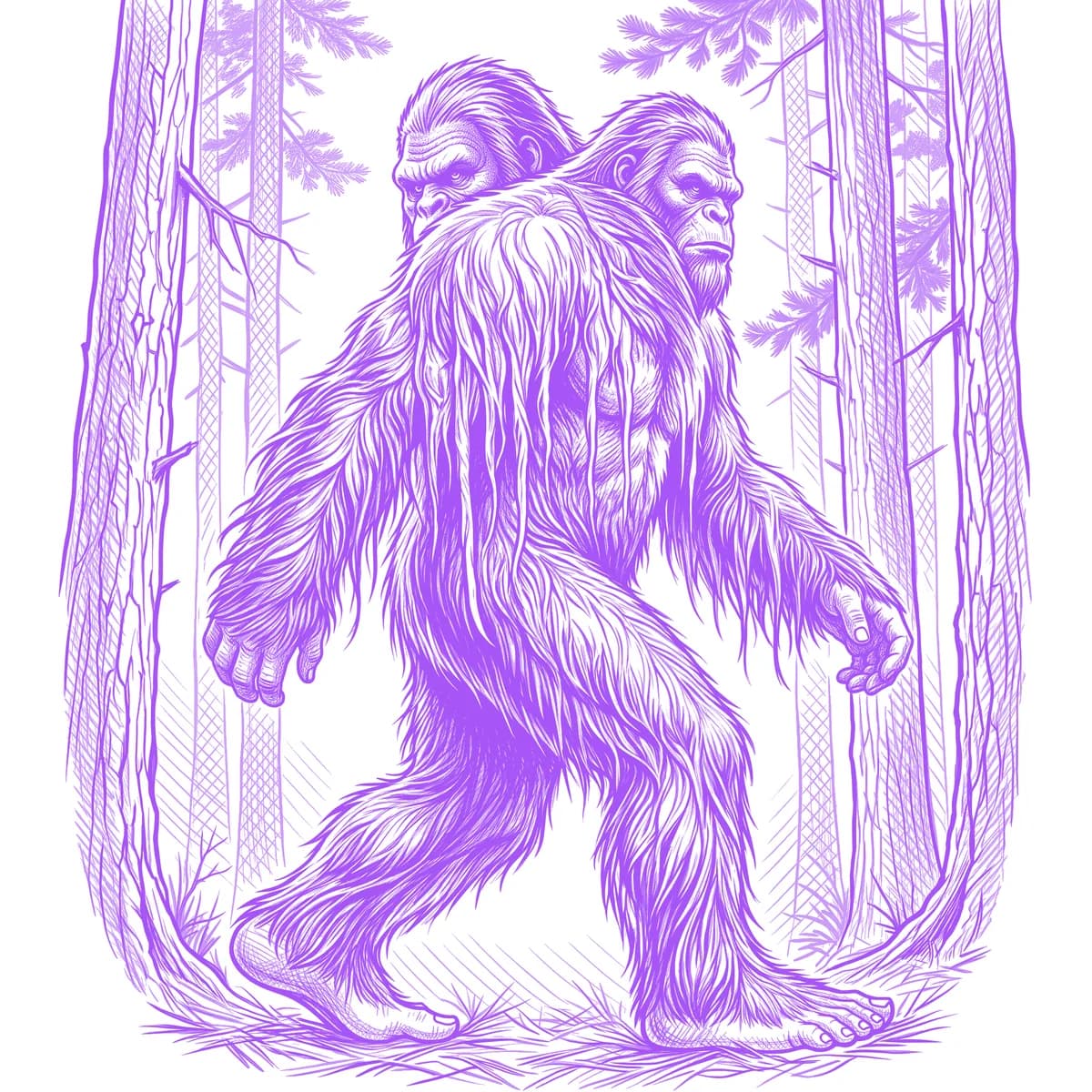
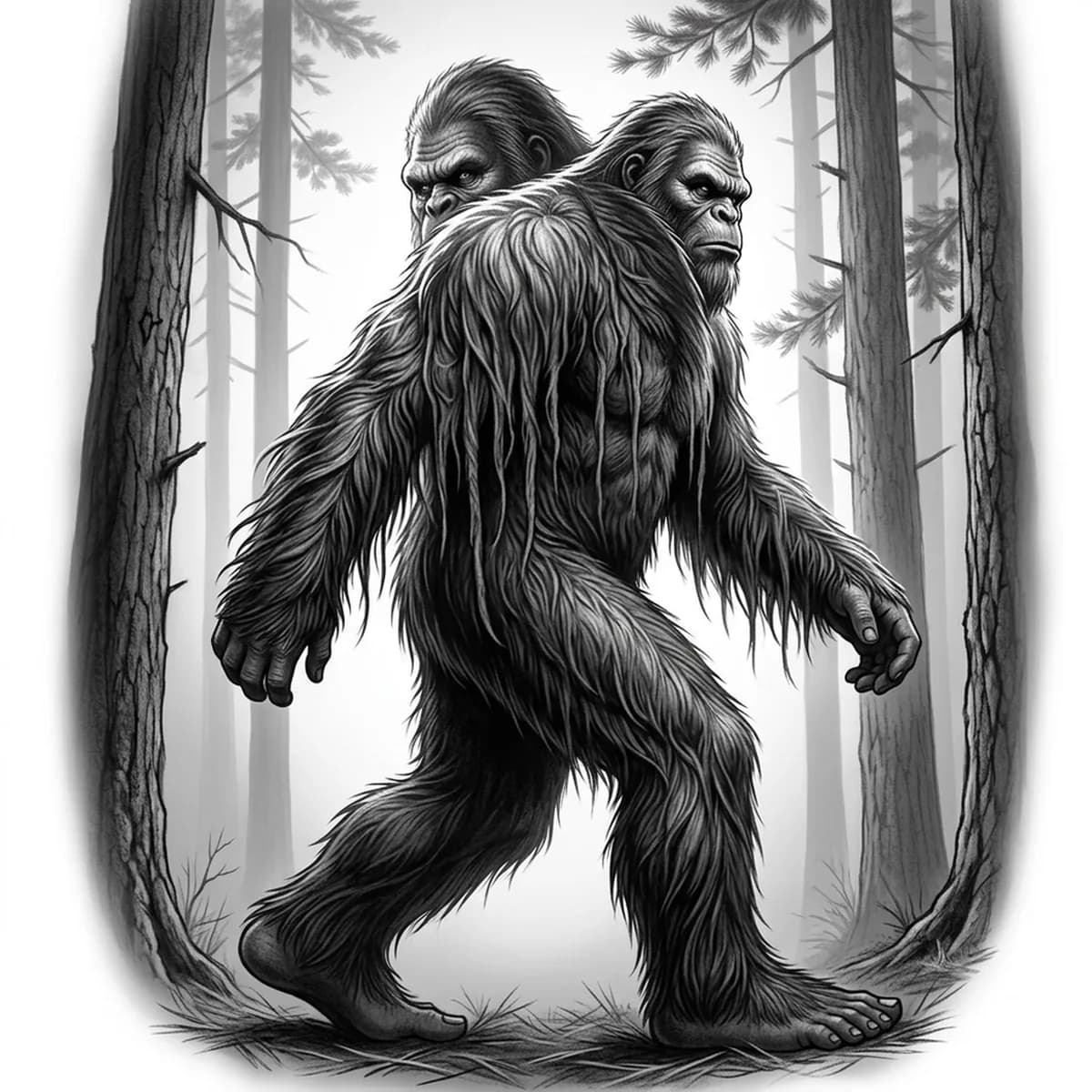
Everyone knows the pose: mid-stride through the pines, glancing back over one shoulder. Bigfoot's stencil problem is total fur coverage — unlike a wolf with a face of bare features, the sasquatch is hair from crown to heel, so without strand direction he becomes a walking silhouette of mud. Stencil AI keeps the coat flowing in readable directional masses and lets the deep-set eyes and brow ridge punch through.
Why Bigfoot works as a realism tattoo
- The look-back stride is one of the most recognizable gestures in pop culture — the piece reads as Bigfoot from the silhouette alone.
- Long matted fur hangs in vertical ropes off the arms and chest, giving Hatching natural stroke paths that describe the anatomy underneath.
- Tall pine trunks behind the figure create vertical contrast bars that push the shaggy body forward without needing a detailed background.
How to make a bigfoot tattoo stencil
Upload your reference
Choose a realism style
Export & transfer
Placement & sizing
A full-body striding sasquatch is a tall rectangle — ideal for the outer calf or the forearm, while a shoulder-glance bust crop suits the upper arm.
Tips for the best result
- Choose a reference with rim light along the back and arms so the fur edge breaks into individual strands against the darker forest.
- Hatching is the definitive choice for that grainy, cryptid-documentary texture; Outline gives a fun minimal park-sign version.
- Keep the face slightly lighter than the surrounding fur in your reference — the brow, nose and mouth are small and vanish if the head is uniformly dark.
Frequently asked questions
What is the best style for a Bigfoot tattoo stencil?
Hatching, hands down — the cross-hatched strokes recreate the shaggy, matted coat and give the piece a grainy folklore feel. Outline suits a minimalist trail-sign design.
Should the tattoo include the forest background?
A few faded pine trunks add scale and place him in the wild without overloading the stencil. Skip dense foliage — busy backgrounds steal contrast from the fur.
Made with the photo-to-stencil tool — turn any photo into a clean, tattoo-ready stencil in seconds.
Make your stencil now
Upload a reference and get a clean, tattoo-ready stencil in seconds.
Try Stencil AITrusted by 5,000+ tattoo artists · ★ 4.7 on the App Store