Apple Tattoo Stencil
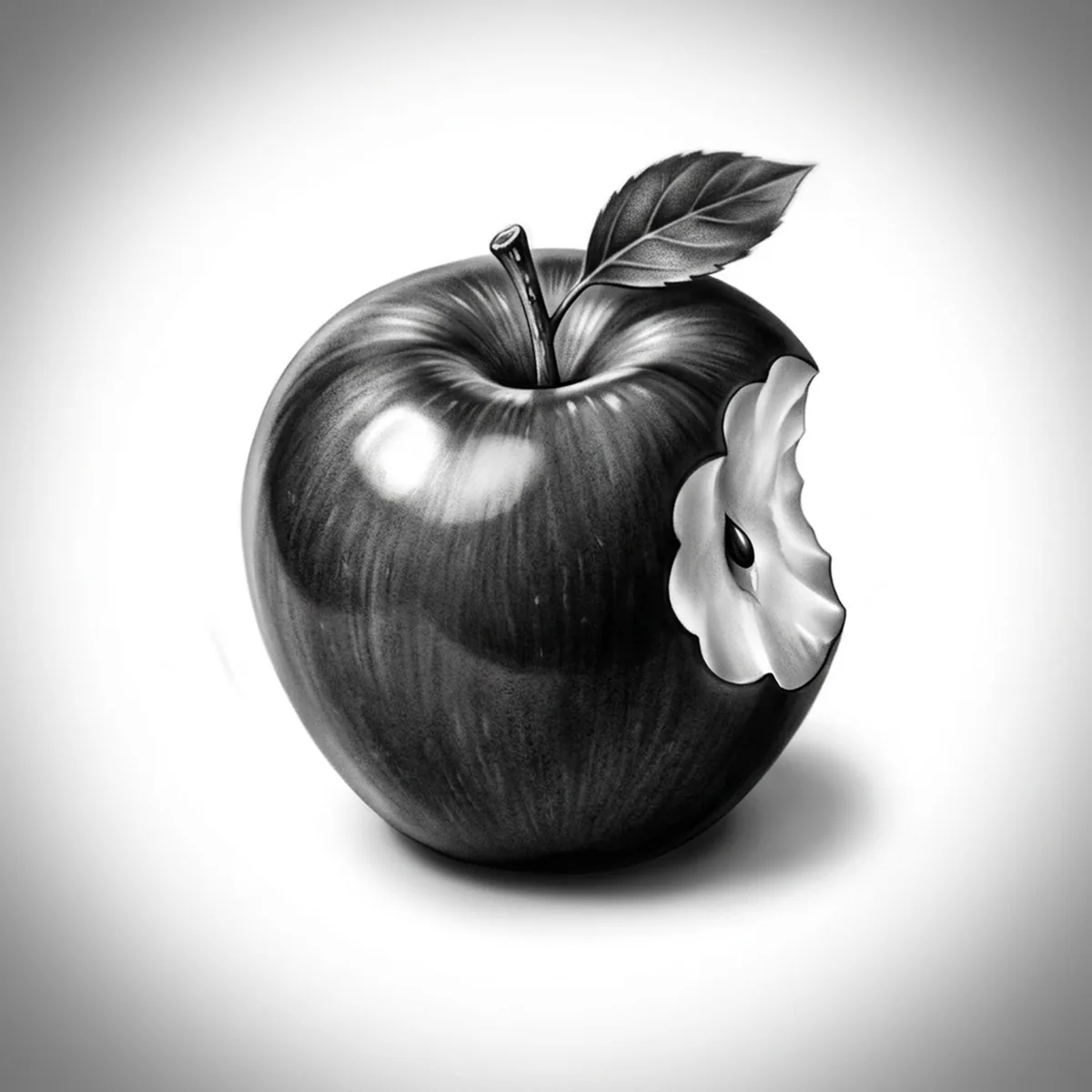
An apple has almost no texture to hide behind — it is one smooth, glossy surface, which means the entire piece depends on how the light rolls across it. Flatten that gradient and you have tattooed a red circle. Stencil AI holds the sharp specular highlight, the smooth falloff around the cheek and the little shadow pocket where the stem sits.

Why Apple works as a realism tattoo
- The waxy skin produces one hard-edged specular highlight, and that single bright spot against a smooth gradient is what tells the eye the surface is glossy.
- The dimpled stem well breaks the top of the sphere with a concentrated dark accent, giving the round form a clear up orientation and focal point.
- A stem and single leaf add an off-center asymmetric flourish, so even a minimal outline version escapes looking like pure geometry.
How to make a apple tattoo stencil
Upload your reference
Choose a realism style
Export & transfer
Placement & sizing
A compact round motif that works almost anywhere small — inner forearm, ankle, or behind the shoulder; a bitten apple with visible flesh earns a slightly larger canvas on the upper arm.
Tips for the best result
- Insist on a reference with one dominant light source; two competing highlights on a glossy apple make the stencil look like a bubble instead of fruit.
- A bite taken out is a strong variant — the crisp flesh edge and the seeds give contrast the smooth skin lacks, but keep the bite to one side so the silhouette stays readable.
- Standard is the style of choice for the smooth tonal roll; choose Hatching only if you want a deliberate engraved, old-botanical-plate apple.
Frequently asked questions
What is the best style for an apple tattoo stencil?
Standard — the apple is all smooth gradient and one sharp highlight, which tonal shading reproduces best. Outline suits a tiny minimal apple, and Hatching gives a vintage engraving feel.
Should an apple tattoo stencil be whole or bitten?
Whole reads cleaner at small sizes; a bite adds narrative and texture contrast but needs a bit more room so the flesh edge and seed pockets do not shrink into noise. Both stencil well from a sharp reference.
Made with the photo-to-stencil tool — turn any photo into a clean, tattoo-ready stencil in seconds.
Make your stencil now
Upload a reference and get a clean, tattoo-ready stencil in seconds.
Try Stencil AITrusted by 5,000+ tattoo artists · ★ 4.7 on the App Store