How to Make a Tattoo Stencil in Procreate (Step by Step)
6 min read
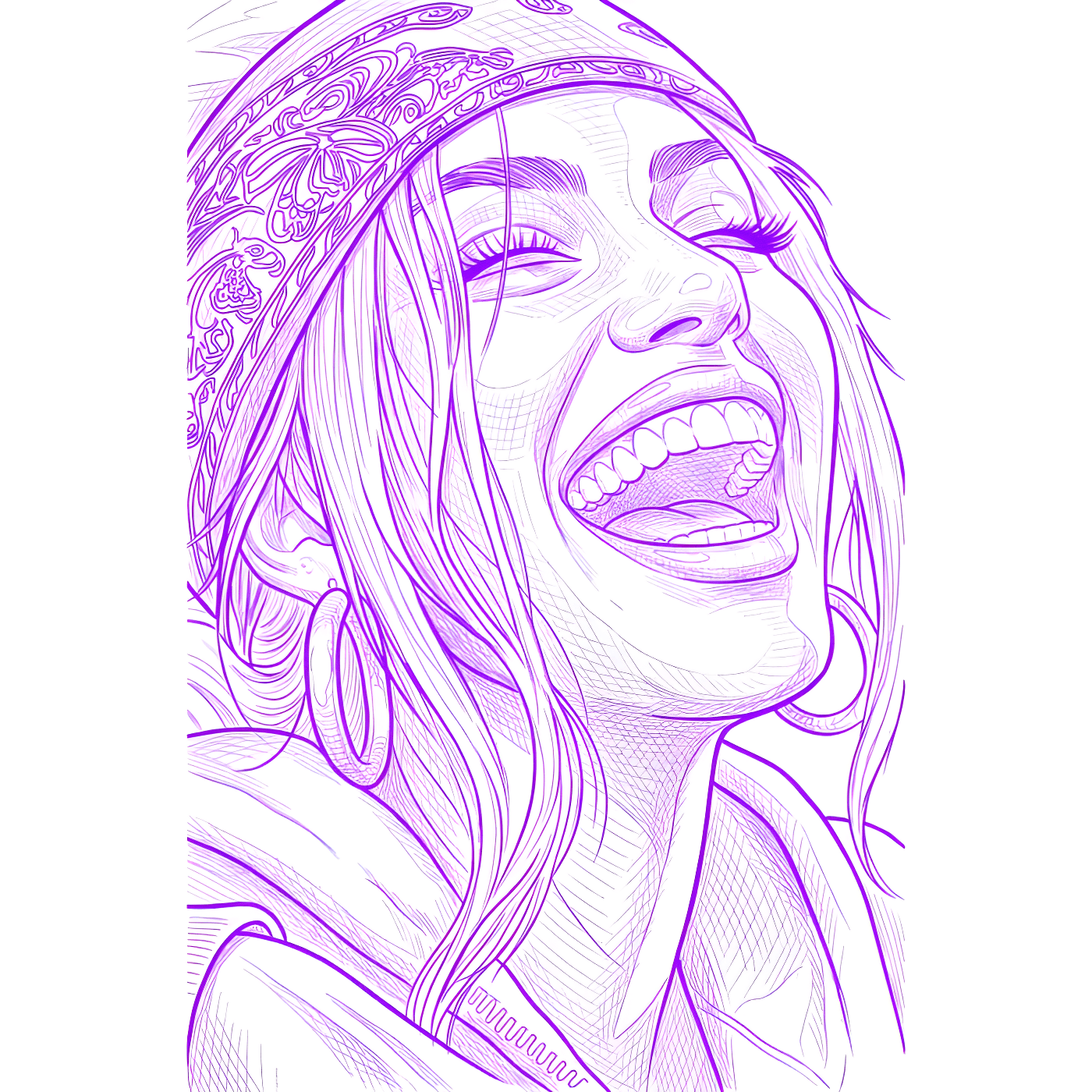
If you draw in Procreate, you already have the hardest part of a tattoo done — the artwork. The missing step is turning that drawing into a clean Procreate tattoo stencil: bold, continuous line art with no color, no soft shading, and no background, ready to print and transfer onto skin. This guide covers how to export your Procreate art the right way, the manual stencil-prep workflow inside Procreate, and the faster route that gives you tattoo-ready lines in seconds.
Step 1: Export your Procreate artwork
Before anything becomes a stencil, you need a clean, high-resolution export. Procreate keeps your work in layers, so a quick flatten and a proper file format make the rest of the process far easier.
Flatten or duplicate your canvas
Export a high-resolution PNG
Check contrast and edges
The manual Procreate way to make a stencil
You can prep a stencil entirely inside Procreate. It takes patience, but it works well for simple, line-heavy designs.
Turn a colored drawing into line art
- Duplicate the layer so you can always undo back to your original.
- Desaturate the copy with Adjustments → Hue, Saturation, Brightness and drop the saturation to zero so you're working in grayscale.
- Use Adjustments → Curves to crush the midtones — pull the curve until soft gray shading drops out and only the bold lines remain.
- Create a fresh layer and trace the key edges with a monoline brush if the automatic pass leaves gaps. This is your clean line layer.
- Delete or hide the background so only your clean line art remains.
The catch: this gives you one look, and it depends heavily on how clean your source drawing already is. Photographs and detailed references almost always need hand-tracing, which is where the manual route becomes hours of work.
The fast way: run it through Stencil AI
Instead of crushing curves and hand-tracing, you can drop your exported PNG straight into the generator and get clean stencil line art in 30–60 seconds. It works on finished Procreate drawings and on reference photos you want to base a piece on.
Upload your Procreate PNG
Pick a line style
Generate, review, export
The refinement doesn't have to end in Procreate, either. Stencil AI's built-in Retouch editor supports the Apple Pencil with pressure-sensitive brushes, so cleaning up a line feels like working on your usual canvas — plus tap-to-remove fills and tone curves for the tonal tweaks you'd otherwise do with Curves. Every edit is saved with the stencil and synced across your devices, and you can toggle back to the original anytime.
Printing your stencil
Once you have clean line art, printing is straightforward, but a few habits keep transfers sharp:
- Print at full resolution — scale the design to its final tattoo size before printing, not after.
- Use thermal transfer paper with a stencil printer for the crispest lines, or carbon transfer paper for hand-tracing.
- Generate large or detailed pieces in sections so fine lines don't get muddy at print scale.
- Use original or public-domain art — copyrighted characters and celebrities won't process, which keeps client work safe.
Printing is also where the Stencil AI app covers what Procreate can't. You print true to size via AirPrint, a Warp tool bends the stencil to follow shoulders, arms and curves before printing, LiDAR measuring (supported iPhones) turns a camera measurement of the placement area into the exact print size, and multi-stencil printing puts several stencils on one sheet — each true to size. In the chair, a fullscreen Tattoo Mode keeps the screen awake with per-layer brightness, contrast and ink-color tint. Over 5,000 paying tattoo artists already print through this pipeline.
Trying it out
You can test the workflow with a $0.99 starter pack — 5 credits that never expire — and see the line quality on your own Procreate art before committing. For ongoing use, the Hobby, Pro and Studio plans include monthly credits, every line style, 4K upscaling, and full commercial licensing.
Turn your Procreate art into a stencil
Export your drawing, upload it, and get clean Outline, Standard or Hatching line art in seconds.
Try Stencil AI