Best Free Tattoo Stencil Makers (2026): Apps & Online Tools
6 min read
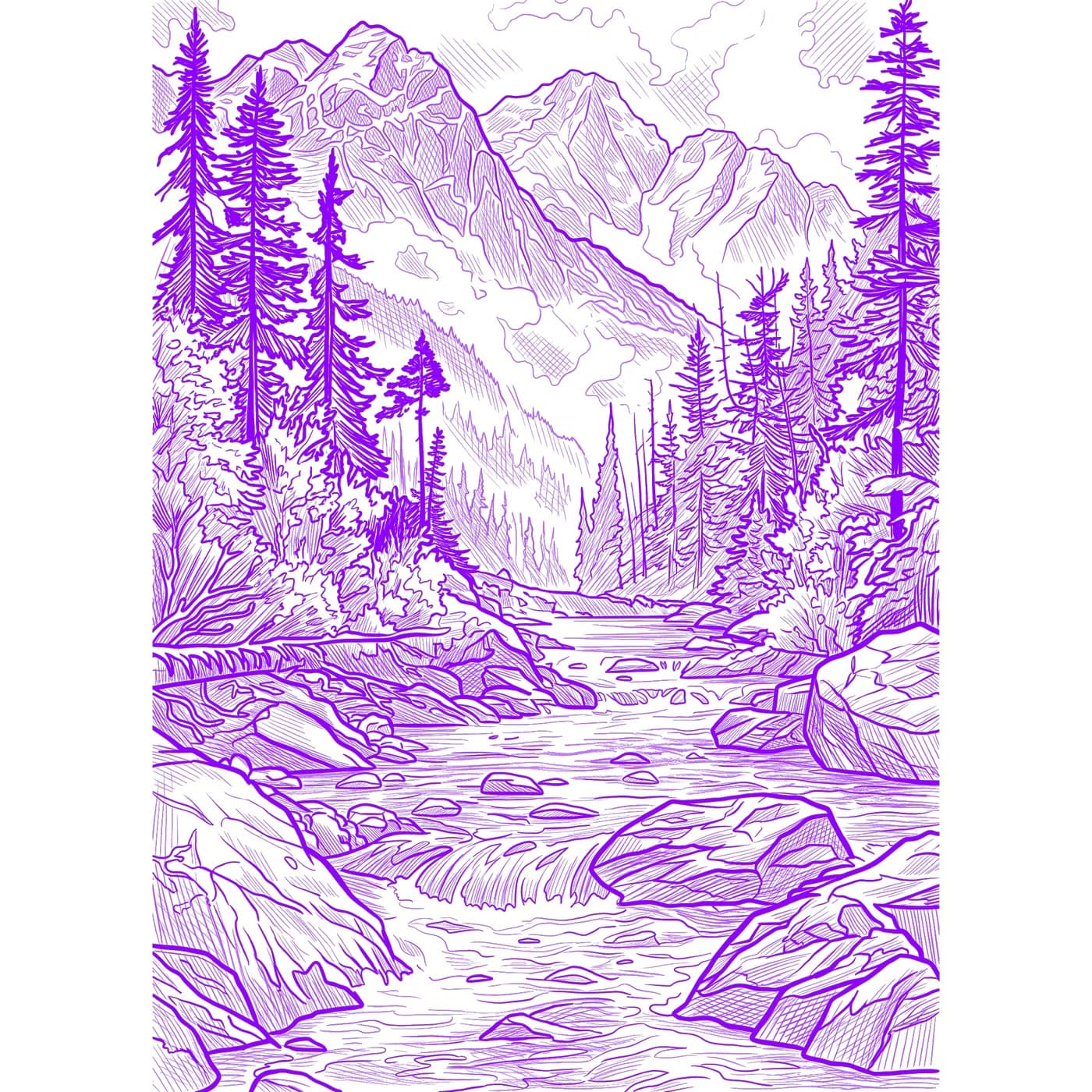
Looking for a free tattoo stencil maker? There are more options than ever — from desktop editors and design apps to one-click online converters and AI tools. But “free” can mean very different things: watermarks, low resolution, or an hour of manual tracing. Here are five ways to make a tattoo stencil, compared honestly — which ones are genuinely free, what each really costs you in time, and where a paid tool can save you hours.
What “free” actually means
Before comparing tools, it helps to know what catches people out. Most “free” stencil makers come with at least one of these trade-offs:
- Watermarks on the export unless you upgrade.
- Resolution caps — fine on screen, but blurry once you print at tattoo size.
- Manual labor — “free” software is free to install, but you still trace the line art yourself.
- Limited trials — a few free exports, then a paywall.
None of these are deal-breakers — you just want to know which cost you're paying: money, time, or quality.
1. Photoshop or GIMP (desktop software)
The classic route. GIMP is genuinely free and open-source; Photoshop offers a trial. Using filters like Threshold, Posterize, or the “Photocopy” effect you can reduce a photo to black-and-white line art and refine it by hand.
- Pros: total control, no resolution caps, no watermark, works offline.
- Cons: steep learning curve, slow (often 30–60+ minutes per design), GIMP's automatic results need heavy manual cleanup to look tattoo-ready.
2. Canva
Canva isn't a dedicated stencil tool, but its free tier includes a Duotone effect that can flatten an image into a simple two-tone graphic that works for bold, simple designs.
- Pros: easy, browser-based, no install, fast for basic shapes and lettering.
- Cons: not built for line art — struggles with detail and shading; many of the best assets and features sit behind Canva Pro.
3. Free online stencil converters
Search “photo to stencil” and you'll find dozens of one-click web converters. Upload an image, get an edge-detected outline back in seconds. They're convenient for quick experiments.
- Pros: instant, zero learning curve, nothing to install.
- Cons: generic edge detection produces noisy, broken lines; frequent watermarks and small export sizes; results rarely transfer cleanly without touch-up.
4. AI tools like Stencil AI (paid)
Most working artists already design in Procreate or Photoshop, and you don't need to give that up. AI stencil generators target one specific step — turning a reference into clean, printable line art — and that's where they save the most time. Instead of basic edge detection, the Stencil AI generator is purpose-built for stencils and produces tattoo-ready line art in 30–60 seconds. You choose between three styles — Outline for clean single-weight lines, Standard for depth and shading, and Hatching for cross-hatch realism in portraits.
To be clear: Stencil AI is a paid tool, not a free one — it's the fastest option here, not the cheapest. You can try it with a $0.99 starter pack (website-only, not sold in the app; 5 credits that never expire), then move to a Hobby, Pro, or Studio plan if it earns a place in your workflow.
Two recent upgrades matter if you're watching the budget. You can now prep the photo before generating — crop, rotate, flip, cut out the subject, and erase distractions — so you fix the reference before spending a credit, and your edits are saved with the stencil and synced across devices (with a toggle back to the original anytime). The printing side also goes deeper than the price suggests: stencils print true to size, several stencils fit on one page — each remembering its own print setup — and on LiDAR-equipped iPhones you can measure the placement area with the camera and use the result as the exact print size. It's the same workflow that over 5,000 paying tattoo artists rely on.
- Pros: fastest by far, no manual tracing, high-resolution exports upscalable to 4K and optimized for thermal stencil printers and transfer paper. Complements Procreate/Photoshop instead of replacing them.
- Cons: not free — it's a paid tool ($0.99 starter pack, then subscription plans for ongoing use); copyrighted characters and celebrities won't process (use original or public-domain images).
5. Hand-tracing the old-fashioned way
The truly $0 method: print your reference, place transfer (hectograph) paper underneath, and trace by hand. No software at all.
- Pros: free, tactile, full artistic control.
- Cons: slow, requires drawing skill, hard to scale or reuse, and easy to introduce shaky lines.
Which option should you choose?
If you love editing and have time, GIMP or Photoshop give you unlimited control for free. For quick, simple graphics, Canva or an online converter is fine. But if your time is worth more than the cost, the fastest route is AI — Stencil AI is paid, but it turns the stencil step from an hour of tracing into about a minute. You can start with the $0.99 starter pack (website-only; 5 credits, never expire), and when you're ready for ongoing use the Hobby, Pro and Studio plans add monthly credits, every stencil style, 4K upscaling, and full commercial licensing for client work.
Make your first stencil in seconds
Upload any photo and get a clean, tattoo-ready stencil — no tracing. Try it with a $0.99 starter pack (5 credits that never expire).
Try Stencil AI