AI Tattoo Generator vs Tattoo Stencil Maker: What's the Difference?
6 min read
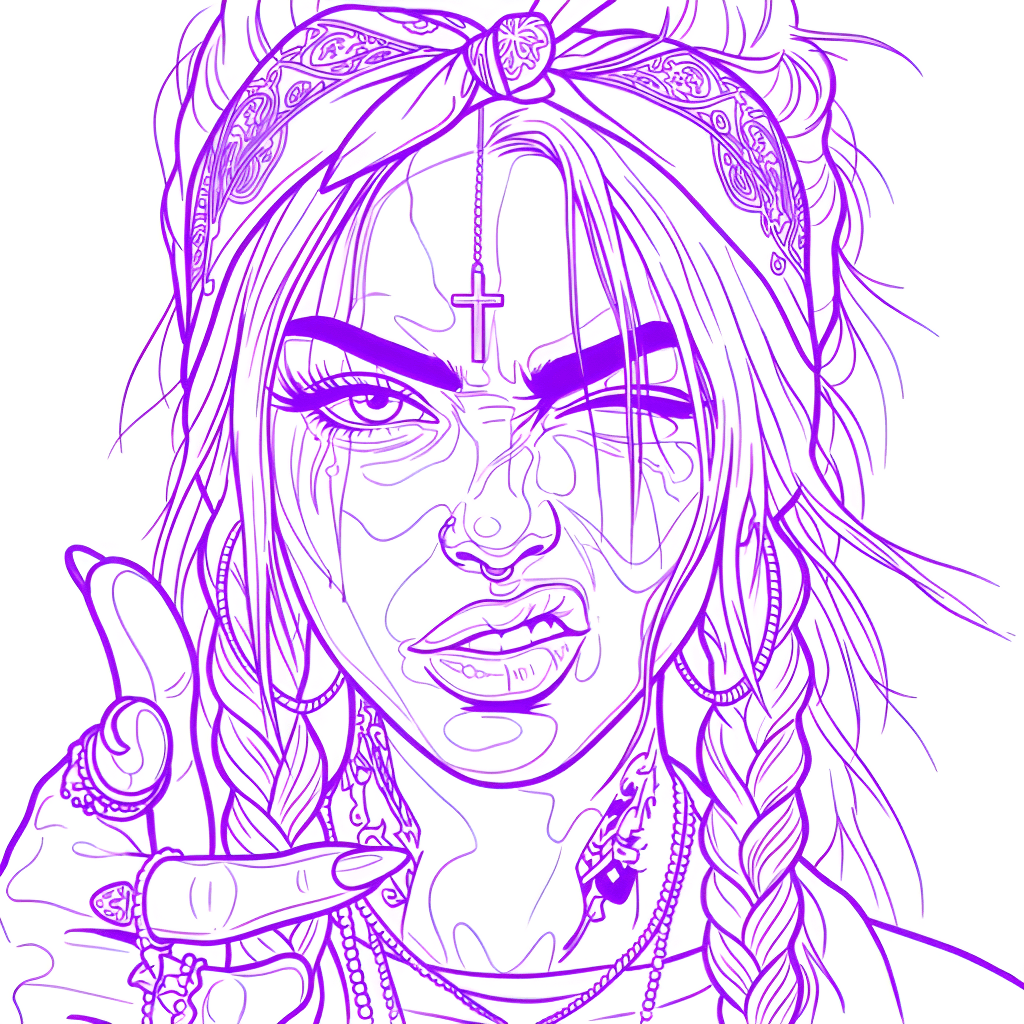
Search for an ai tattoo generator and you'll find two very different kinds of tools wearing almost the same name. One invents brand-new tattoo artwork from a text prompt; the other — a tattoo stencil maker — takes a design you already have and turns it into clean, transfer-ready line art. Confusing them wastes time and credits, so let's clear it up and show where each one fits in a real tattoo workflow.
What an AI tattoo generator does
An AI tattoo generator is a design tool. You describe what you want — "a fine-line snake wrapped around a dagger, blackwork" — and the model paints a new image from scratch. It's great for brainstorming concepts, exploring styles, and giving a client something to react to when they don't know what they want yet.
What a generator does not give you is something you can put on skin. Its output is a full-color illustration with gradients, shadows, and AI noise — not the bold, continuous outlines an artist needs to transfer a design. It answers "what should this tattoo look like?" but never "how do I actually tattoo it?"
What a tattoo stencil maker does
A tattoo stencil maker is a production tool. Instead of inventing artwork, it converts an existing image — a photo, a drawing, a generated concept, or a reference the client brought in — into clean line art that prints and transfers onto skin. It strips the background, drops the color, enhances contrast, and outputs the crisp lines you tattoo over.
This is the step that actually gets a design to the chair. No matter how you arrived at the picture, you still have to turn it into a stencil before any needle touches skin. That's the job Stencil AI focuses on.
Generator vs. stencil maker at a glance
- Input — Generator: a text prompt or style. Stencil maker: an existing image or design.
- Output — Generator: a new full-color illustration. Stencil maker: clean, single-tone line art.
- Purpose — Generator: ideation and concept art. Stencil maker: a print-ready transfer.
- Used by — Generator: anyone exploring ideas. Stencil maker: the artist preparing to tattoo.
- When in the flow — Generator: at the very start. Stencil maker: right before the session.
Why you usually need both
These tools aren't rivals — they're consecutive steps. The natural flow is generate or pick a design, then make a stencil to actually tattoo it.
Get the artwork
Convert it into a stencil
Export and transfer
What artists actually need for the chair
A pretty illustration isn't a stencil. For real client work, the line art has to be:
- Bold and continuous — lines that stay readable once transferred and through the session.
- Background-free — just the subject, no color noise or stray gradients.
- High-resolution — sharp at print size so fine detail doesn't mush together.
- Legally clean — built from original or public-domain images; copyrighted characters and celebrities won't process, keeping client work safe.
This is also where a dedicated stencil maker pulls furthest ahead of any generator: the workflow continues into the chair. Over 5,000 paying tattoo artists use Stencil AI, and beyond printing true to size, a Warp tool bends the stencil to follow shoulders, arms and curves before printing, LiDAR measuring (supported iPhones) turns a camera measurement of the placement area into the exact print size, multi-stencil printing puts several stencils on one sheet — each true to size — and a fullscreen Tattoo Mode keeps the screen awake during the session with per-layer brightness, contrast and ink-color tint. No generator does any of that.
Where Stencil AI fits
Stencil AI is deliberately a stencil maker, not a generator. Most tattoo artists already create and refine their designs in Procreate or Photoshop — Stencil AI handles the stencil step. Bring any photo or design and it produces a tattoo-ready stencil in Outline, Standard, or Hatching, print-ready in under a minute. Edits are saved with the stencil and synced across your devices, and you can toggle back to the original anytime. You can try it with a $0.99 starter pack on the website — 5 credits that never expire — and the Hobby, Pro and Studio plans add monthly credits and full commercial licensing for professional use.
Turn any design into a tattoo-ready stencil
Generated a concept or have a reference? Upload it and get clean, print-ready line art in seconds.
Try Stencil AI